
How to Save AI Conversations You Want to Re-read
Most AI research dies in a closed tab. A simple export habit and the right reader turn long Claude and ChatGPT answers into a library you keep using.
The chat window is great for a conversation, terrible for storage. You ask Claude or ChatGPT for a deep breakdown of something, get back two thousand words of well-structured markdown, then close the tab. A week later you remember the gist but cannot find the link. The model gave you a small book and you stored it like a sticky note.
This is the quiet problem with AI research. The output is more useful than the format that delivers it. If you treat each long answer as disposable, you keep paying the cost of regenerating work you already did. The fix is not a new model or a more expensive subscription. It is a small habit and a reader that respects the content.
Why chat interfaces fail for re-reading
Chat interfaces are tuned for the next message, not for going back. The scroll is endless, the search is shallow, and the formatting is collapsed under a UI built for conversation rhythm. When you return three days later you scroll past polite preambles, half-baked first drafts, and your own follow-up questions before reaching the answer you wanted. The signal-to-noise ratio looks fine in the moment and rough in retrospect.
A second problem is that the page is not yours in any practical sense. Sessions get deleted, accounts get deactivated, products pivot. If your research lives only inside a chat product, your reference library is on loan. The first time you lose a great answer because a service shut down a feature, you start exporting on instinct.
Export early, export often
The simplest habit is to export the conversation the moment you notice it was useful. Not at the end of the week, not when you have free time. The decision should happen while the answer is still fresh in your head, because that is the only moment you know which parts mattered most. ChatGPT, Claude, and Gemini all support some form of export, and the formats differ slightly. Markdown is the lowest common denominator, and it is what we recommend by default.
If you want a guided walkthrough for the most common case, our guide to reading ChatGPT conversations covers exporting and rendering exports as proper documents. The same general flow applies to Claude and Gemini with small variations in menu placement. The point is to get the content out of the chat product and into a file you control before context fades. Treat the export step as part of the work, not as cleanup afterwards.
What a useful reader does well
A reader for AI output is not the same thing as a reader for blog posts or a notes app. AI responses lean on three things at once: long prose, code blocks, and structured elements like tables, math, and diagrams. A good reader handles all three without forcing you to install plugins or run a build step. Notion and Obsidian can be configured to get close, but the setup tax is high enough that most people give up before they finish. Typora reads files locally but skips a few of the AI-specific niceties around math and diagrams.
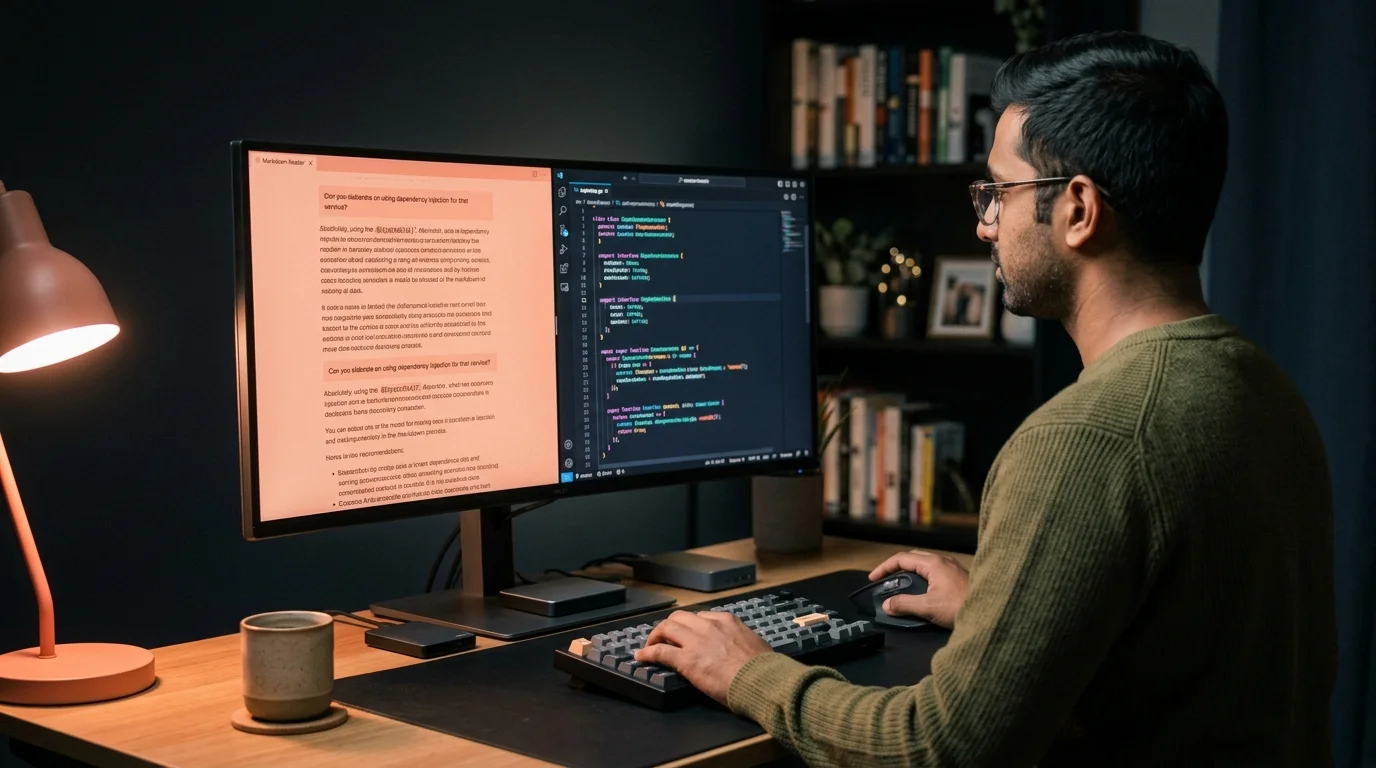
Prism MD was built for this specific job. It renders KaTeX math and Mermaid diagrams inline, keeps code blocks readable on a phone, and treats long-form responses as documents rather than chat fragments. We wrote a longer piece on why AI markdown deserves better typography if the design choices are interesting to you. The short version is that the format you read in shapes whether you re-read at all.
A workflow that holds up
The habit only sticks if the friction is low. Most people fail at personal-library projects because they design a system that needs ten minutes per file. The version that survives is the one that takes thirty seconds and asks nothing of the future. A three-step loop tends to hold up:
- Export the conversation as markdown the same day you had it.
- Drop the file into a single folder on your phone or cloud drive.
- Open it in a reader that renders the formatting properly when you need to re-read.
That is the entire workflow. No tagging, no folders, no metadata schema. Tag later if you ever need to, but do not let the dream of a perfect taxonomy stop you from saving the first hundred files. Search inside a reader handles most retrieval needs once the corpus is decent.
The trick is that step three is what makes steps one and two feel worth doing. If the file you saved looks worse than the original chat when you open it, you stop saving files. If it looks better, you keep going. The reader is the engine of the habit, not the storage.
Mobile reading is the part you do not expect
Most people assume AI research is a desktop activity. In practice, the best time to re-read a long answer is when you are away from the desk. A waiting room, a flight, a slow morning coffee. If the answer is locked behind a chat product that does not work well offline, you skip the re-read and the value evaporates. We covered the mobile angle in reading AI content offline on Android, and the same logic applies on iOS through any installable PWA.
Here is a small test for the next week. Pick the three AI conversations you remember being most useful in the last month. Try to find each one in under sixty seconds. If you cannot, the storage layer is broken and not your memory. Fix the storage layer first, then keep researching.
FAQ
Do I need a separate app to do this? No, the workflow does not depend on any specific tool. You can keep markdown files in any folder you like and open them in any reader you prefer. The recommendation is to use a reader that renders code, math, and diagrams without configuration, because that is where most general-purpose markdown tools fall short. The setup tax is what kills most homebrew workflows before they pay off.
Will my saved exports go out of date? The content is frozen at the moment you saved it. That is usually a feature, not a bug, because you are saving the answer that was useful and not the model that generated it. If you need updated information, ask again and save the new version. Treat each file as a snapshot of a moment, not a living document that needs maintenance.
How do I handle long conversations? Split them on export, or keep them whole and rely on the reader's table of contents. A well-rendered document with proper headings is easier to scan than a chat log of any length. If a single answer ran past five thousand words, breaking it into chapters during export tends to help. Headings are the navigation layer you will lean on later.
What about images and attachments? Most exports include image links rather than the binary data. Save the images separately if they matter to the answer, or use a reader that follows the links and caches them locally. Diagrams generated in code form, such as Mermaid, re-render from text and are safe. Screenshots and uploaded photos are the ones to worry about.
Build a library of AI answers you can find again
Free to start — no credit card.
Related reading


Ready to read your own AI documents?
Open ChatGPT, Claude, Gemini, or any markdown file in the reader built for the way models write.
- ✓Renders code, math & Mermaid out of the box
- ✓Works offline once you've opened a doc
- ✓Free forever for personal reading