The Best Markdown Reader for AI-Generated Content (2026)
Notion, Obsidian, Typora, and Prism MD compared from the lens of one job — opening an AI response and reading it well.
"What's the best markdown reader for AI-generated content?" is the most common question we hear. Honest answer: there isn't one default, because the apps people reach for were built for a different problem. Notion is a database. Obsidian is a graph. Typora is an editor. None of them were built for the specific shape of an AI response.
Here's a quick comparison from the lens of reading AI output — not editing, not organising, just opening one document and reading it.
Notion
Notion's import strips formatting more often than not. Code blocks lose their language hint, math drops to literal LaTeX strings, and Mermaid diagrams stay as text. Plus the import flow goes through a server, so anything sensitive sits on Notion's infrastructure.
Good for: long-term knowledge bases. Bad for: one-off reading.
Obsidian
Obsidian renders markdown beautifully if you configure it. The downside: math and Mermaid need community plugins, mobile sync requires a paid Vault, and the file-on-disk model adds friction for one-off reads.
Good for: power users with a vault habit. Bad for: drag-and-drop reading.
Typora
Typora is a beautiful editor. It is not optimized for reading — there's no library view, no sharing flow, no offline state for documents you only look at once.
Good for: writing. Bad for: arriving documents.
Prism MD is the reader-first option
Free to start — no credit card.
Prism MD
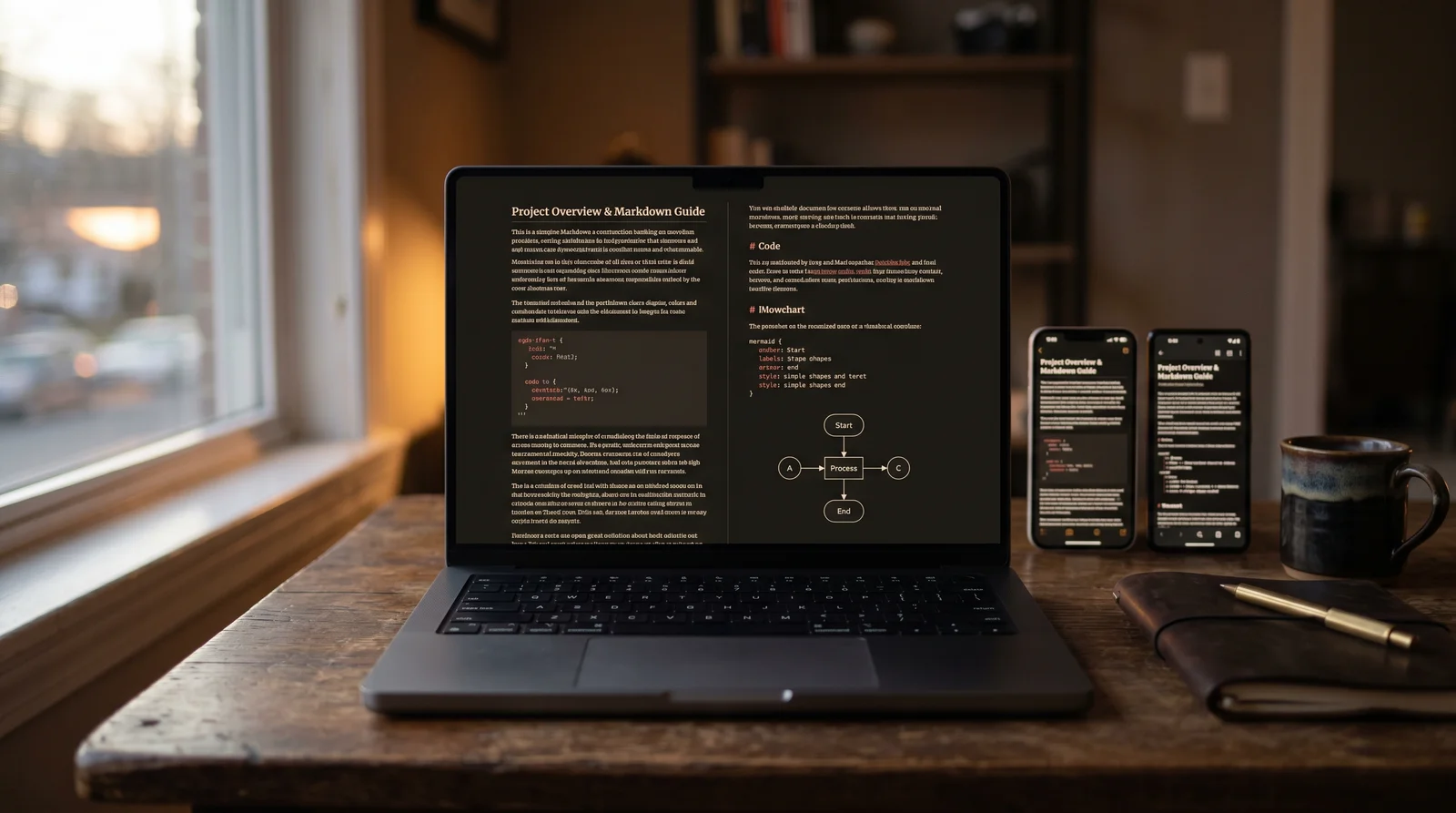
The thing we built. Paste or drop a markdown file and it renders immediately with proper typography, 190+ language code highlighting, KaTeX math, Mermaid diagrams, and dark mode tuned for long sessions. Documents you've opened stay readable offline. Sharing is a clean URL or a QR code. Importing works for ChatGPT, Claude, Gemini, Grok, DeepSeek, and any raw markdown file.
Good for: opening one document and actually reading it.
So which one wins?
For software docs, knowledge bases, or note-taking habits, the existing tools are fine. For reading the output of an LLM — code, math, diagrams, generously typeset prose — we built the answer.
Related reading



Ready to read your own AI documents?
Open ChatGPT, Claude, Gemini, or any markdown file in the reader built for the way models write.
- ✓Renders code, math & Mermaid out of the box
- ✓Works offline once you've opened a doc
- ✓Free forever for personal reading