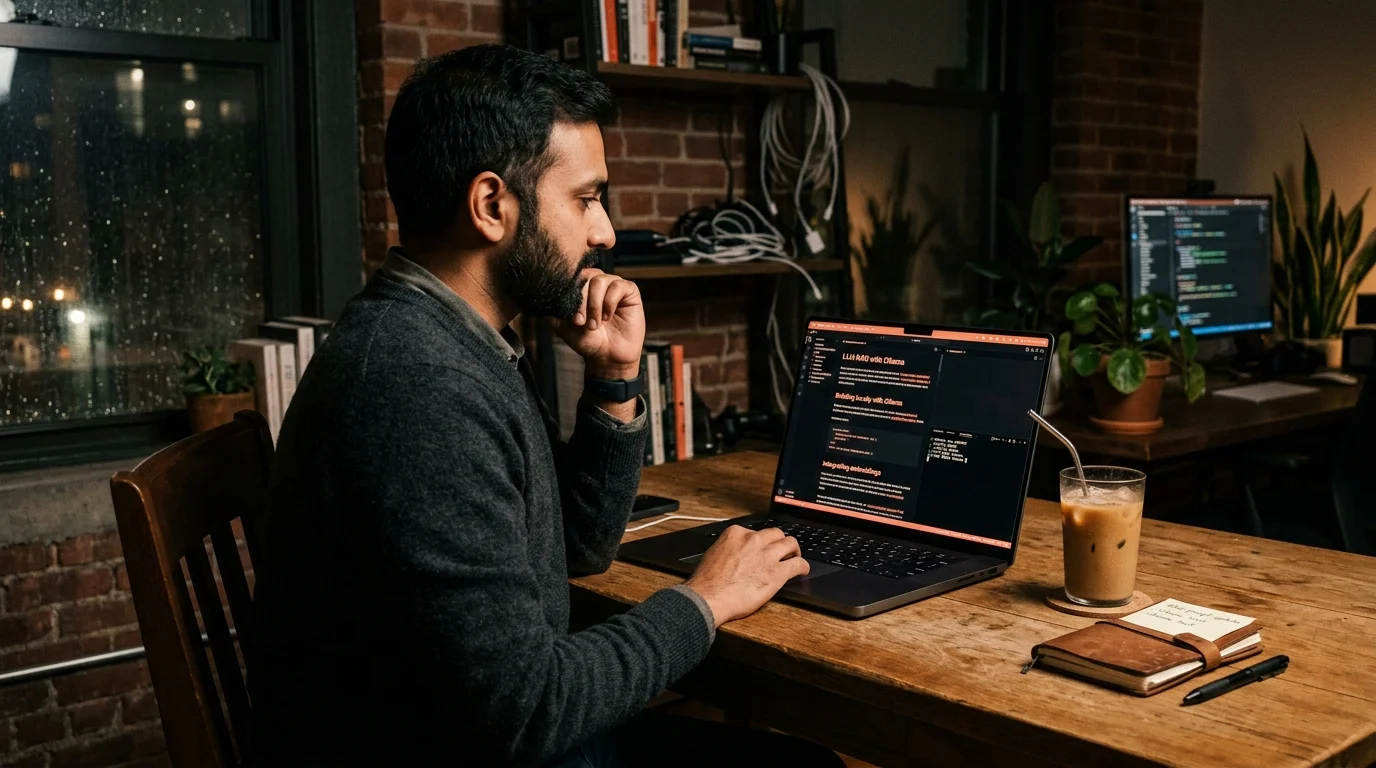
Read local LLM outputs from Ollama and LM Studio
Save Ollama and LM Studio markdown outputs to disk and read them in Prism MD with warm typography, KaTeX, and Mermaid, all on-device with no cloud upload.
Local LLMs finally got good. Llama 3.3, Qwen 2.5, DeepSeek R1 distilled, and a growing pile of open-weights models run comfortably on a MacBook or a mid-range gaming rig, and the outputs are often close enough to frontier models that you stop reaching for the cloud. The catch is that the tooling around reading those outputs is stuck in 2023. You get a chat window with a monospace font, a copy button that mangles code blocks, and no real way to save, search, or reread what your model told you an hour ago.
If you run Ollama or LM Studio and you write markdown output to disk, Prism MD gives you a proper reader for it. Warm typography, math and diagrams rendered inline, offline on mobile, and a real archive you revisit later without hunting through chat history. Here is how to wire it up in about ten minutes without changing your model stack. Nothing below assumes a specific runner or a specific model family, so use whatever you already have running.
Why local LLM outputs deserve better than a chat window
Local models tend to be used for long tasks. You ask Qwen 2.5 Coder to refactor a service, DeepSeek R1 to reason through a math proof, or a fine-tune to draft a legal memo, and you get back thousands of words of reasoning plus code. Reading that in the LM Studio chat pane works for two turns. By turn five you are scrolling through a wall of grey text with no headings, no anchor links, and a code block that overflows sideways. The information density is there, but the reading surface is fighting you.
Cloud UIs have the same problem. That is why we wrote up why AI markdown deserves better typography. The fix is not fancier CSS in the chat window. The fix is treating each answer as a document, saving it to disk, and reading it in a tool built for reading rather than for chatting. Once you make that split, the model becomes a producer and the reader becomes a reader, which is how every other creative pipeline in your life already works.
Save Ollama outputs to a markdown folder
Ollama has a clean CLI. You can pipe any run into a file and get a valid markdown document out the other side. The simplest possible loop is a shell alias that runs your prompt, appends the output to a dated file, and drops the file into a folder you sync to your phone. Nothing about this requires a plugin or a wrapper.
Pick a folder like ~/ollama-notes and treat it as your reading queue. For a one-shot, run ollama run qwen2.5-coder "refactor this service" >> ~/ollama-notes/2026-07-19-qwen-refactor.md and Ollama writes plain markdown. For a longer session, use ollama run --format markdown and redirect the whole conversation to one file per session. Give each file a real title as the first line, prefixed with # , and Prism MD picks it up as the document heading.
- Add a
model:anddate:line as YAML frontmatter if you want tags. - Keep filenames dated. Chronological order beats clever naming every time.
- Sync the folder with iCloud, Dropbox, or a git repo so it shows up on mobile.
Save LM Studio outputs cleanly
LM Studio ships an OpenAI-compatible server on localhost:1234, which means you can point any script at it and grab structured markdown back. A ten line Python script that hits /v1/chat/completions, asks for markdown formatting in the system prompt, and writes the response to a timestamped file is enough to run your entire reading pipeline. If you prefer clicks over code, LM Studio also has an export button on every chat that dumps a clean .md file. Either path lands you in the same place.
The important part is that you end up with a folder of dated markdown files, one per meaningful session. That folder becomes your local LLM notebook. You can sync it, search it, grep it, and open any file in Prism MD without the model being running at all. Your reading and your inference are decoupled, which is the correct architecture for anything you plan to revisit.
Read them in Prism MD without cloud upload
Prism MD reads markdown from your device. You do not paste your local model output into a hosted service, and nothing gets sent back out to a server for rendering. That matters for the exact reason you are running a local model in the first place. If you are running DeepSeek R1 on your own hardware to keep a client contract off other people's servers, the reader for that output should respect the same boundary.
Open a .md file from Files on iOS, from Downloads on Android, or from your synced folder on desktop. Math blocks render with KaTeX, Mermaid diagrams render inline, and code blocks get proper syntax highlighting with line wrapping that respects your screen width. If your local model tends to produce heavy reasoning traces, the same approach we described for reading long Claude conversations applies here. Skim the headings, tap into the sections that matter, and mark the good parts for later.
Compare a local run against a cloud run
One of the more useful things you can do with a local LLM notebook is A/B against a frontier model. Ask Qwen 2.5 the same question you asked Claude, save both as markdown, and read them side by side in Prism MD. We wrote a longer guide on this pattern in compare ChatGPT, Claude, and Gemini answers, and it works the same way when one of the answers came from a model running on your laptop. Two documents, same shape, same reader, honest comparison.
Reading the two answers as documents, not as chat bubbles, changes the comparison. You see structure, missing sections, and hallucinated citations much faster once the text sits in a real reading surface. A local model that felt roughly as good in the chat pane often turns out to be visibly thinner once you can see its outline at a glance. The reverse is also true. Sometimes a 32B open-weights model beats the cloud on a specific domain and you only notice when you read carefully rather than skim.
FAQ
Does Prism MD upload my local LLM outputs anywhere? No. The reader works on-device. Files you open never leave your phone or laptop, which is the whole point of running a local model in the first place. Your outputs stay on your machine, your reading history stays on your machine, and the app has no server round trip for rendering the page.
Which local runners does this work with?
Anything that produces markdown. Ollama, LM Studio, llama.cpp with a wrapper, Jan, GPT4All, and Open WebUI all export or can be scripted into .md. Prism MD does not care where the file came from. If your runner outputs plain text you can add a small shell step that wraps it with headings before saving.
Can I read Ollama reasoning traces from DeepSeek R1 or QwQ? Yes. Reasoning-trace markdown with lots of nested thinking blocks renders cleanly, and the collapsible section pattern keeps the trace out of your way when you only want the conclusion. If the traces are long, apply the technique from extract action items from AI conversations and keep only the final decisions in your archive. That way you get the reasoning when you want it and the answer when you do not.
What about voice, I hate reading long answers? There is a TTS mode built in. See listen to AI conversations with TTS for the setup and voice options. It works on local LLM output the same way it works on ChatGPT or Claude exports, since the input is plain markdown either way. Kick it off on your commute and let the model brief you instead of you reading it word by word.
Read your local LLM outputs like real documents.
Free to start — no credit card.
Related reading

Ready to read your own AI documents?
Open ChatGPT, Claude, Gemini, or any markdown file in the reader built for the way models write.
- ✓Renders code, math & Mermaid out of the box
- ✓Works offline once you've opened a doc
- ✓Free forever for personal reading