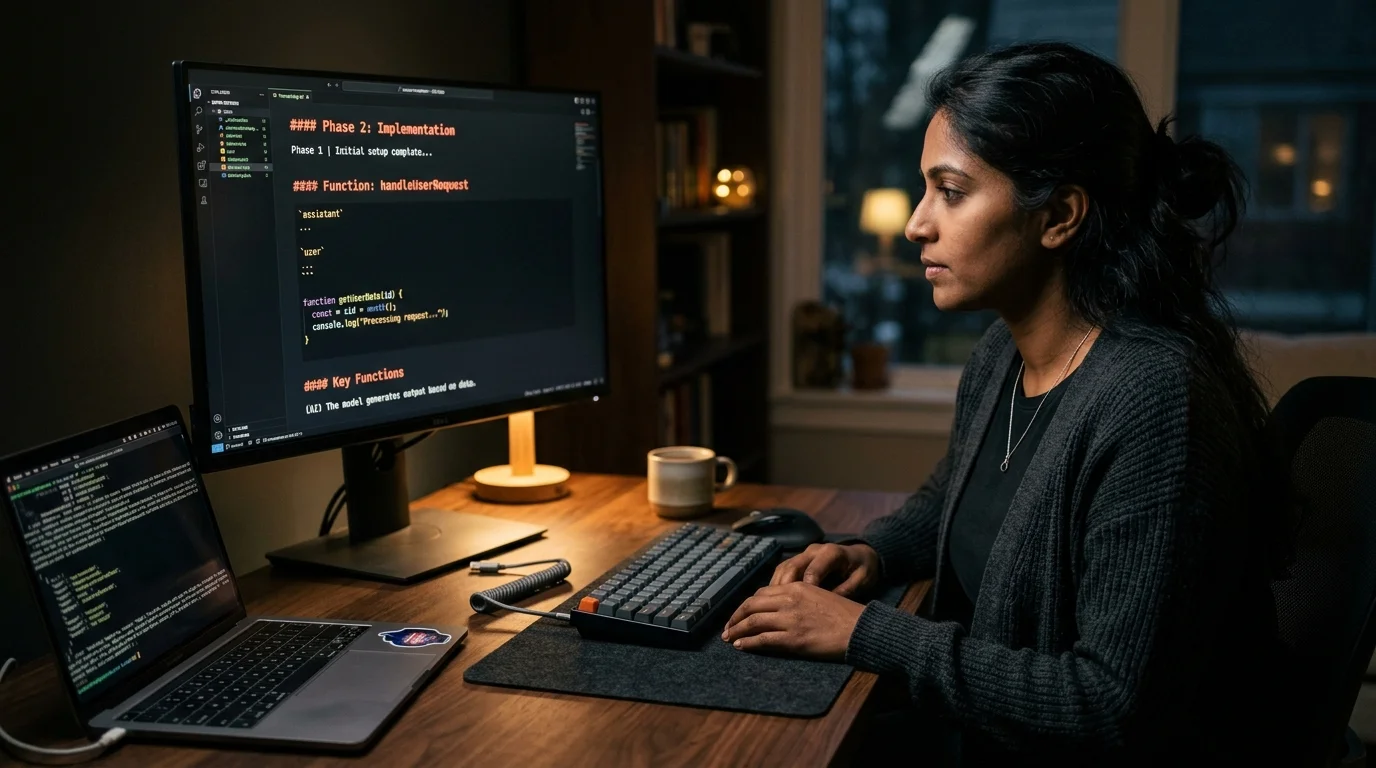
Read Pieces For Developers Chat History Without The Panel Noise
Pieces Copilot writes every conversation to a local SQLite store. Here is where it lives, why the built in viewer struggles, and how to export to markdown.
Pieces for Developers is a strange animal. It markets itself as a snippet manager, but the thing that keeps developers logged in is Pieces Copilot, the local chat window that remembers your repos, your clipboard, and every past conversation you have had with it. The problem is that once you have been using Pieces for a few months, that chat history becomes a small library of half remembered design decisions, debugging dead ends, and code you already wrote once. And the built in panel is not designed for re reading at volume.
This guide covers where Pieces stores your Copilot conversations locally, why the native viewer falls over on long threads, and how to turn the whole archive into readable markdown you can grep, tag, and sync to your phone. Everything here is offline first, which matters because Pieces conversations often reference internal repo paths, client code, and credentials you forgot were on your clipboard. None of that should leave your machine because you wanted to find a snippet from three weeks ago. The techniques apply equally to solo developers and small teams running Pieces across multiple editors.
Where Pieces stores your Copilot chats
Pieces runs a local service called PiecesOS that persists everything to a SQLite backed store under your user profile. On macOS the path is ~/Library/Application Support/com.pieces.os/, on Linux it lives under ~/.config/Pieces/, and on Windows you want %LOCALAPPDATA%\Pieces\PiecesOS\. Inside those directories you will find a database/ folder with the primary store and a conversations/ folder that holds exported chat artifacts. The desktop app, the VS Code extension, and the JetBrains plugin all read from the same PiecesOS instance, which is why a thread you started in VS Code shows up in the desktop panel five seconds later.
The data itself is reachable two ways. You can hit the local Pieces API on http://localhost:1000 and pull conversations as JSON, which is the right path for scripting. Or you can use the Pieces CLI command pieces conversations list to see every thread with its UUID, created timestamp, and anchoring workspace. Either approach gives you the full message tree, including code blocks, file references, and the model that answered each turn. For a broader pattern that applies to every coding assistant, our earlier guide on how to read AI coding agent transcripts covers the same shape.
Why the built in Copilot viewer is not enough
The in app panel was designed for one active conversation, not a quarter of accumulated thinking. Threads longer than roughly fifty turns start to scroll poorly, the search bar matches on literal substrings rather than semantic chunks, and code blocks in older messages sometimes render with stale syntax highlighting after a Pieces update. Worse, if you have the Copilot panel docked in VS Code, closing the IDE collapses the history view, and reopening it reloads only the most recent sessions by default. None of that is fatal on its own, but the combined friction is what pushes people to export.
There is also a structural issue. Pieces mixes three things in the same viewport: your conversations, your pinned snippets, and the Copilot anchors that link snippets back to the chats that produced them. That cross linking is useful while you are working but noisy when you are trying to re read one thread end to end. The native search also ignores anchor context, so a hit inside a snippet points you at the snippet, not the conversation that produced it. The fix is to pull conversations out as plain markdown and read them in a tool that respects long form answers, the same approach we recommend in our note on reading Cursor chat history.
Exporting Pieces conversations as markdown
The cleanest export route is the local API. A short script can walk GET /conversations, then for each conversation hit GET /conversation/{id}/messages and stream the result into a markdown file. Give each file the conversation UUID plus its created date in the filename so chronological sorting works without extra effort. Inside each file, emit an H2 for every user turn, keep the assistant reply as raw markdown, and fence any tool call output with the correct language tag so your reader does not have to guess. Keep images as sidecar files referenced by relative path so one exported conversation does not balloon into a megabyte of base64. A few small conventions make the exported folder dramatically more useful:
- Write the anchoring workspace path into the frontmatter so you can later filter conversations by project.
- Keep the model name for each turn, because Pieces lets you switch between local Ollama models, Claude, and GPT mid conversation, and the model choice usually explains the quality shift.
- Store referenced snippets as sidecar files rather than inlining them, so a single conversation does not grow past readable size.
- Add an ISO timestamp prefix to every user turn so grep by date later is trivial.
Prism MD reads these exported folders cleanly. Headings get proper type scale, long code blocks scroll horizontally instead of wrapping into noodle soup, and Mermaid diagrams that Copilot occasionally emits render as proper diagrams. The reader stays offline on your device, which is the point, because these transcripts are full of internal file paths and half drafted ideas. If you work with ChatGPT or Claude alongside Pieces, our guide on how to compare ChatGPT Claude and Gemini answers walks through side by side reading for cross model diffs. The same offline first stance holds on a laptop at the desk and on a phone during travel.
Searching across months of Pieces threads
Once the markdown folder exists, ripgrep handles the rest. A query like rg -l "race condition" ~/pieces-md/ returns every conversation that touched a specific problem in under a second, and because the turn boundaries survived the export you get useful context around every hit. For semantic search you can feed the folder to any local vector index, but the honest answer is that grep over well structured markdown covers eighty percent of real recall needs. Add an fzf wrapper on top and the filesystem starts to feel like a proper search UI.
The real win is pairing search with tagging. Add a tags: field in the exported frontmatter, backfill it with the conversation workspace and a couple of keywords when you first re read a thread, and your Pieces archive starts to behave like a proper engineering notebook. Tagging also carries context between weekly reviews so you do not have to hunt through timestamps every Monday. For the deeper pattern, our write up on how to build a personal knowledge base from AI conversations covers the tagging taxonomy we use in practice. Treat your Pieces conversations the way a good engineer treats commit messages: cheap to write, expensive to lose, worth indexing.
FAQ
Does Pieces store conversations in the cloud?
No, not by default. PiecesOS keeps everything local to your machine, and cloud sync is an opt in feature you have to toggle on in settings. If sync is off, your conversations never leave the device, which is how most developers run it.
Can I export every conversation at once?
Yes. The Pieces CLI has an export subcommand that walks every conversation and writes JSON or markdown to a target directory. It takes a few minutes for a large archive but is safe to re run.
What happens to conversations if I uninstall Pieces?
Uninstalling the app does not remove PiecesOS data by default. The SQLite store sits in your user profile until you delete it manually, which means you can export after uninstall if you forgot to do it earlier.
Do code snippets save separately from conversations?
Yes. Pieces separates saved snippets from Copilot messages in the underlying store, but both carry the same conversation UUID as an anchor, so a good exporter links them back together automatically.
Read your Pieces transcripts in a reader built for long AI answers.
Free to start — no credit card.
Related reading
Ready to read your own AI documents?
Open ChatGPT, Claude, Gemini, or any markdown file in the reader built for the way models write.
- ✓Renders code, math & Mermaid out of the box
- ✓Works offline once you've opened a doc
- ✓Free forever for personal reading