How to Read ChatGPT Conversations as Beautiful Documents
ChatGPT exports give you raw markdown — no rendered code, math, or diagrams. Here is the fastest way to read them properly.
ChatGPT's export gives you a folder full of conversations.json and a clutch of HTML files. Open one and you get a wall of text — no syntax highlighting, no rendered math, no Mermaid diagrams, no rendered tables. Just the raw markdown your model worked so hard to produce.
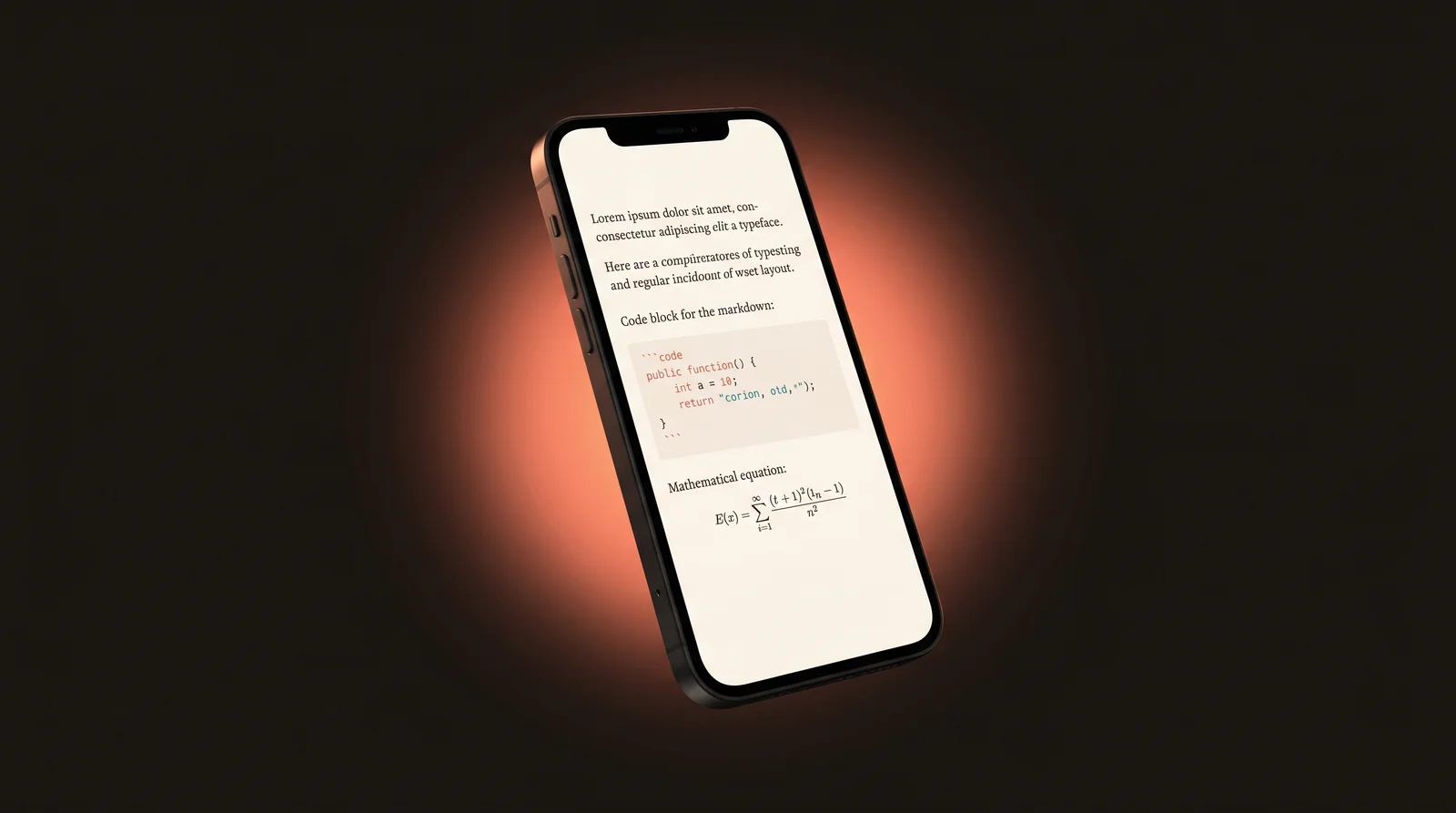
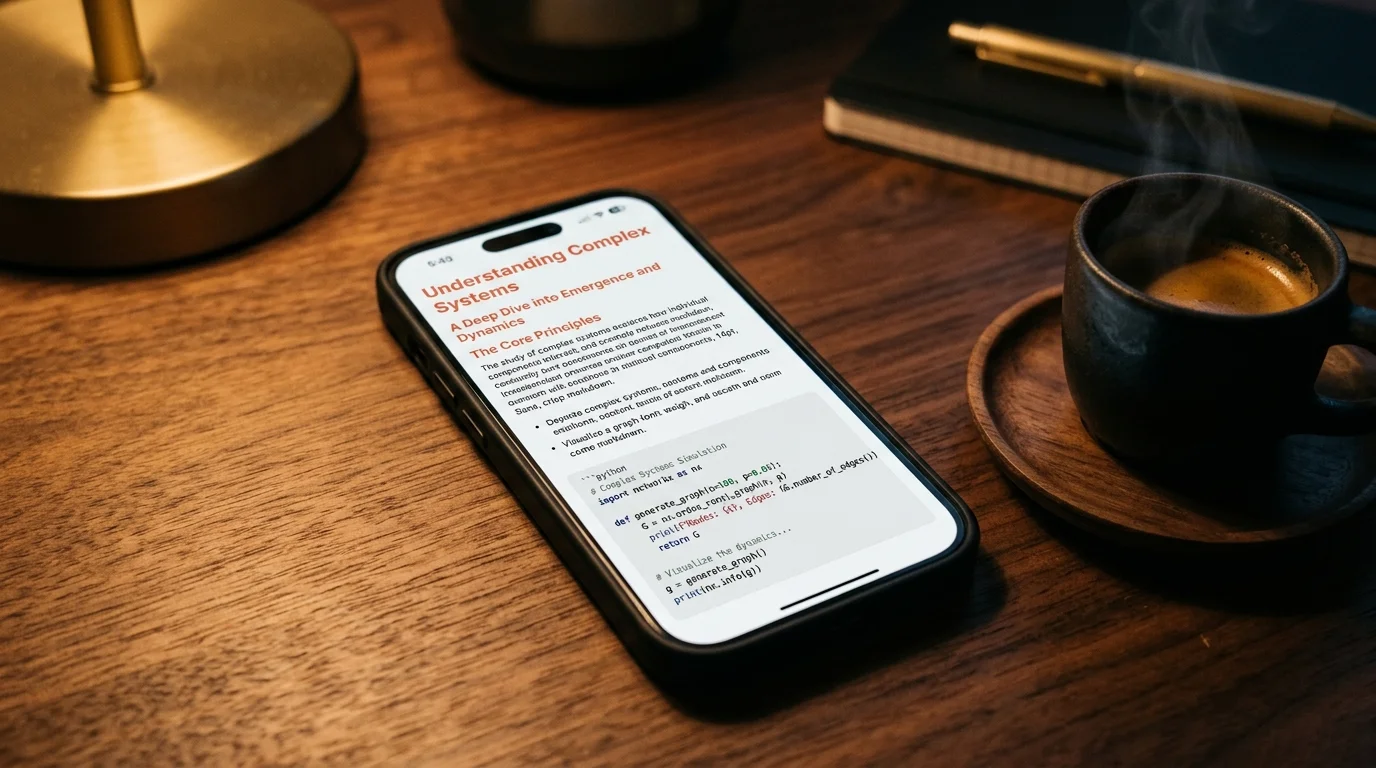
Prism MD is a reader built specifically for that gap. Drop a markdown file in or paste from the clipboard and the document renders the way it was meant to be read: warm typography, syntax-highlighted code in 190+ languages, LaTeX math via KaTeX, Mermaid diagrams drawn live.
Read your ChatGPT exports beautifully
Free to start — no credit card.
The fastest path: paste, don't convert
Skip the ZIP step. In ChatGPT, click Share → Copy to grab the markdown directly. In Prism MD, hit Cmd V on the home screen and the document renders instantly. No upload, no parser, no waiting on a server round-trip — the whole render happens in your browser.
The same flow works for Claude, Gemini, Grok, DeepSeek, and any other model that produces markdown. Prism MD auto-detects the structure and applies the right typography stack to each: code blocks get JetBrains Mono, prose gets Inter, headings get Bricolage Grotesque.
What you actually get back
- Real code rendering. 190+ language grammars via Shiki/Highlight.js, with copy-to-clipboard built into every block.
- Math that looks like math. Anything between
$...$or$$...$$goes through KaTeX — equations, integrals, matrices, the lot. - Live diagrams. Mermaid flowcharts, sequence diagrams, and state machines render from their text source. Edit the text, the diagram updates.
- Tables that breathe. Markdown tables get proper padding, alternating row tint, and horizontal scroll on mobile.
- Dark mode tuned for reading. Warm off-white text on a near-black background; the same palette professional reading apps converge on after they ship a v1.
Why a dedicated reader, not just a browser?
ChatGPT's own UI is designed for chatting, not reading. The conversation panel is narrow, the code blocks compete with the input field, and the sidebar pulls your eye away from the prose. A dedicated reader gives the document the full viewport, removes everything that isn't the document, and applies typography rules that actually make long passages readable.
That's the entire pitch for Prism MD: a focused reader for everything a model produces. No chat, no sidebar, just the document and the right defaults.
Related reading

Ready to read your own AI documents?
Open ChatGPT, Claude, Gemini, or any markdown file in the reader built for the way models write.
- ✓Renders code, math & Mermaid out of the box
- ✓Works offline once you've opened a doc
- ✓Free forever for personal reading