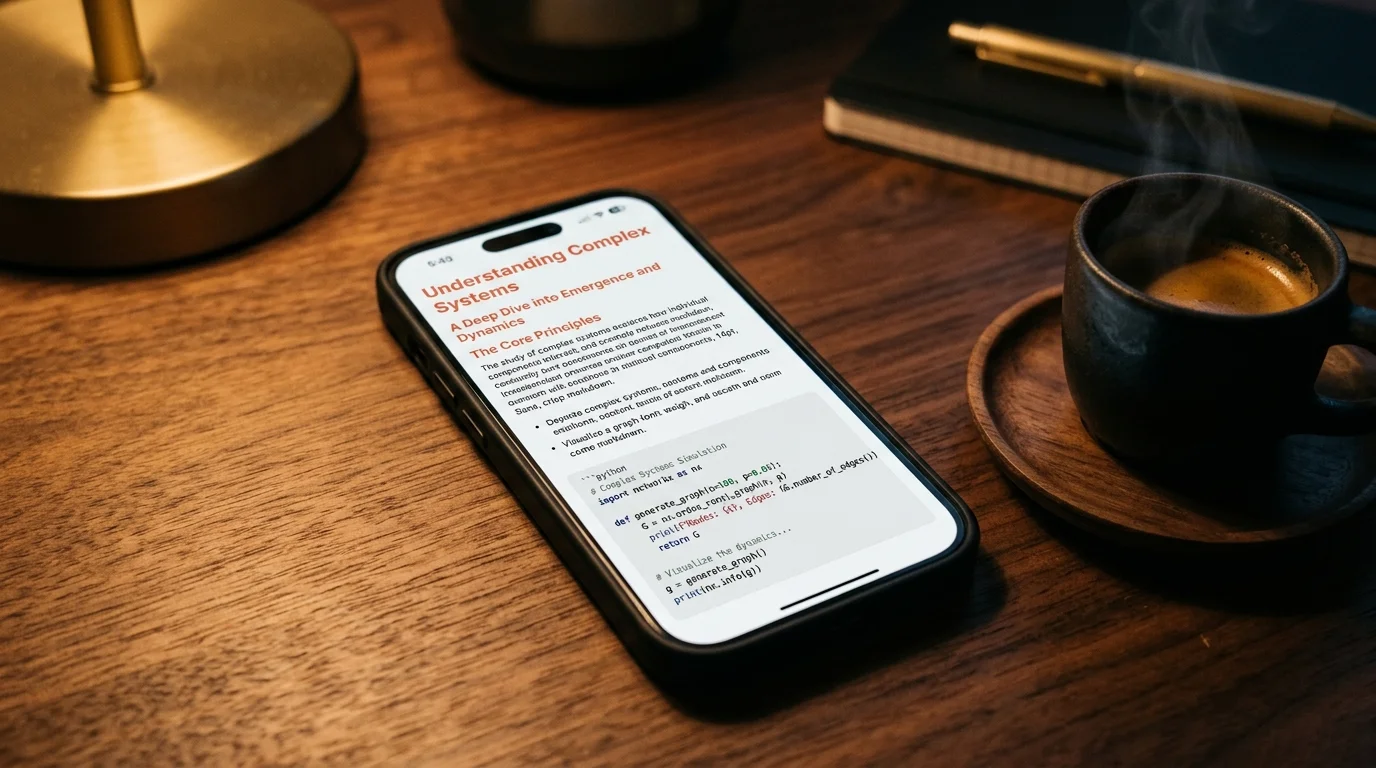
Read ChatGPT Canvas Documents in a Real Markdown Reader
ChatGPT Canvas is a great writing surface and a poor reading surface. Here is how to export your Canvas drafts and read them the way they deserve.
ChatGPT Canvas is where the long stuff lives. Not the throwaway Q and A, but the drafts you care about: a spec, a cover letter, a Python module you keep refining across a dozen turns. It sits inside the chat, but it behaves like a document, and that split personality is exactly why it never quite reads well inside the ChatGPT window itself. You end up scrolling a document inside a chat inside a browser tab, and by turn twelve you are chasing your own edits through a scroll well the size of a business card. Reading a serious draft in that surface is a losing fight.
The fix is not another AI tool. The fix is a reader that treats a Canvas the way it was meant to be treated, as a first-class document with typography, spacing, and structure you can breathe in. Once you separate the writing surface from the reading surface, the same output starts to feel twice as coherent. That single move changes how much of your own work you retain.
Why Canvas breaks the default reading flow
Canvas was designed as a live editing surface, not a reading surface. That is a real distinction. The side panel is optimized for the diff-and-approve loop with ChatGPT, so line height is tight, code blocks squeeze against the gutter, and the outline collapses whenever you resize the window. If you are drafting a five-page product brief, that ergonomics choice quietly punishes you every time you scroll. You feel it as fatigue, not friction, which is why most people never diagnose it.
The problem gets worse on mobile. On a phone, Canvas either takes the full screen and hides the prompt bar, or shrinks into a preview that clips your headings mid-word. Neither one is a reading experience. It is a workspace, and workspaces are not where you sit down with a cup of coffee to re-read what you wrote. For anyone who treats their AI output as source material, the same pattern shows up across ChatGPT conversations and Claude artifacts: the tool that made the thing is not the tool that helps you live with it later.
Getting a Canvas out of ChatGPT cleanly
The good news is that Canvas outputs are markdown under the hood. OpenAI exposes them through the standard ChatGPT export, and you can copy the raw markdown from the Canvas menu without losing formatting. There are three routes worth knowing, and each one has a place depending on how much of your history you want to move. Pick the one that matches the size of the job in front of you, not the one that sounds most thorough.
- Single document copy: open the Canvas, click the menu, choose Copy as markdown. Fastest for a one-off.
- Full export: request an account export from ChatGPT settings, unzip the archive, and pull the canvas entries out of the conversations JSON.
- Shared link scrape: for a Canvas you already published, paste the shared URL into a reader that follows the OpenAI schema.
Whichever route you use, the payoff is the same. You get a plain text file with headings, lists, and fenced code blocks, and now the reader you open it in becomes the entire reading experience. That is where a purpose-built markdown reader starts to matter, and it is the same argument that shows up in the case for better AI markdown typography. A raw file is potential energy. A good reader converts it.
What a good reader adds
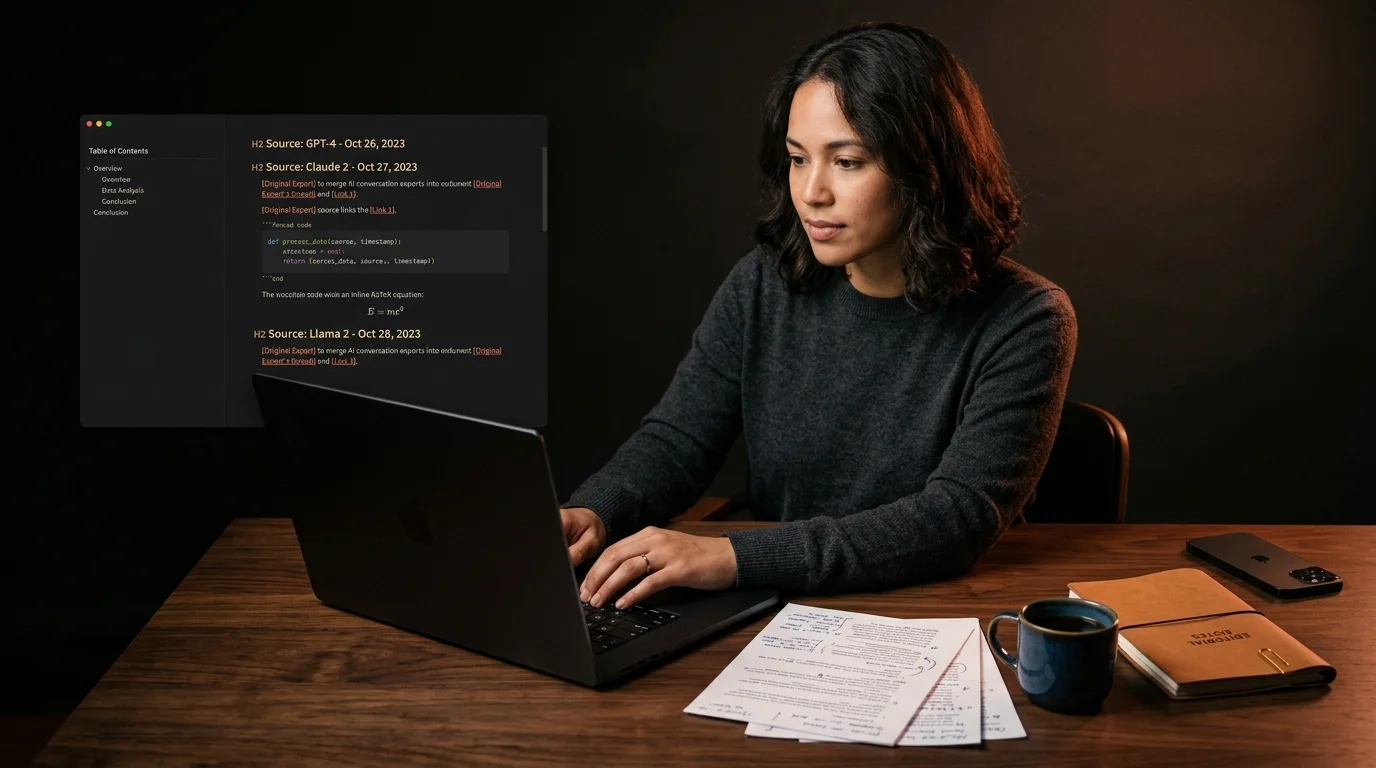
A Canvas document is often a mix of prose and code, sometimes with tables, occasionally with math or a Mermaid diagram if you were generating a spec. A default browser preview will render maybe half of that well. Prism MD renders all of it: KaTeX math typeset properly, Mermaid blocks turned into diagrams, fenced code with a monospace font that keeps its shape at small sizes. The reader stops being a viewer and starts being an editorial layout.
There is also the quiet stuff that matters more than any single feature. Reading width capped at a comfortable measure. Line height that respects long paragraphs. A dark background that does not glow at you at midnight. Sync across devices so the draft you were reviewing on your desk shows up on your phone in the taxi. None of that is exotic. It is what a document deserves when you spent forty minutes coaxing it out of a model.
A workflow that holds up
The workflow I keep coming back to is boring in the best way. Draft the piece in Canvas because that is where the AI conversation lives. Once it stops changing shape, export the markdown and open it in a reader. Read it end to end without touching the prompt bar. Mark the passages that still feel wrong, then go back to Canvas for one more editing pass. Archive the final copy alongside the rest of your writing so future you can find it.
That last step is where most people lose the thread. A Canvas that lives only inside ChatGPT is one account migration or one product change away from being gone. Treating your exports as the canonical copy, and using a reader as the daily surface, is how people who take their AI output seriously stay in control of it. The same argument holds for long Claude conversations and any other assistant where the good stuff piles up faster than you can revisit it. Ownership starts the moment the file leaves the vendor.
FAQ
Does Prism MD support ChatGPT Canvas out of the box? Yes. Canvas exports are standard markdown with fenced code, tables, and occasional KaTeX blocks for math. Paste or upload the markdown and it renders with proper typography, syntax highlighting, and Mermaid diagram support. Nothing about the pipeline is Canvas-specific, which is the point: a document should not need a bespoke viewer for every source it came from.
Can I read a Canvas offline on my phone? Yes. Once a document is in your library it is cached locally so the network can drop and the reading experience does not. This is the reason a lot of people move Canvas drafts out of the ChatGPT app in the first place, because the app itself needs a live session to open a saved conversation. Offline access is the difference between a document you own and a document you can only visit.
Will my formatting break when I copy from Canvas? The Copy as markdown option preserves headings, lists, tables, code fences, and inline emphasis with high fidelity. The one thing that occasionally needs cleanup is nested callouts, which OpenAI renders with a proprietary syntax that most readers ignore gracefully. If your Canvas leans heavily on callouts, do a quick pass to convert them to blockquotes before reading. Everything else transfers as expected.
Is there a way to sync Canvas exports automatically? Not from ChatGPT directly, no, since OpenAI does not currently expose a per-Canvas webhook or push endpoint. The practical pattern is to export monthly, drop the markdown files into a synced folder such as iCloud, Dropbox, or a private Git repo, and let Prism MD pick them up across devices. It is a five-minute habit that beats waiting for a feature that may never ship. Automation you own is more reliable than automation you rent.
Read your Canvas drafts the way they deserve
Canvas is the best long-form surface ChatGPT has ever shipped, and it deserves a reader that treats it that way, not a side panel fighting a prompt bar for screen space. Move the finished drafts out, open them somewhere calm, and see how differently you read your own work. The words did not change. The room around them did.
Read your AI drafts somewhere calm
Free to start — no credit card.
Related reading

Ready to read your own AI documents?
Open ChatGPT, Claude, Gemini, or any markdown file in the reader built for the way models write.
- ✓Renders code, math & Mermaid out of the box
- ✓Works offline once you've opened a doc
- ✓Free forever for personal reading