How to Read Perplexity Spaces Conversations as Real Documents
Perplexity Spaces are great for research and terrible for rereading. Here is how to export a Space to markdown and open it in a real reader.
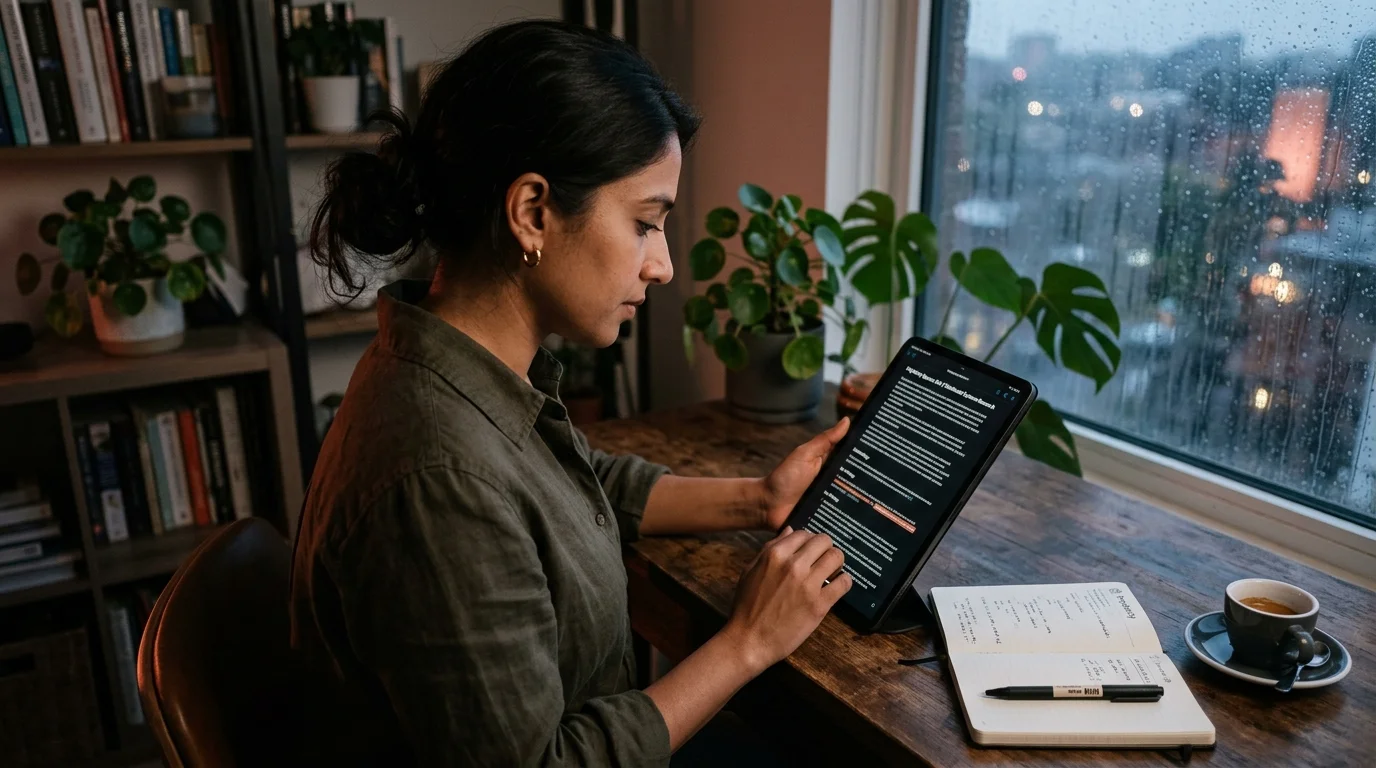
Perplexity Spaces started as a quiet feature and quickly became the way researchers run long, multi-source projects inside Perplexity. A Space is a persistent workspace with its own files, custom instructions, and a growing chain of Q and A threads that reference the shared context. That structure is great for keeping a research question alive over weeks. It is bad for reading what you produced, because the interface buries older threads behind an accordion, hides citations in hover states, and treats each answer as an ephemeral card rather than a document.
If you have been running a Space on a real project, a legal brief, a company teardown, a literature review, a competitor scan, you already know the pain. You scroll, you lose your place, you cannot print, you cannot annotate on paper, and you cannot reliably search across all the threads at once. The answer is not another AI tool. The answer is to get your Perplexity Spaces content out of the sidebar and into a proper markdown reader where a research thread behaves like the report it always wanted to be.
Why Spaces Are Hard to Reread Inside Perplexity
Perplexity optimizes for the next question, not the last answer. The Spaces view is a chat log, so long-form synthesis gets chopped into card-sized replies stacked chronologically. Citations render as small numbered chips that only reveal their source on hover, which works on a trackpad and fails on touch. When you come back a week later, you have to reconstruct the thread order in your head, and the search box only matches inside the current thread, not across the whole Space. None of this is malicious design, it is a product tuned for the moment of asking rather than the season of reading.
There is also a durability problem worth taking seriously. Perplexity has quietly reshaped Spaces twice in the last year, once to merge Collections into Spaces and again to change how uploaded files are indexed. Anything you built inside the product is one product decision away from a different layout, and a re-index is the kind of change that can silently break links or reorder your prior threads. Exporting the content to markdown gives you a copy that outlives the UI, the same argument we made in how to archive AI conversations long term. Owning the file means owning the research.
Get the Text Out Cleanly
Perplexity does not offer a native "export this Space" button, but you can rebuild one in about ten minutes per thread. Open each thread in the Space, expand every answer so nothing is collapsed, and print the page to PDF using the browser. Then run the PDF through a markdown converter, or use the browser reader mode to copy the rendered text directly. Preserve the citation numbers as inline superscripts, and paste the sources list at the bottom of each answer so nothing goes missing when you leave the Perplexity domain.
A cleaner path if you live on desktop is to install a userscript or a small extension that dumps a thread as markdown with sources included. Search the Perplexity subreddit and the extension stores for current recommendations, because the good ones rotate as the DOM changes underneath them. Whatever tool you pick, verify two things before you trust it with a whole Space. First, that code fences and tables survive intact, since Perplexity increasingly returns structured output. Second, that citation footnotes still resolve to the original source URLs and not to Perplexity redirect links, which can rot.
Save each thread as its own markdown file, named after the driving question, inside a folder named after the Space. If your Space has custom instructions or uploaded files, drop those into a context/ subfolder so the reader has full provenance next to the answers. Keep a short README.md at the top of the folder listing the goal of the Space and the date range it covers. Future you, six months from now, will not remember why any of these threads exist without that note.
Open the Whole Space in a Real Reader
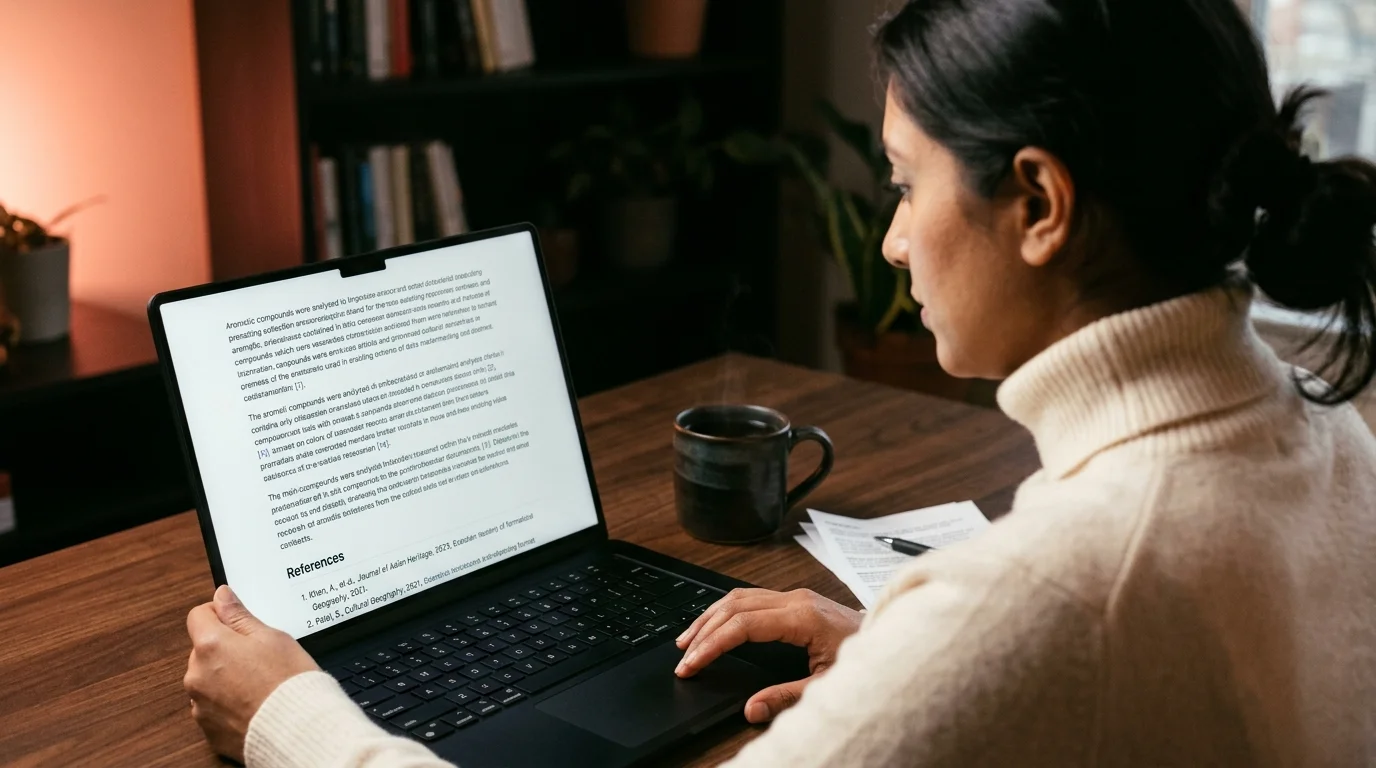
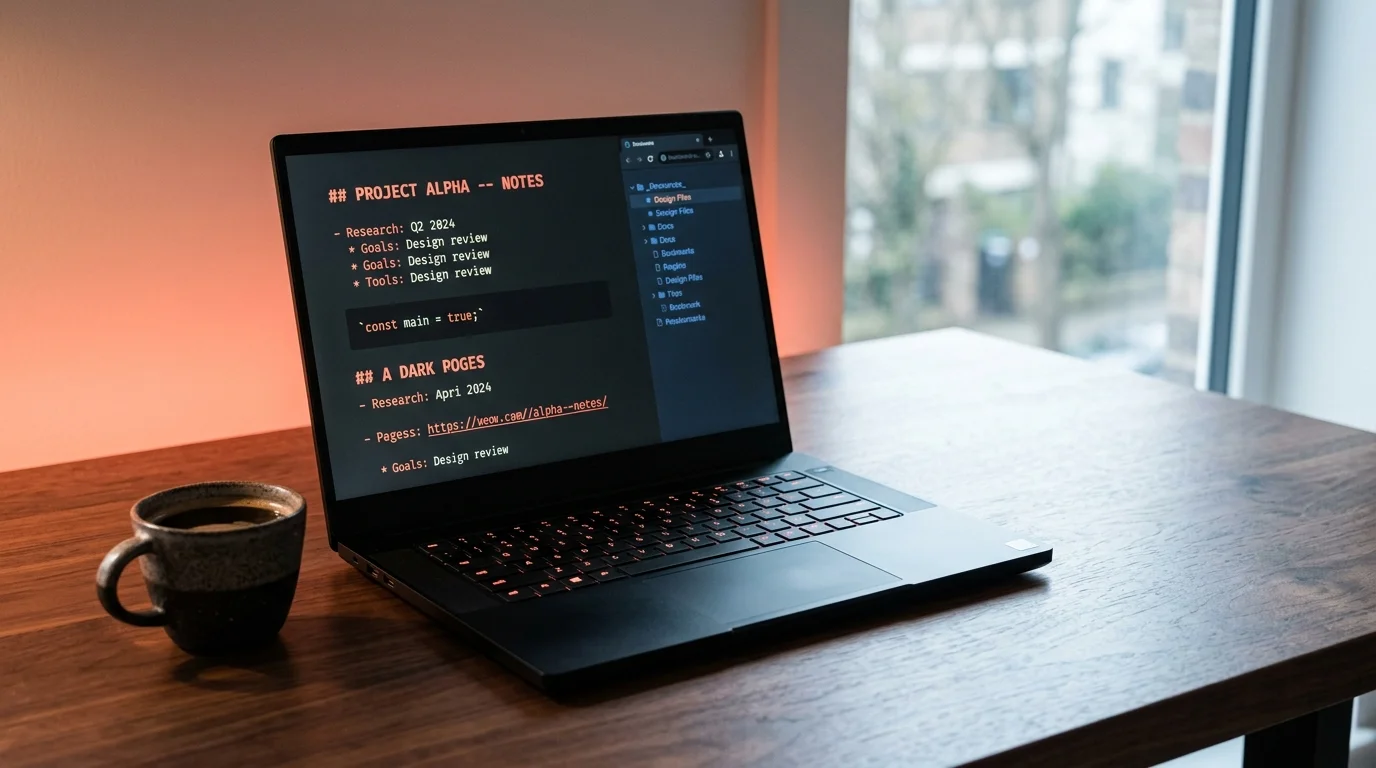
Once the markdown is on disk, open the folder in a reader that treats a thread as a document rather than a chat card. Prism MD renders each file as a single scrollable page with proper typography, working code highlighting, math via KaTeX, and clickable citations that keep their footnote numbers. Multi-file folders show up as an outline in the sidebar, so you can jump from thread to thread without hunting through timestamps. Fonts default to a comfortable reading measure so a five thousand word thread does not feel like a wall of text.
The reading gain is not subtle once you see it. A ten-thread Space that felt like a labyrinth inside Perplexity becomes a ninety page report you can flip through in twenty minutes and share as a single artifact. This is the same win you get when moving other conversational tools out of their host UI, and we have documented it in detail for Claude Projects and for ChatGPT Projects. Spaces sit in the same category of persistent, context-rich workspaces and benefit from the same treatment. The reader does not care which model produced the text.
Practical Ways to Use Your Exported Space
The most obvious use is offline reading, and it is a real quality of life change on planes, trains, and long focus blocks with no signal. But the exported archive unlocks other workflows too, and most of them are impossible while your research sits behind a login screen. Once your Space is a folder of markdown, it slots into every tool you already use for real writing, from git to grep to your favorite diff viewer. That portability is the whole point of getting the text out.
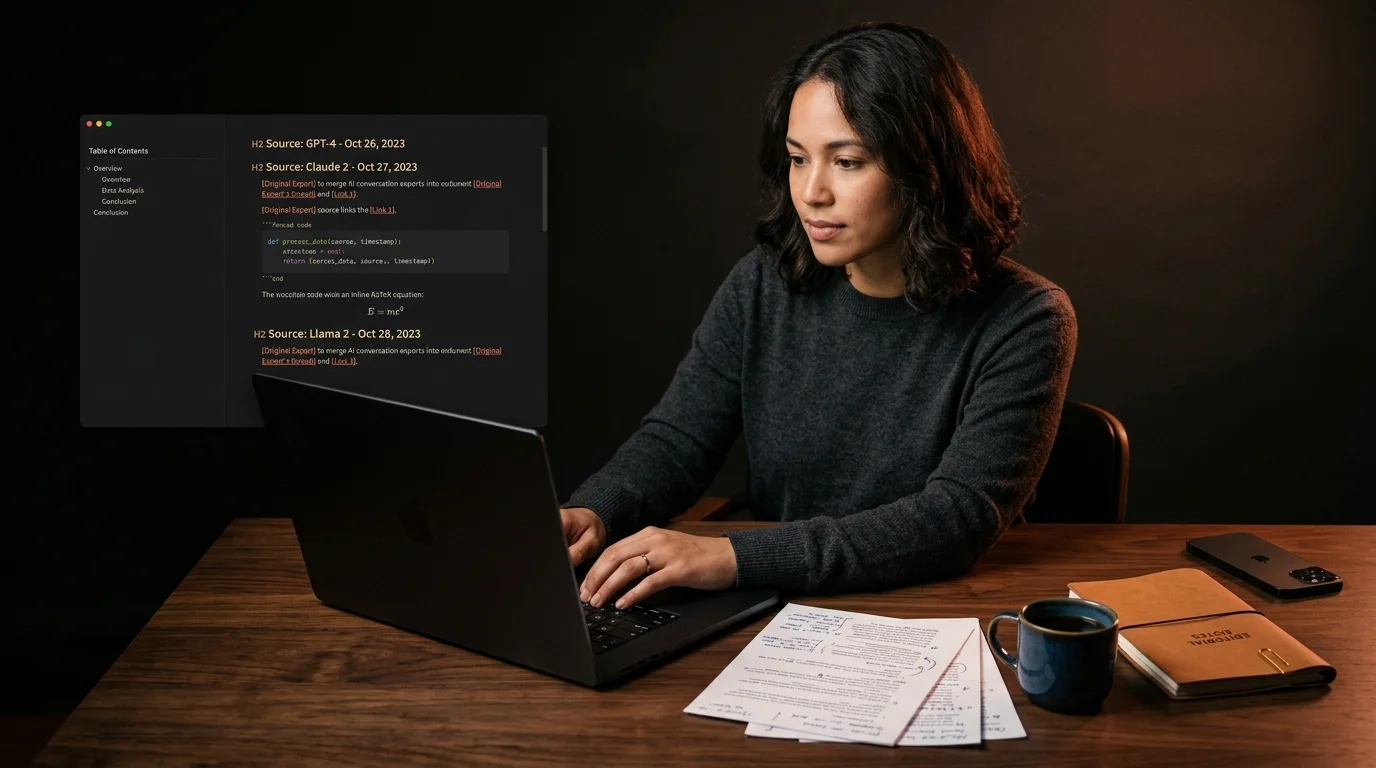
- Merge the entire Space into one document and hand it to a co-author for review, exactly as covered in how to merge multiple AI conversations into one document.
- Diff two threads to see how your framing of a question changed as you learned more, using the pattern in how to diff two AI answers to see what changed.
- Feed the markdown back into another model as prior context, since a plain file is portable across every AI tool worth using.
For sensitive research topics, redact identifying details before you share the export, which is a five minute exercise if you follow a standard checklist and a script. Do it once at export time and you never have to think about redaction again during review or handoff. Names, client identifiers, and internal URLs are the usual suspects, and a short regex list catches most of them. Keep the pre-redaction file in an encrypted folder if you need to preserve the original for your own records.
Keep the Space and the Archive in Sync
Treat the exported folder as the source of truth for the finished parts of the project, and treat the live Space as the workbench where new questions get asked. Once a thread has stopped moving, export it, drop it into the folder, and stop touching it inside Perplexity so the file is stable. Version the folder with git so you can go back to any earlier state, tag milestones when a chapter of the research is done, and store the repository somewhere you personally control. That last point matters most, because your best research should not sit inside someone else's product forever. A git remote you own is cheap insurance.
FAQ
Does Perplexity have an official Spaces export? As of late 2026 there is no first party bulk export for Spaces, only per-thread share links and browser print. Individual threads can be printed or copied on long press in the mobile app, but there is no "download this Space" button in either the web app or the desktop client. The workaround is manual export per thread, which takes minutes rather than seconds. Automating it with a userscript is the closest thing to a real bulk export today.
Do citations survive the export to markdown? Yes if you preserve the numbered footnotes and paste the sources list at the end of each answer. Some converters strip the number and leave a bare link, which is usable but harder to cross-reference when you scan the page later. Test the converter with one thread before batch-exporting a whole Space, and check that the sources point at the original URLs rather than Perplexity redirect wrappers. Redirect links can silently break when Perplexity changes routing, so resolving them at export time is worth the extra minute.
Can I keep uploaded files with the archive?
Copy the original files from your machine into a context/ folder inside the exported Space directory. Perplexity keeps its own copy on its servers, but for a durable archive you want the source files sitting next to the answers, not behind a login. If the files came from someone else, make sure you have permission to keep a local copy before archiving. This tends to matter for legal, medical, and client research more than for personal projects.
Is Prism MD the only reader that works? Any markdown reader will render the text, but Spaces benefit from strong sidebar navigation, real code highlighting, and math support, which is a shorter list of readers than it sounds. Editors like Obsidian and Typora work if you are willing to configure them for read-mostly use. A dedicated reader like Prism MD skips the setup and gives you a clean single-column layout out of the box. Pick the one whose defaults you fight the least.
Read your Perplexity Spaces like real research reports.
Free to start — no credit card.
Related reading
Ready to read your own AI documents?
Open ChatGPT, Claude, Gemini, or any markdown file in the reader built for the way models write.
- ✓Renders code, math & Mermaid out of the box
- ✓Works offline once you've opened a doc
- ✓Free forever for personal reading