How to Merge Multiple AI Conversations Into One Document
A launch plan spread across ChatGPT, Claude, and Gemini is not a reference. Here is the markdown merge workflow that turns scattered threads into one real document.
A single question rarely lives in a single chat. You ask ChatGPT to outline a launch plan on Monday, push a draft into Claude on Tuesday for a rewrite, and pull Gemini in on Thursday for a competitor read. By Friday the answer you want is spread across three tabs, two browsers, and one phone, and there is no document anywhere that holds the full thinking. Merging those threads is the missing step that turns scattered chats into a real reference. Without that step, the best paragraphs vanish into your tab history and the work has to be redone the next time the question comes up.
Most people try to solve it by copying paragraphs into a Google Doc. That works for ten minutes and falls apart the moment code blocks, KaTeX math, or numbered citations enter the picture. Google Docs silently breaks fenced code, drops math syntax, and renders inline citations as raw brackets. The merge that holds up over time is a markdown merge, with one canonical file per topic and a small amount of structure layered on top. Markdown survives email, Git, and every reader you might want to open the file in a year from now.
Export Every Thread as Markdown First
The merge only works if every input arrives in the same shape. Markdown is that shape. ChatGPT has a built-in export under Settings, Data controls, Export, which produces a clean per-conversation file. Claude exposes a per-conversation export as JSON that converts cleanly with a short script or a dedicated tool. Gemini, Grok, and Mistral do not ship a real export, so the copy-into-markdown pattern from the Gemini export guide and the Mistral Le Chat workflow is how you get those threads into the same format. Doing the conversion once at the start beats fighting different formats during the merge itself.
Do the exports in one sitting, not as you go. Name each file with the date and the model: 2026-06-22-chatgpt-launch-plan.md, 2026-06-23-claude-rewrite.md, 2026-06-25-gemini-competitor-read.md. The date prefix sorts chronologically by default in every file manager, and the model in the filename is the only label you will ever want when reading back six months later. Drop all the source files into one folder for the topic before you open the merge file. That folder becomes the audit trail when you need to confirm what a specific model said on a specific day.
Decide What the Merged Document Is For
A merge with no point of view is a longer chat log. Before you concatenate anything, write one sentence at the top of a new file describing what the merged document is supposed to answer. The sentence is for you, not the reader, but it decides which paragraphs survive the merge. A clear purpose line cuts the merge down to half the size you thought you needed. It also gives future-you a fast way to remember why this file exists when it surfaces in a search hit two months from now. Three patterns cover almost every case worth merging, and picking one up front matters because switching halfway produces unreadable files:
- The decision log treats each section as one thread and adds a short verdict at the end.
- The composite answer pulls the best paragraph from each thread into one continuous read.
- The comparison gives each model its own section and keeps the differences visible.
The decision log is the right default for almost every working document. It preserves the chronology, lets you cite a specific thread later, and avoids the temptation to silently rewrite an AI's answer into your own voice. The composite answer reads better but loses the audit trail, so save it for cases where nobody will ever ask where a paragraph came from. The comparison pattern is for when you want to read three views side by side, and the three-AI comparison workflow covers that case in more depth.
Stitch the Files Together in the Right Order
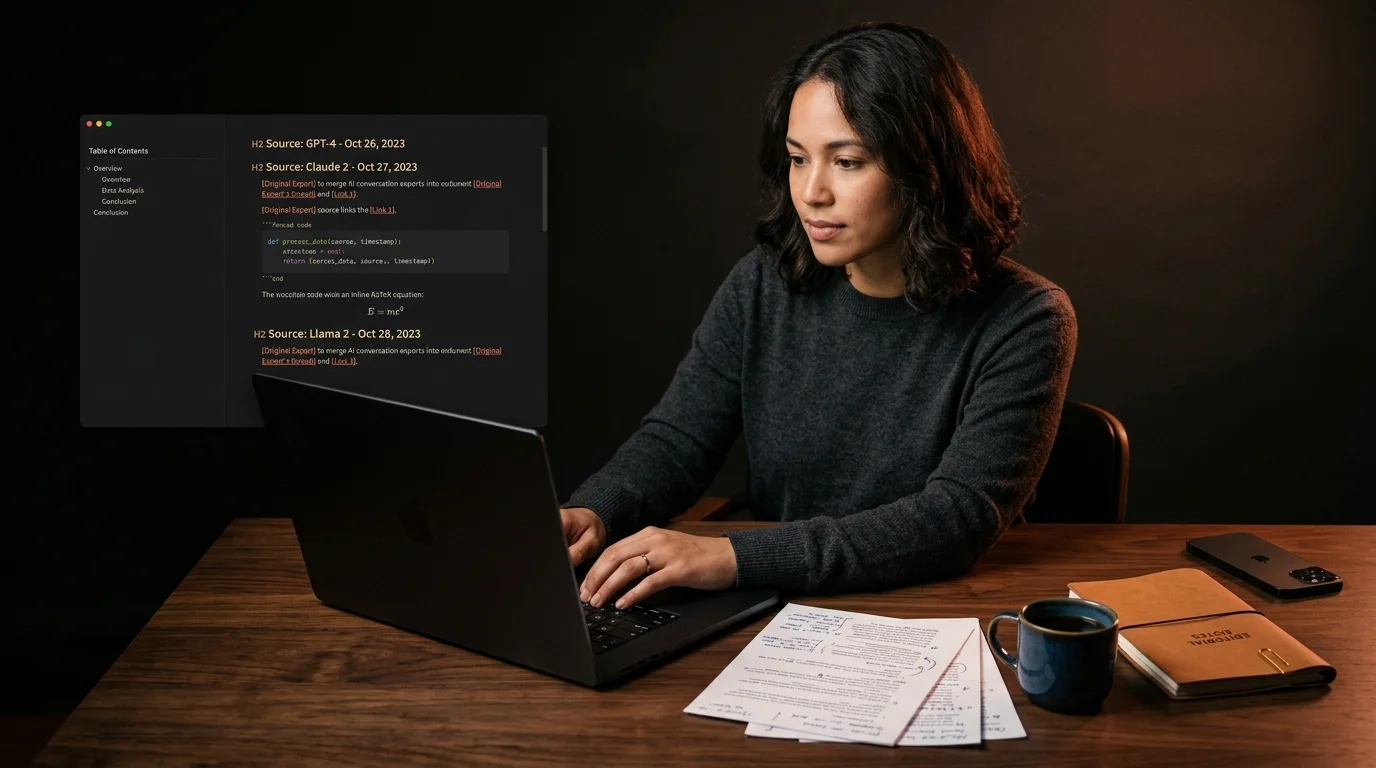
Open a new file called something like launch-plan-merged.md. Start with that one-sentence purpose at the top, then a short table of contents using H2 anchors. Paste each thread under its own H2 heading, in chronological order, with the original timestamps and model name in the heading itself: ## ChatGPT, 2026-06-22, launch plan outline. That header is the citation. You will thank yourself for it the first time someone asks where a specific claim came from, and the date order makes the evolution of your thinking visible at a glance.
Inside each section, trim ruthlessly. Long AI threads are full of polite restating, confirmations, and recovery from a wrong turn, none of which needs to live in the merged file. Keep the questions you asked verbatim, because the question is what makes the answer interpretable months later. Keep the substantive paragraphs, the code blocks, and any math. Cut everything else, including the model's opening pleasantries and any closing summaries that repeat earlier paragraphs.
If two threads contradict each other, do not pick a winner inside the section. Add a short ## Decision H2 at the bottom of the document and write one paragraph in your own voice explaining which path you took and why. The contradictions stay visible above it, which is what makes the document honest later. That decision paragraph is also where future-you will look first when reopening the file, so it earns the bottom slot on the page.
Keep the Merged File in a Real Library
A merged document only earns its keep if you can find it again. Drop it into the same folder structure as your other exports, ideally under a topic directory like ~/ai/launch-plans/. The search-and-archive pattern in the ripgrep search workflow treats merged files exactly like single-thread exports, so you do not need a second system to index them. A flat folder of dated markdown files is easier to grep, back up, and sync than any database you might be tempted to build for this.
Render the merged file in a real markdown reader before you trust it. The browser preview in most editors strips KaTeX, mangles Mermaid, and crops long code blocks at the gutter. A reader built for AI output keeps all three intact, which matters more on a merge than on any single thread, because the merge is the document you will reread. If you also want to read it away from a desk, the EPUB conversion workflow takes the same merged file and turns it into a portable ebook with no extra editing.
FAQ
Should I rewrite the AI's answers in my own voice during the merge? No. The merged file is a reference, not a publication, and rewriting destroys the audit trail. Keep the original phrasing under each H2 and put your own voice only in the purpose line at the top and the decision paragraph at the bottom. If the merge later becomes the seed of a real publication, copy it into a separate file and rewrite there. The reference file stays a reference.
How long is too long for a merged document? There is no hard cap, but past about twelve thousand words a single file becomes unpleasant to scroll on any device. Split by phase of the project rather than by model, so each merged file answers one decision. Three smaller merged files per topic almost always read better than one giant one. Long files also defeat the table of contents, since the anchor list grows past the screen.
What about merging conversations across different model versions? Note the model version in the H2 header alongside the date, since Claude Opus 4.7 and Claude Sonnet 4.6 are different writers with noticeably different prose. A year from now you will want to know which version wrote which paragraph, and three extra characters in the heading save a lot of guesswork. The same applies to GPT model versions and Gemini variants. Treat the version string as part of the citation, not as metadata you can drop.
Can I automate the merge? You can script the concatenation, but resist automating the trimming. The point of the merge is the editorial pass where you decide what survives, and a script that pastes everything together gives you a longer chat log instead of a shorter document. The right balance is a small script that pulls every dated file in a folder into one stitched draft, then a manual pass with a sharp delete key. Even a one-line shell glob counts as automation here, and that level is usually all the automation a healthy merge workflow needs.
Merge your AI conversations into one document you actually reread
Free to start — no credit card.
Related reading

Ready to read your own AI documents?
Open ChatGPT, Claude, Gemini, or any markdown file in the reader built for the way models write.
- ✓Renders code, math & Mermaid out of the box
- ✓Works offline once you've opened a doc
- ✓Free forever for personal reading