
How to Convert Long AI Answers to EPUB for Better Reading
PDF freezes a 40-minute Claude or Gemini answer at the wrong shape. Here is the markdown to EPUB workflow that turns long AI threads into a real ebook library.
Why EPUB Beats PDF for Long AI Answers
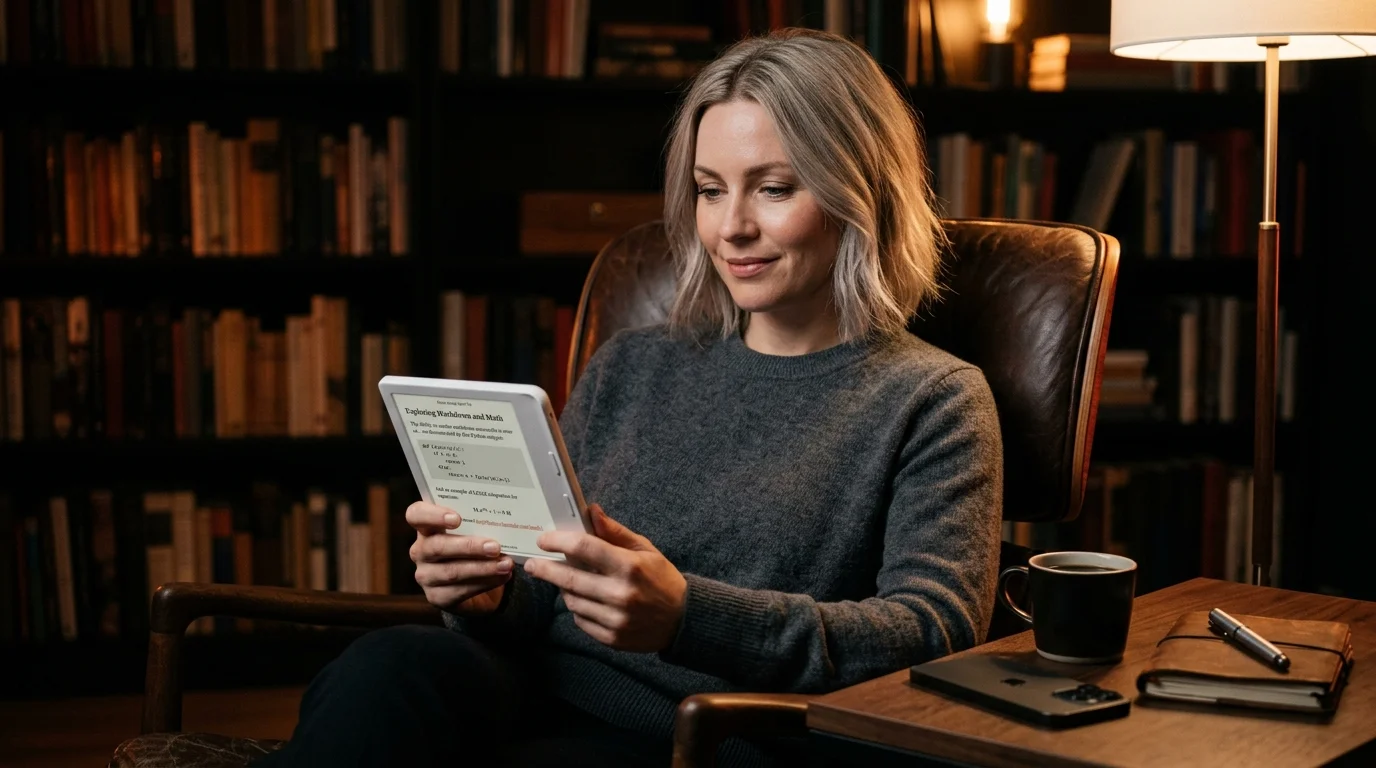
A 40-minute Claude answer or a Gemini Deep Research report is not a document you read at a desk. It is a book you read on a couch, a flight, or a train. PDF freezes the layout at a fixed page size, which is fine for a contract and miserable for a long thread of prose, code, and citations. EPUB reflows: it adjusts the font, the column width, and the line height to whatever screen you happen to be holding. That is the difference between finishing the answer and abandoning it on page nine.
The other reason is annotation. Every serious e-reader, from Apple Books to Kindle to KOReader, treats EPUB as a first-class citizen with proper highlight sync, bookmarks, and inline notes. PDF gets you the visual fidelity of the source. EPUB gets you the reading experience your brain wants for long-form. If you have already wrestled with the print route in our PDF guide, this is the lighter cousin.
What an AI Answer Looks Like Once It Is EPUB
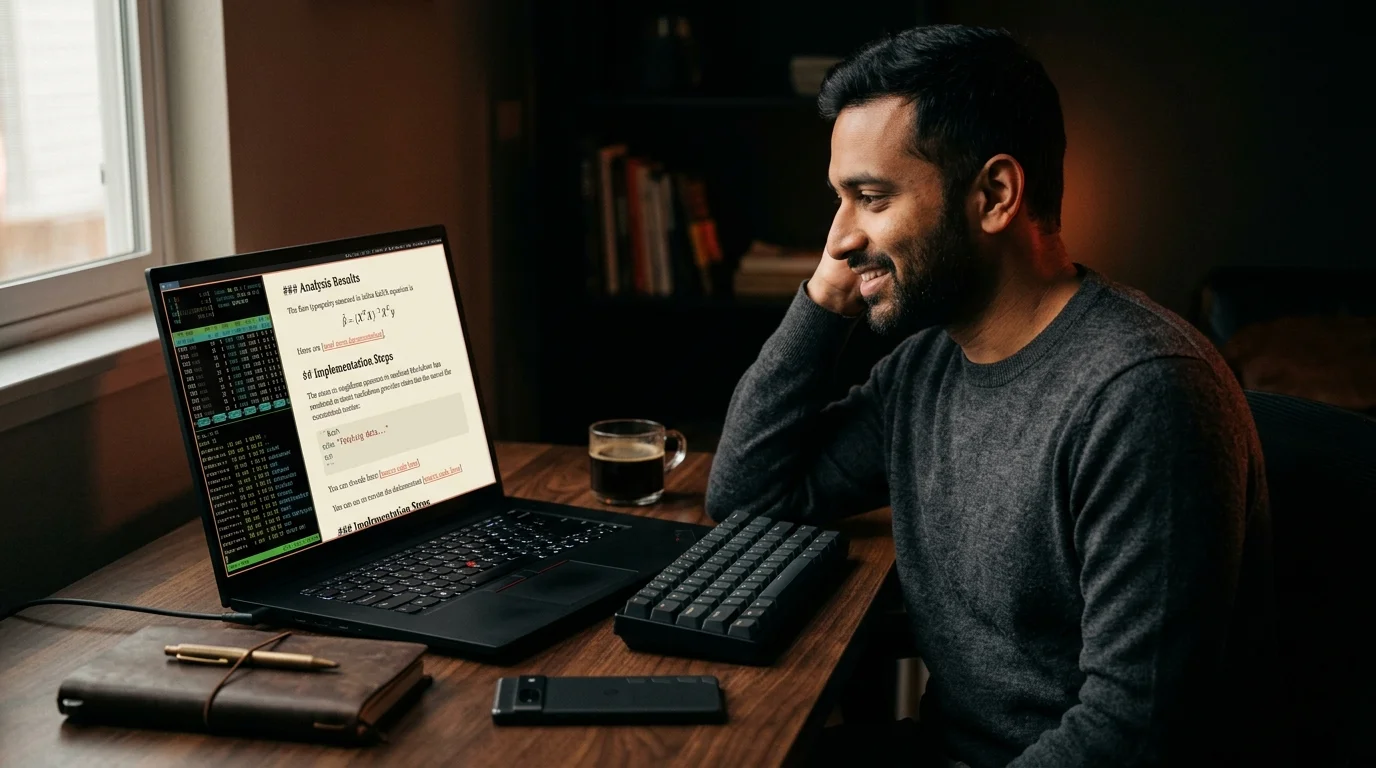
The export starts as raw markdown from ChatGPT, Claude, or Gemini. Inside the EPUB, every H2 becomes a chapter. Code blocks keep their monospaced font with proper indent. KaTeX math renders as an inline image so it survives whatever reader you open it in. Tables remain tables instead of collapsing into mush. The table of contents becomes a tappable spine, which means you can jump from the executive summary to the third citation without scrolling for two minutes.
Reading flow matters more than people admit. Once you can tap a chapter marker and land in the right section, a 12,000 word Claude reply starts behaving like a short ebook. That is the whole point of the format. The reader does the layout work the chat UI never bothered to do.
The Two-Minute Conversion Workflow
The route that has held up over the last six months is short. Export the AI conversation as markdown, render it cleanly, then convert that rendered output to EPUB with one of two well-maintained tools. Both options handle the structure that AI exports rely on: nested headings, fenced code blocks, and a usable table of contents. The choice between them is mostly habit.
- Use Pandoc if you live in a terminal. The command is
pandoc input.md -o output.epub --toc --metadata title="Claude on RAG", and it handles math and code blocks without a fight. - Use Calibre if you prefer a GUI. Drop the markdown file in, edit the metadata in the right panel, and click Convert Books.
Both tools accept a cover image, which matters more than you think on a reader home screen. Stick a single coral square with the conversation title on it and your library stops looking like a folder of grey rectangles. If your source is a Perplexity thread instead of a chat export, the cleanup steps in our Perplexity guide save you a round trip. The conversion itself takes about ninety seconds once the markdown is clean.
Where Prism MD Fits
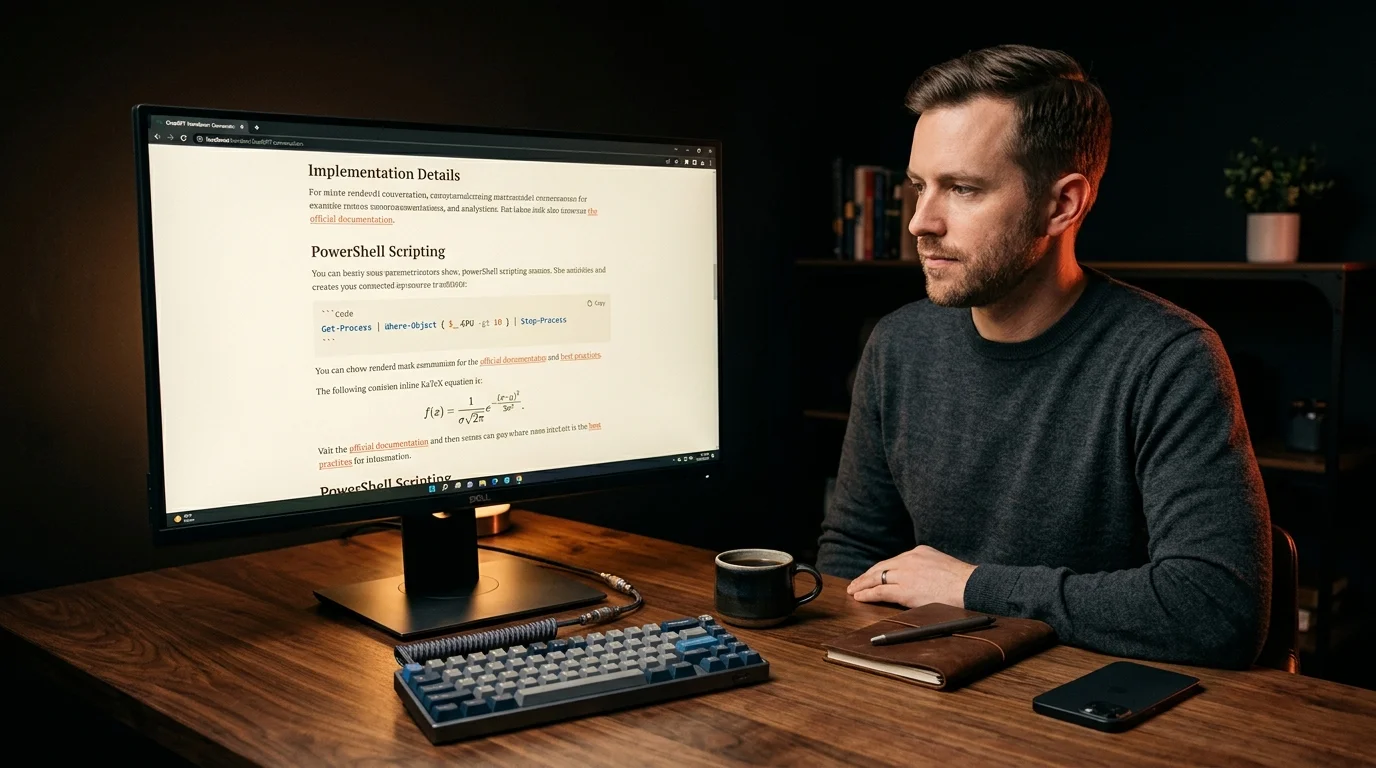
The painful part of the EPUB route is not the conversion. It is what happens before it. Raw ChatGPT and Gemini exports come out with broken code fences, half-rendered KaTeX, and inline citation footnotes that Pandoc cannot parse on its own. Run the markdown through a clean renderer first, copy the cleaned version, then feed that into your converter. That is the loop Prism MD was built for.
Open the conversation in Prism MD, confirm the math and Mermaid blocks render correctly, then export the cleaned markdown to your converter of choice. The output EPUB now has every code sample intact and every equation embedded. If you want the comparison workflow first, our side-by-side reader guide covers that prep step. Skipping the clean pass is what produces those ugly Kindle pages with raw backtick characters scattered everywhere.
Reader Setup for the Result
The EPUB itself is only half the work. Where you read it decides whether you finish it. A few tested pairings have held up across a year of long-form AI threads. Each one trades portability against typographic control.
- Apple Books on iPad or Mac for fast sync across devices and clean dark mode.
- KOReader on a Kobo or Kindle for serious typographic control and statistics on reading speed.
- Foliate on Linux for a quiet desktop reader with proper KaTeX support.
The reMarkable workflow in our e-ink guide is the most paper-like option, although EPUB support there leans on a third-party app. For phone reading, Marvin on iOS or Librera on Android both handle large EPUBs without flinching. Pick one reader and stay there for a month. The compounding benefit of having every AI answer in one library, with searchable highlights, beats whichever app has the prettiest icon today.
FAQ
Does EPUB preserve code syntax highlighting from my AI exports?
Most readers strip syntax colors and render code blocks in a monospaced font with grey backgrounds. That is the right tradeoff for long reading on a small screen. If you need colored syntax for a code review session, generate a PDF instead and accept the layout cost. Keep the markdown original around either way, since it is the only format that round-trips cleanly.
Can I include images and diagrams in the EPUB?
Yes, both Pandoc and Calibre embed images referenced in the markdown source. Mermaid diagrams need to be pre-rendered to SVG or PNG before conversion, since most EPUB readers do not run a Mermaid runtime. The cleanest workflow is to render diagrams in Prism MD first, save the output, then point your converter at the local files. That keeps the EPUB self-contained for offline reading.
Will KaTeX math render correctly on my Kindle?
KaTeX renders as embedded images during conversion, so equations display on every reader including older Kindles. The tradeoff is that you cannot copy the LaTeX source out of the rendered EPUB. Keep the markdown original if you might need the raw equations later. Most readers tolerate the image route without complaint, so this is rarely a deal-breaker.
How big should the EPUB cover image be?
A 1600 by 2400 pixel JPEG or PNG is the sweet spot for most readers. Smaller covers pixelate on retina screens, and larger ones inflate the file size without any reading benefit. Use a square coral background with the conversation title in serif type if you want a consistent shelf. Consistency on the home screen matters more than artistic variety.
Render your AI conversations cleanly before they hit EPUB
Free to start — no credit card.
Related reading
Ready to read your own AI documents?
Open ChatGPT, Claude, Gemini, or any markdown file in the reader built for the way models write.
- ✓Renders code, math & Mermaid out of the box
- ✓Works offline once you've opened a doc
- ✓Free forever for personal reading