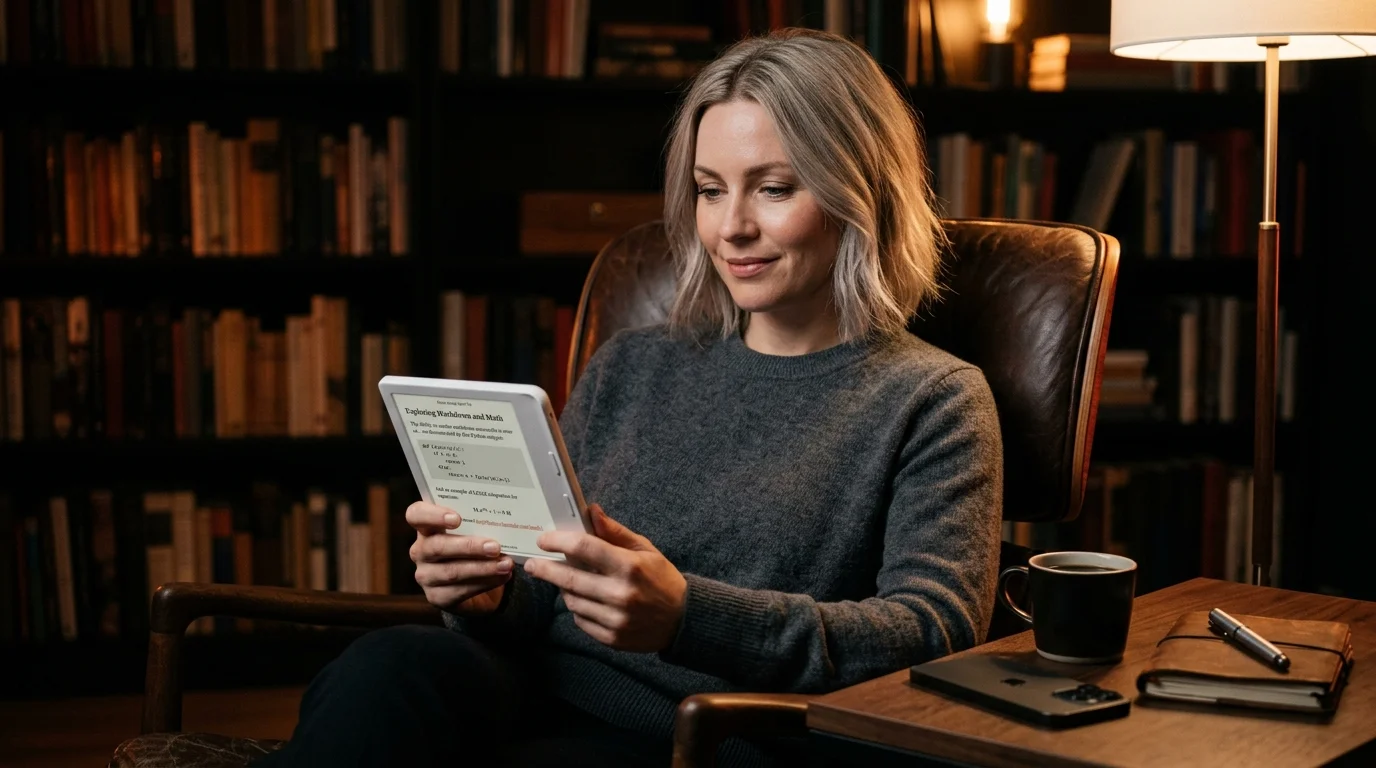
How to Read AI Conversations on a Kobo E-Reader
Kobo opens EPUB directly and sideloads over USB or Dropbox. Here is the export, render, and send workflow that turns it into a real reader for AI conversations.
A Kobo is the quietest reading device in your bag. It has Pocket built in, OverDrive built in, and a Dropbox sync option on the higher models, which is more open plumbing than a Kindle ever ships. None of that helps when the document you want to read is a forty minute ChatGPT thread or a long Claude answer still trapped inside a browser tab. The chat app will not send it to your Kobo. The Kobo store does not sell it. You have to bring it yourself, and the route is shorter than the official help pages make it sound. The whole loop below is the one that has held up over months of nightly reading.
Why a Kobo is the right shape for an AI answer
A long AI answer is a small book, not a chat message. It runs ten to forty pages once you strip the UI chrome, mixes prose with code and math, and rewards slow reading instead of scrolling. A Kobo gives you a paper white page, real page turn buttons on most models, and a battery that survives a week of evening reading. The screen refresh is slower than a phone, which sounds like a drawback and reads like a feature once you are past the second screen of a derivation.
The catch is format. Kobo natively opens EPUB, PDF, CBZ, MOBI, plain TXT, and a handful of image formats, but not raw markdown. Whatever comes out of ChatGPT or Claude has to be converted on the way in, and that single conversion step is where most people give up and read on a phone instead. It does not need to be hard. One command on the laptop covers the bulk of the work.
Get the conversation out as clean markdown
The first step is the same whether you read on a Kindle, a Boox tablet, or a Kobo. You need the conversation out of the chat tab and into a markdown file you control. ChatGPT has a built in export under Settings, Data Controls, Export Data, which arrives as a zip of HTML and JSON within a few hours. Claude lets you copy any message as markdown from the small menu next to the timestamp, or export a project as a folder of markdown files. Gemini hides the same option behind the share menu in each turn.
The fastest route for a single conversation is still copy paste. Select the whole thread, paste it into any plain text editor, save it with a .md extension, and you have a clean source file. For the longer route across many threads, see the dedicated workflow for ChatGPT exports. The output you want at the end of this step is a single markdown document with the prompts as H2 headings and the answers as body text.
Render the markdown into something a Kobo can open
Kobo will not open a .md file directly, so the markdown needs to become an EPUB or a clean PDF before it leaves your laptop. EPUB is the better choice on a Kobo. It reflows to whatever font size you pick, it remembers your place between sessions, and the chapter list in the table of contents maps directly from your H2 headings. PDF freezes the layout at one shape and never lets you change the type size on the device.
Three routes work reliably. The fastest is Pandoc with a single command: pandoc conversation.md -o conversation.epub. Pandoc will pick up your front matter, render fenced code blocks as monospace, and build a working TOC from your headings. The second route is Prism MD, which renders the markdown in the browser with KaTeX math and Mermaid diagrams already wired in, then exports the rendered document as EPUB without a command line. The longer-form ebook workflow lives in the EPUB conversion guide.
Send the file to your Kobo
Kobo gives you three sideload routes, and they are all friendlier than the Kindle equivalent. The USB cable is the most reliable: plug the Kobo in, it mounts as a normal drive on macOS, Windows, and Linux, drop the EPUB into the root folder, and eject. The file appears in your library the moment you unplug. Higher end Kobo models also offer Dropbox or Google Drive sync from the home screen settings, which lets you drop the EPUB into a folder on your laptop and have it appear on the device over wifi within a minute.
The third route is Calibre, the open source ebook manager. This is overkill for a single document, but if you are syncing dozens of AI conversations a week it gives you proper tagging, search across the device, and one click resending after edits. Calibre also handles automatic conversion from EPUB to KEPUB, the Kobo native variant, which unlocks page turn animations and faster TOC jumps. If you also read on a reMarkable, Calibre can push the same EPUB there at the same time. That keeps one library across two devices without any copy paste between them.
A short checklist before you sideload
A two minute pass on the markdown file before conversion saves a lot of irritation on the device. The conversion itself is fast, but undoing a malformed EPUB on a Kobo means deleting and resending, which takes longer than getting the source right once. Run through the list below before you call Pandoc or open Prism MD. Nothing here is strictly required, but each item earns its keep within a few pages of reading.
- Trim the chat UI artifacts at the top and bottom of the paste, including the model name banner and the regenerate button text.
- Promote each prompt to an H2 heading so the TOC has real entries.
- Strip the inline citation chips that some chat apps drop in as raw HTML.
- Confirm fenced code blocks survived the paste with their language tag still on the opening fence.
That is the whole loop. Copy, render, sideload, read. The first conversation takes ten minutes end to end. By the third you can do it in under two, and the EPUB lives on the device until you delete it. The chat tab is no longer the only place that answer exists.
FAQ
Will a Kobo render KaTeX math properly in an EPUB?
Mostly yes, if you let Prism MD or Pandoc render the math to inline SVG before the EPUB is built. Raw LaTeX strings will appear as code, not equations, on the device. The Kobo EPUB engine has no math renderer of its own. Pre-render once on the laptop and the equations stay sharp at every font size.
Can I read DRM free PDFs of AI conversations on a Kobo instead?
Yes, and the larger Kobo models handle PDFs well, but you lose font size control and the page count balloons. Use PDF only when the answer is diagram heavy or you need the exact layout preserved. EPUB is the better default for prose-heavy AI threads. Keep PDF as the fallback for the one in twenty conversations that needs it.
Does Kobo Cloud sync my sideloaded AI conversations across devices?
No, sideloaded files live on the device they were sent to. Use Dropbox or Google Drive sync if you want the same library on a second Kobo or in the Kobo phone app. Calibre with the KoboTouchExtended plugin is the heavier option for multi-device libraries. Pick whichever you already have running on the laptop.
How does this compare to reading on a Kindle?
The export and render steps are identical, but the format rules diverge at the end. The Kobo wins on file format support and sideload friction, since it accepts EPUB directly without conversion. The Kindle workflow requires Send to Kindle or a USB transfer with stricter format rules. If you own both, render once and sideload to each.
Render your AI conversations cleanly before they hit your Kobo
Free to start — no credit card.
Related reading


Ready to read your own AI documents?
Open ChatGPT, Claude, Gemini, or any markdown file in the reader built for the way models write.
- ✓Renders code, math & Mermaid out of the box
- ✓Works offline once you've opened a doc
- ✓Free forever for personal reading