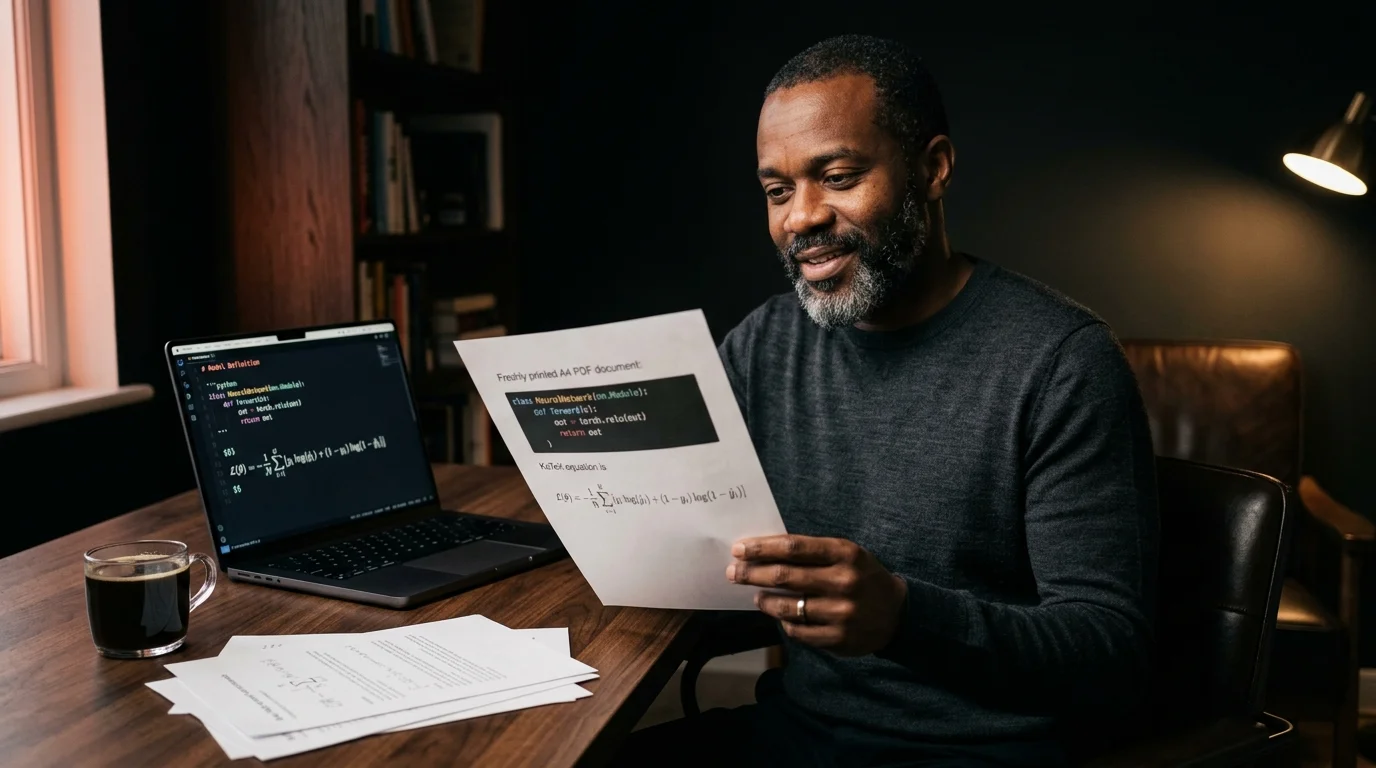
How to Print AI Conversations to PDF Without Losing Code or Math
Browser print dialogs mangle ChatGPT and Claude exports. Here is a cleaner route that keeps your code blocks, KaTeX math, and citations intact in the PDF.
Sending an AI conversation to a colleague who does not use ChatGPT is harder than it sounds. The browser print dialog flattens code blocks into one long line, KaTeX math turns back into raw dollar signs, and the citation footnotes from a research run drop out entirely. Most people give up and paste the answer into Google Docs, which loses syntax highlighting and rewraps every code block again. There is a working route to a clean PDF, and it takes about ninety seconds once you set it up. The real trick is that you do not print from the chat window at all.
Why the built-in print button breaks
Chat interfaces from OpenAI, Anthropic, and Google all render answers inside a scrolling container with virtualized children. When you hit Cmd+P, the browser only paints what is currently in the DOM, which is rarely the full conversation. Code blocks rely on horizontal scrolling that disappears at print width, so lines truncate at the right margin without warning. Math rendered by MathJax or KaTeX is positioned with absolute pixel offsets that the print stylesheet does not honor. The result is a PDF that looks like a screenshot of a broken web page, which is exactly what you do not want to hand to a client or a teammate.
Export the conversation as markdown first
The clean route starts with getting the raw markdown out of the chat. ChatGPT has a built-in export under Settings, Data Controls, Export Data, and the email arrives with a conversations.json file you can convert in one step. Claude exposes a copy button on each message that returns clean markdown verbatim, which is the path most users miss on their first try. Gemini is the trickiest of the three because there is no real export, only the share link approach covered in our Gemini guide. Once you have the markdown, the file is portable: it opens in any text editor and survives every future model migration.
Render the markdown before printing
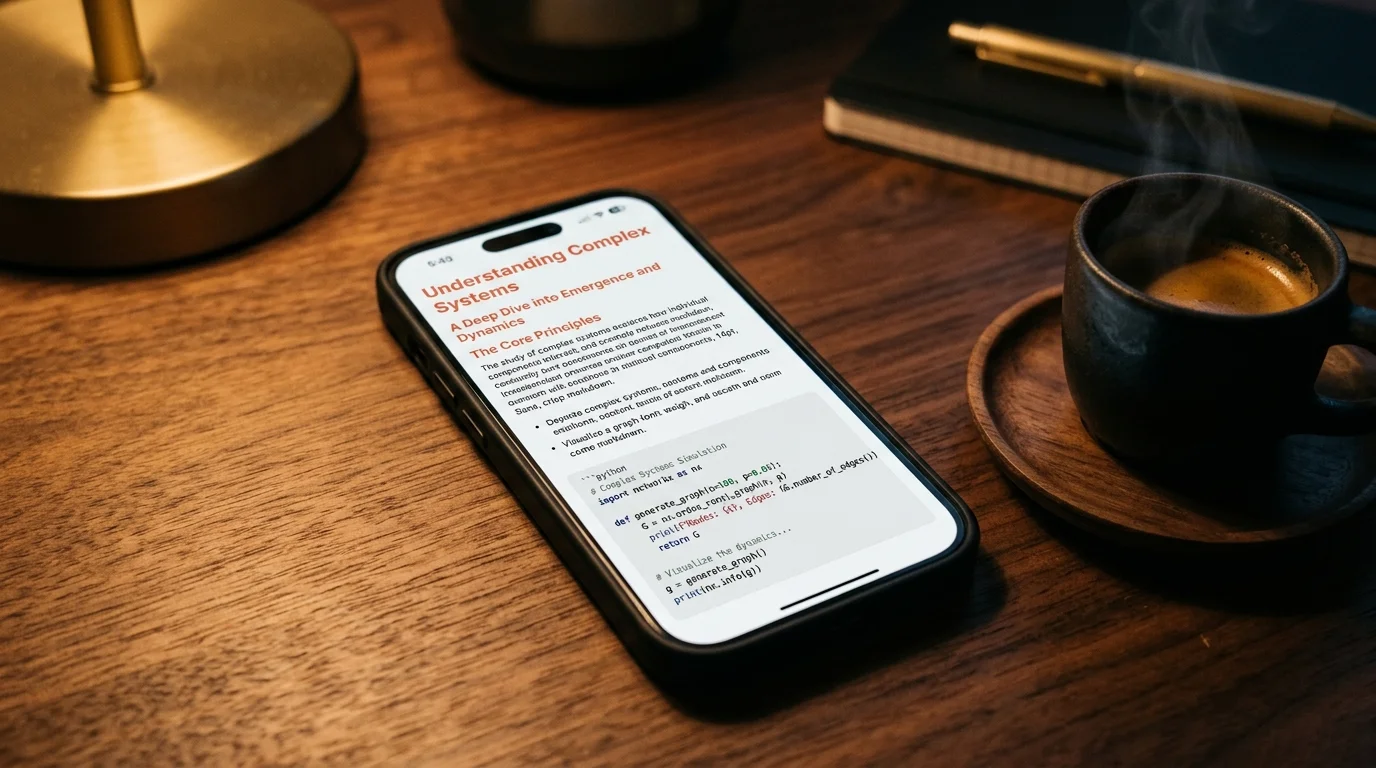
Markdown is not the document. It is instructions for one, and the rendering step is where most workflows fall apart. You need a reader that turns fenced code blocks into syntax-highlighted blocks, the dollar-sign math into KaTeX, and any Mermaid blocks into proper diagrams on the page. A reader built for AI output handles all three by default, while a developer-focused tool like the VS Code preview handles code and skips the rest. The differences between the major options are laid out in our markdown reader comparison, and the gap widens fast on math-heavy or diagram-heavy content.
Print settings that preserve code and math
Once the document is rendered in a reader, the browser print dialog behaves differently. The reader should be in light mode for printing even if you usually read in dark mode, since dark backgrounds eat ink and reduce contrast on the page. Save as PDF rather than sending to a physical printer, then open the file once to confirm that the math and code survived the round trip cleanly. The cleanest output across Safari, Chrome, and Firefox comes from this exact configuration:
- Layout: portrait, with landscape reserved for code-heavy pages.
- Margins: default, never minimum, since narrow margins cause code wrap.
- Scale: 90 percent for most documents, 85 percent for math-heavy ones.
- Background graphics: on, so code block shading survives the print.
- Headers and footers: off, since the URL and timestamps add visual noise.
Share the PDF without losing the source
A PDF is the right artifact for clients and stakeholders, but keep the markdown file alongside it. The markdown is the editable source of truth, and you will want it again the moment someone asks for a change to a paragraph or a code sample. Storing both together is the habit covered in how to save AI conversations you want to re-read, and it pays off on every revision cycle after the first. If the conversation is math or diagram heavy, the rendering rules in our KaTeX and Mermaid guide will tell you which blocks print well and which ones need a manual fix before you send the file out.
FAQ
Does ChatGPT have a direct print-to-PDF option? No. The Share button gives you a public link, not a file, and the print dialog inside the chat window truncates the conversation at whatever the virtual scroller has currently rendered. You need to export the markdown and render it in a separate reader before printing the document. That one extra step is the entire difference between a clean PDF and a screenshot of a broken page.
Will Mermaid diagrams print correctly? Yes, if the reader renders them to SVG before the print stylesheet runs against the page. Most modern readers do this on initial page load, so a quick reload before opening the print dialog is usually enough. If you still see raw mermaid code blocks in the preview, the renderer has not finished yet. Wait a second longer and reload one more time before continuing to print.
What about long code blocks that wrap badly? Drop the print scale to 85 percent or switch to landscape orientation for that page only. The reader keeps the same horizontal scroll behavior on screen, so only the printed view changes shape. For wide code blocks, splitting the conversation into two PDFs is sometimes cleaner than fighting the layout for an hour. The markdown source file stays identical in either case, which is the whole point.
Render your AI exports cleanly before you print
Free to start — no credit card.
Related reading

Ready to read your own AI documents?
Open ChatGPT, Claude, Gemini, or any markdown file in the reader built for the way models write.
- ✓Renders code, math & Mermaid out of the box
- ✓Works offline once you've opened a doc
- ✓Free forever for personal reading