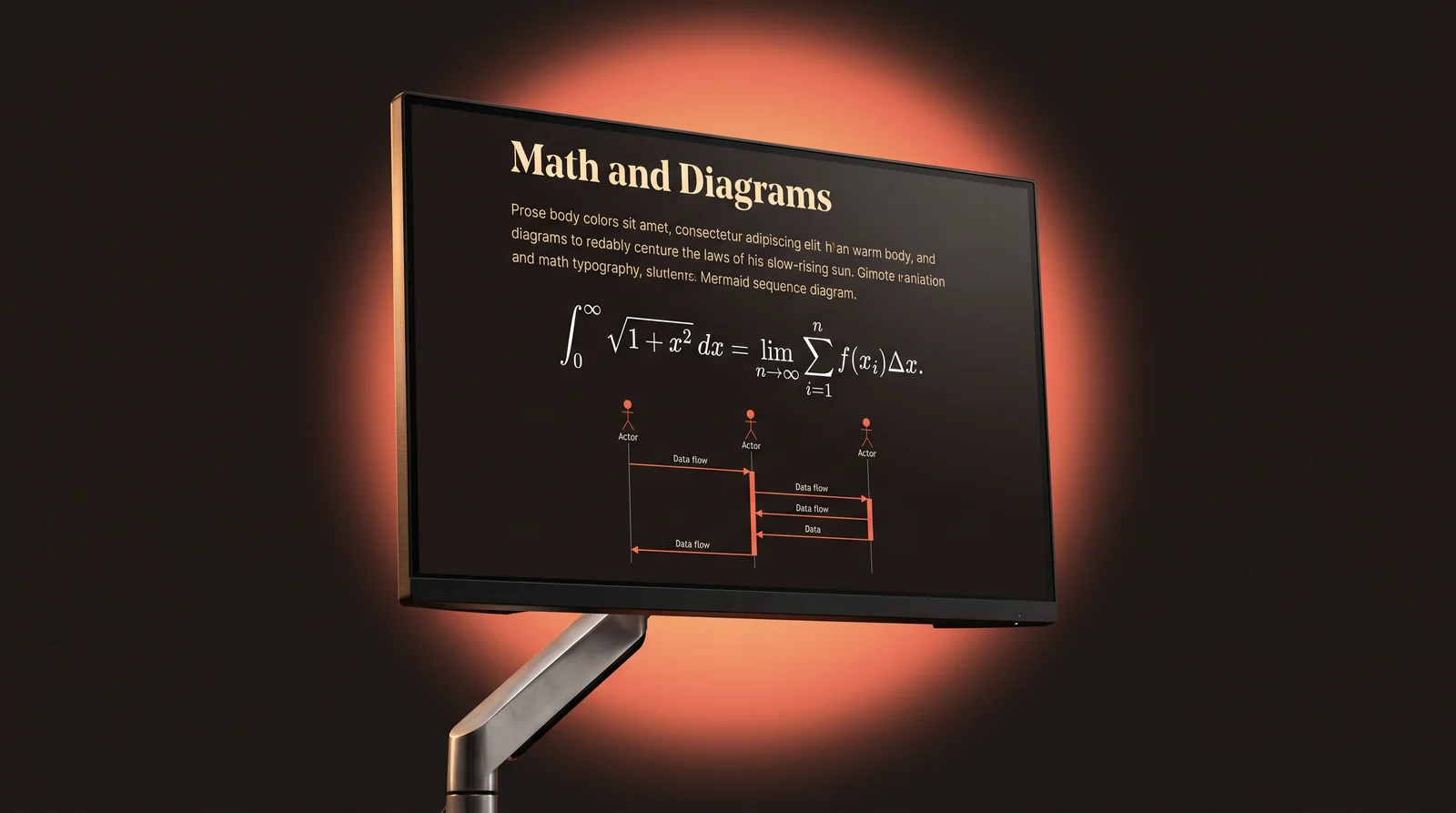
Render LaTeX Math and Mermaid Diagrams in Markdown
A short, working guide to KaTeX math syntax and Mermaid diagrams — the two extensions that turn plain AI output into a real document.
Vanilla markdown handles paragraphs, lists, and code. It doesn't handle math equations or diagrams — those come from extensions. Two extensions cover 90% of what AI models produce: KaTeX for LaTeX-style math and Mermaid for diagrams from text. Here's how both work and how to render them without setting up a build pipeline.
Math with KaTeX
KaTeX renders LaTeX-style math at the speed of a regular HTML page. The syntax mirrors LaTeX:
Inline: $E = mc^2$

Block:
$$
\int_0^\infty e^{-x^2} dx = \frac{\sqrt{\pi}}{2}
$$
Dollar signs delimit math mode. Single $ wraps inline math (mid-sentence equations); double $$ wraps block math (its own line). Inside the delimiters, all standard LaTeX commands work: \frac, \sqrt, \sum, \int, Greek letters, matrices via \begin{matrix}, and so on.
Diagrams with Mermaid
Mermaid turns plain-text definitions into diagrams. Flowcharts, sequence diagrams, state machines, ER diagrams, Gantt charts — all from a fenced code block tagged mermaid:
```mermaid
flowchart LR
  A[User] --> B{Logged in?}
  B -->|Yes| C[Dashboard]
  B -->|No| D[Login]
  D --> A
LLMs are surprisingly good at writing Mermaid — "draw me a sequence diagram of OAuth" usually produces something useful on the first try. The trick is finding a reader that renders the output instead of leaving it as a wall of text.
Render math and diagrams without a build step
Free to start — no credit card.
The combined effect
An AI tutorial on, say, the Fast Fourier Transform suddenly becomes a proper document: prose explains the algorithm, KaTeX renders the formula, Mermaid draws the data-flow, code blocks show the implementation. That mix is unreadable as raw markdown and gorgeous when rendered. It's most of why we built Prism MD.
Other extensions worth knowing
- GFM tables — pipes and dashes for tabular data. Universally supported.
- Task lists —
- [ ]for checkboxes. Rendered live in Prism MD. - Footnotes —
[^1]for cited references. Useful for AI outputs that cite sources. - Frontmatter — YAML metadata at the top of a file. Used by static-site generators and increasingly by AI agents.
Related reading



Ready to read your own AI documents?
Open ChatGPT, Claude, Gemini, or any markdown file in the reader built for the way models write.
- ✓Renders code, math & Mermaid out of the box
- ✓Works offline once you've opened a doc
- ✓Free forever for personal reading