How to Read Long AI Deep Research Reports Without Losing the Thread
ChatGPT and Gemini Deep Research return 60-page reports the chat window cannot hold. Here is the export and reading workflow that finally makes them usable.
Deep research reports are a new category of AI output. ChatGPT Deep Research, Gemini Deep Research, and Perplexity Pages can return 30 to 80 pages of structured analysis, with footnotes, tables, and dozens of source links. The chat interfaces that produced these reports were never built to hold a document that long, so by the time you scroll to section four you have already lost the shape of section one. The reading problem is real, and it is what kills the value of these reports. Most readers give up halfway through and quietly downgrade their opinion of the model that produced it.
This guide is about getting that value back. Not by skimming, and not by pasting the whole thing into a different chat to summarise it. The goal is to read the report end to end, with a layout that respects the structure the model produced. Once that habit is in place, the same report that felt unreadable in the chat window becomes a document you can mark up, cite, and return to later.
Why Deep Research Reports Break the Chat View
A normal ChatGPT or Claude answer is a few paragraphs and maybe a code block. The chat container handles that load without complaint. Deep research reports are a different shape entirely. They include a table of contents, multiple H2 sections, nested H3 subsections, inline citation markers, comparison tables, and sometimes embedded charts. None of that survives the chat scrollback well, because the sidebar eats horizontal space, the line measure stays cramped, and the citations turn into a wall of superscript numbers with no clean way to jump back and forth.
The second problem is persistence. Deep research jobs take five to twenty minutes to generate and often cost a paid tier credit. Losing one to a closed tab or a session timeout is genuinely painful, and the longer the report, the worse the loss feels. You want a copy on your own disk, in a format that will still render correctly in five years, before you sit down to read it the first time. Markdown is the right container for that because it survives every reader, every operating system, and every model upgrade.
Export First, Read Second
The single habit that fixes most of this is to export the report to markdown before you open it for the first read. ChatGPT, Claude, and Gemini all give you a way to do this, even when it is hidden two menus deep. For ChatGPT Deep Research, click the share icon on the report and then copy the markdown, or use the export to PDF option and feed the PDF through a markdown extractor like Marker or pandoc. For Gemini Deep Research, the same share menu exposes a Google Doc that you can download as .md. For Perplexity Pages, the three-dot menu has a direct markdown export that preserves the citation anchors.
Once you have the .md file, every downstream choice gets easier. You can version it, search it, diff two runs of the same prompt, and read it in whichever reader you prefer. The reader matters more than people think, and the gap widens the longer the report runs. We covered that comparison in the best markdown reader for AI content, and the conclusion holds doubly here. Tools built for notes or for software docs do not handle a 60-page research report well, because their typographic defaults assume short fragments rather than long-form prose.
What a Good Reader Does Differently
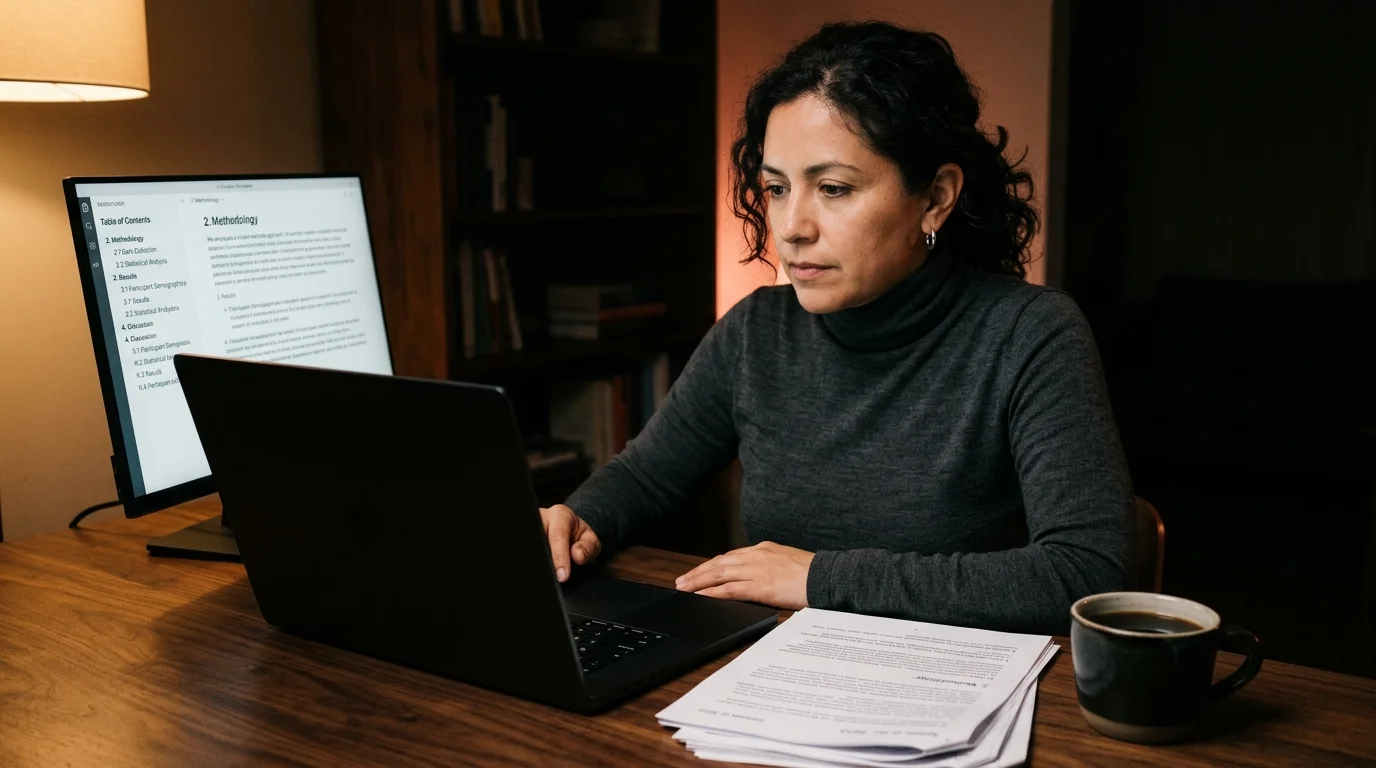
The right reader for a long report does four specific things, and the absence of any one of them shows up within minutes. It renders the table of contents as a sticky sidebar so you always know where you are in the document. It honours the H2 and H3 hierarchy with real typographic contrast, not bold text masquerading as structure. It turns citation markers into proper footnote links you can click and return from with a keystroke. And it keeps the line measure tight enough that your eye does not get lost on the way back to the left margin after a long line of prose.
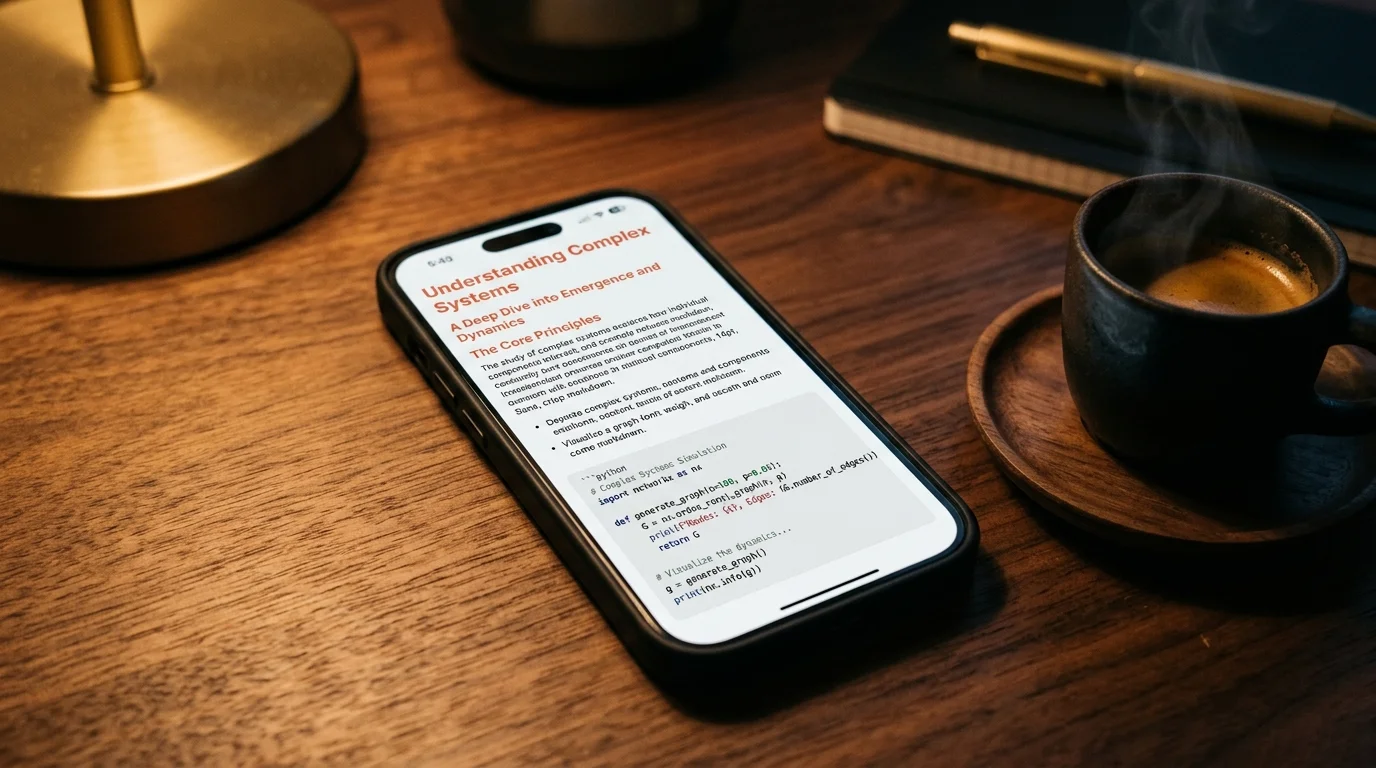
Prism MD was built around exactly this case, which is why long reports feel different inside it. The sidebar shows the full outline, code blocks are syntax highlighted with a theme that holds up under hours of reading, KaTeX math renders inline without a build step, and Mermaid diagrams render where the model placed them. If your report includes equations or system diagrams, the math and Mermaid guide walks through the syntax the major models tend to produce. The same reader handles ChatGPT, Claude, Gemini, and Perplexity exports without reformatting, so your eye builds one set of expectations and keeps them.
A Reading Workflow That Sticks
Here is the loop that works for a long report once you have run it a few times. Treat it as a checklist the first few times, then it becomes automatic and you stop thinking about the mechanics. The point of the workflow is to separate the structural read from the substantive read, because trying to do both at once is what makes long reports feel exhausting. The same five steps apply whether the report runs ten pages or eighty, with only the time budget changing.
- Export the report to markdown the moment it finishes generating, before the tab can be closed.
- Save it under a project folder with the date in the filename, so future you can find it by month.
- Open it in a reader that shows the outline and renders citations cleanly.
- Read it once at normal pace without taking notes, mapping the structure of the argument.
- Read it a second time with notes, highlighting the three or four claims you want to act on.
That second pass is where the value sits, and most readers never get to it. People stop after pass one and then complain that AI research is shallow when the problem is the reading method, not the document. Dense documents need two passes by their nature, regardless of who or what produced them. The first pass is for shape, the second pass is for substance, and skipping either one wastes the time spent on the other. For shared workstreams, drop the rendered report somewhere your team can read it the same way, since the team sharing workflow applies the same regardless of whether the artefact is a chat thread or a 60-page report.
Citations Are the Quiet Killer
Citations are where deep research reports either prove their value or fall apart entirely. A model that confidently cites a paywalled article it never read is worse than one that admits it does not know, because the false citation reads as authority. Every report should be checked against its own footnotes before you act on any of its conclusions, and the check is faster in a reader that lets you click a citation, see the source, and return to your place with a single keystroke. It is painfully slow in a chat interface where the citation is a tiny superscript with no anchor link, which is why most people skip the check entirely.
Make a habit of spot checking three random citations from any report longer than ten pages. If two of the three do not support the claim, the report is unreliable and the rest of the time spent reading it is wasted on a faulty premise. If all three check out, you can read the remaining claims with more trust, and you will still catch the occasional error along the way. The OpenAI team described a similar verification pattern in their own deep research notes, and the discipline holds whichever model produced the report you are reading.
FAQ
How long is a typical deep research report?
ChatGPT Deep Research averages around 8000 to 15000 words per run, which is the equivalent of a short magazine feature. Gemini Deep Research tends to run longer, 12000 to 25000 words, with more tables and more dense citation clusters in the body. Perplexity Pages are usually shorter, 3000 to 6000 words, but with more citations per paragraph and a faster turnaround time. Across all three, the word count is less important than the depth of the citation graph, since a 5000-word report with 80 sources is denser than a 20000-word report with 20.
Can I read these reports offline?
Yes, once you export to markdown and open the file in a local reader the network is no longer in the loop. Prism MD installs as a progressive web app and caches your documents, so you can keep reading on a flight or anywhere without service. The same applies to most desktop markdown readers, since the file lives on disk and the rendering happens locally. The only piece you lose offline is the ability to follow citation links to the original sources, which is why the verification pass should happen before you board the plane.
What about the embedded charts?
Most reports embed charts as PNG images, which travel fine inside the markdown body and render in any reader that supports inline images. If the model used Mermaid syntax instead, a reader with Mermaid support will render it as a real diagram you can zoom into and inspect. Some Gemini reports embed Google Charts via iframe, which will not survive an offline export and should be screenshotted before you close the original tab. The general rule is to keep the source of every visual asset, since regenerating a chart from a report you have already closed is rarely worth the effort.
Should I summarise the report with another model?
Only after you have read it once yourself, end to end, so you know what the summary is leaving out. A summary of a report you have not read is a smaller report you have also not read, and the second one tends to drop the qualifications that mattered most. The right time to ask a model for a summary is when you want a TL;DR to share with a colleague who will not read the full document. Even then, the summary should be paired with the original file so the colleague can check the claims that matter to their decision.
Read your deep research reports the way they were meant to look
Free to start — no credit card.
Related reading


Ready to read your own AI documents?
Open ChatGPT, Claude, Gemini, or any markdown file in the reader built for the way models write.
- ✓Renders code, math & Mermaid out of the box
- ✓Works offline once you've opened a doc
- ✓Free forever for personal reading