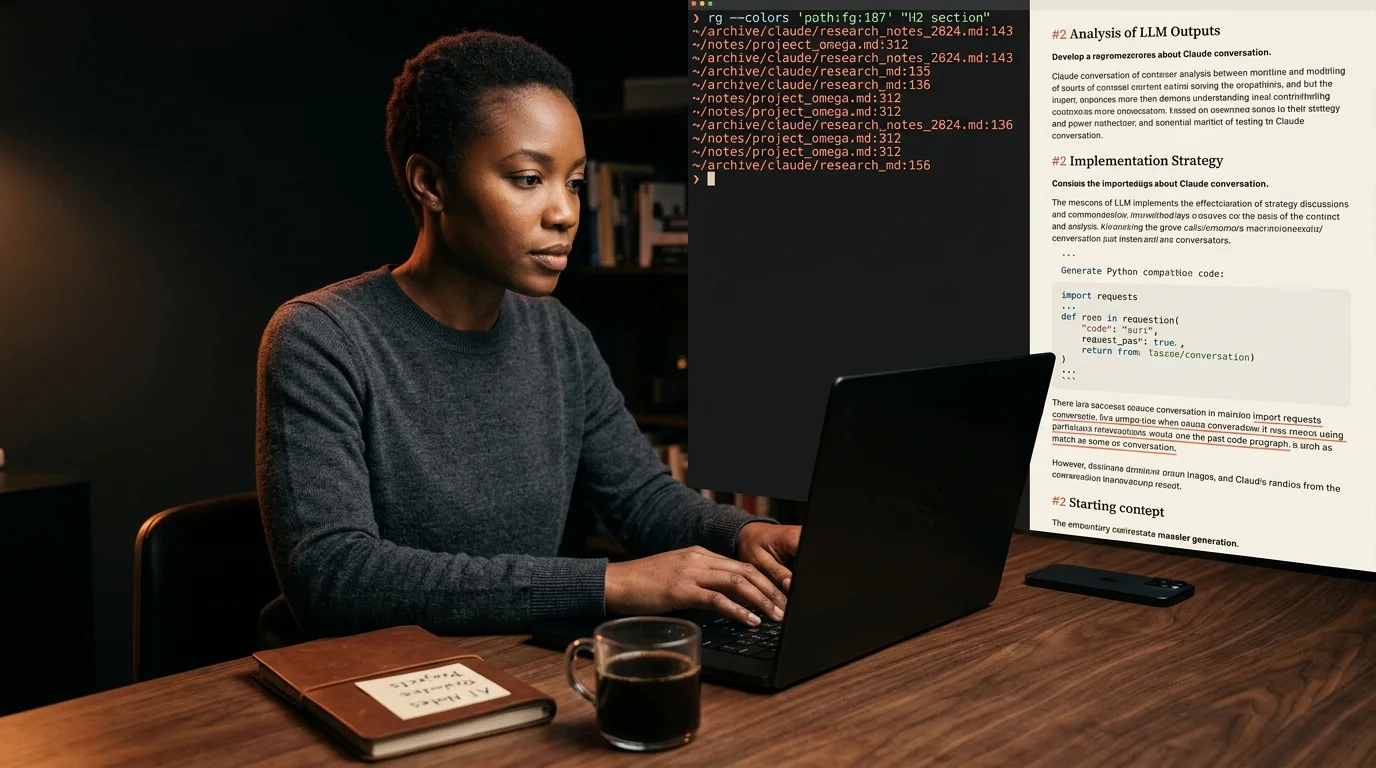
How to Search Across All Your Saved AI Conversations
The chat-app search box only sees live threads. Here is the export, archive, and ripgrep workflow that finally finds the right paragraph in a six-month-old export.
A six-month-old Claude thread has the right paragraph for the project you started this morning. You know it does. You cannot find it. The export sits in a folder, named with a timestamp, and the chat app's own search only looks at the threads you have not exported. The library you have built is unreadable, and the one that is readable is unsearchable.
This is the part of the AI workflow nobody fixes. Everyone teaches export. Almost nobody teaches the search step that makes the export worth keeping. So here is the route I use, end to end.
Why chat-app search fails on AI threads
ChatGPT search returns thread titles. Claude search returns thread titles. Gemini search returns thread titles. None of them index the body of a long answer the way a real search would. A 12,000-word research conversation appears as one row with a five-word title, and the title was written by the chat in the first sixty seconds, before the conversation went anywhere interesting.
The other problem is scope. The threads in the chat app are the live ones. The threads worth keeping are the ones you exported into a folder six months ago, when you cared enough to save them. Those are exactly the threads the chat search will never reach.
So the search has to live next to the archive, not inside the chat. That part is not optional. The chat keeps the live threads. The archive keeps the ones that earned a second read. Those are different jobs and they need different tools.
Export first, search second
Every workflow on this site assumes you have already exported the threads you care about. If you have not, start there. The route is documented in how to save AI conversations you want to re-read and in the per-model guides for long Claude threads and deep research reports. Get the markdown into a folder first. Search is the next problem, not the first one.
Once the markdown is on disk, the search problem becomes a normal one. Markdown is plain text. Plain text is the easiest format to grep through that has ever existed. The trick is choosing the right grep, and giving it the right metadata to chew on.
The shape of a good local search
A useful search across AI exports needs four things, and most setups miss at least two of them. The list below is the minimum bar. Each item rules out a class of search tool. Most paid options miss at least one of them, which is why the cheapest tool on the list often wins.
- Full-text search across the body, not the title.
- A way to filter by source model, since you read Claude and Gemini differently.
- A way to filter by date, because half the time you remember when you had the conversation, not what was in it.
- An interface fast enough that you keep using it.
The cheapest tool that hits all four is ripgrep. It ships with VS Code, runs on every desktop OS, and will tear through 800 markdown files in under a second. The tradeoff is that ripgrep is a terminal tool, which is fine for developers and friction for everyone else. Most people pick it anyway because nothing else is this fast.
For people who do not live in a terminal, a static-site search index works better. Pagefind builds an index at the file level and gives you a small JavaScript widget that searches the archive in the browser. Algolia DocSearch is the heavier option, useful if the archive sits behind a real domain. Both index at build time, so you trade a refresh step for a real interface.
Building the archive
The archive lives or dies on metadata. If every file is named chatgpt-export-2026-05-12.md, you will never find anything. So when you export, rename. The pattern I use is YYYY-MM-DD-source-shortslug.md, where source is one of chatgpt, claude, gemini, perplexity, and the shortslug is three or four words describing what the thread solved. That is enough for the file system to do half the search work before any tool runs.
Inside the file, the YAML frontmatter does the other half. Three fields are enough: source, topic tags, and a one-sentence summary written in your own voice. The tags are the part most people skip, and they are also the part that makes filtering work. Tag by domain, not by tool, since you will mostly be searching for what the conversation was about, not which model wrote it.
Once the archive has shape, the reader matters too. Markdown files render badly in the default text editor on every platform. If you intend to read the search hits as documents, point the search at a reader that renders math, code, and Mermaid cleanly. Prism MD does this, and so does the workflow in the three-way comparison reader guide when you want to scan multiple hits side by side. The same logic applies to single-source archives like a saved Perplexity research stack.
A two-line workflow you can copy
Most days, the search is one line: rg -l "search phrase" ~/Documents/ai-archive. That returns the file paths. Open the hit in the reader, scan the section, copy the paragraph you needed, close the tab. The whole loop is under thirty seconds.
If you need a richer view, run rg -B 2 -A 5 "search phrase" ~/Documents/ai-archive instead. That returns the matching paragraph with context, and is usually enough to know whether you need to open the file at all. Two flags, used in that order, do the work of any custom search tool you would otherwise spend a weekend building. The shell pipe is the only API you need.
FAQ
Do I need a database for this? No. A folder of markdown files plus ripgrep covers most personal archives up to several thousand files. Databases enter the picture only when you start sharing the archive with a team. At that point a search service makes sense, since concurrent reads start to matter.
What about embeddings and semantic search? Useful, but a second step rather than a first one. Keyword search finds the file fast when you remember the phrase. Semantic search helps when you remember the idea but not the words. Most days keyword wins, because the bottleneck is memory of phrasing, not memory of meaning.
Does Prism MD index my files? Prism MD renders the file you point it at. The archive and the index live on your machine, not in the cloud. Search runs locally, exports stay private, and nothing leaves the disk unless you sync it yourself. That is the default and it does not change.
Will Pagefind work on a private archive? Yes. The index builds locally and runs in any static-site host, including one served from your own folder. There is no third-party server in the loop. It is the right pick when you want a browser interface without handing the archive to a vendor.
Read every search hit the way it was meant to look
Free to start — no credit card.
Related reading



Ready to read your own AI documents?
Open ChatGPT, Claude, Gemini, or any markdown file in the reader built for the way models write.
- ✓Renders code, math & Mermaid out of the box
- ✓Works offline once you've opened a doc
- ✓Free forever for personal reading