How to Archive AI Conversations for the Next Ten Years
A practical ten-year plan for keeping your ChatGPT, Claude, and Gemini conversations readable, searchable, and portable long after the original chat apps change.
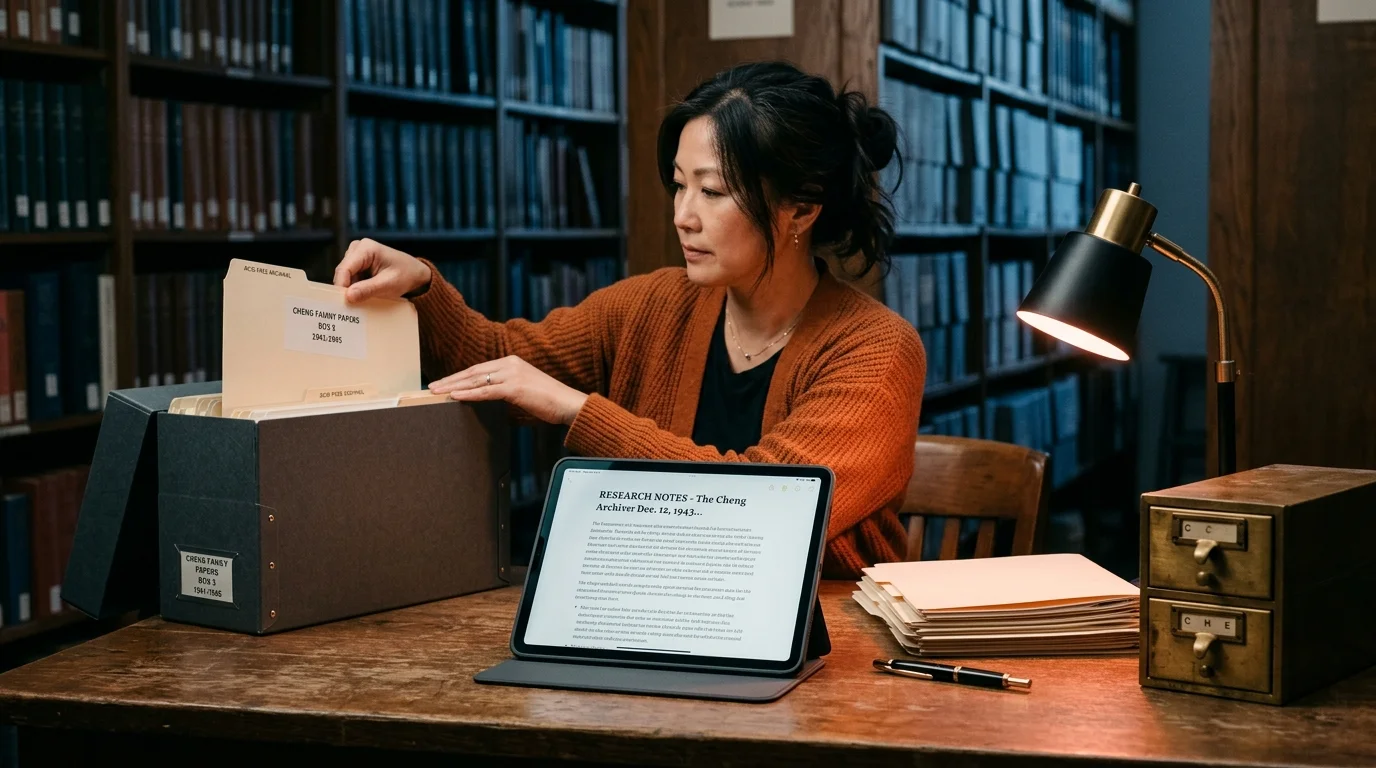
Your ChatGPT thread from last spring holds the exact reasoning behind a decision you now have to defend. You open the app. The conversation is gone. Retention rules changed, the account got reorganized, or an export you never made would have saved you. This happens constantly, and the fix is not "back things up." The fix is treating AI conversations like the primary source documents they are, and archiving them the way libraries archive letters. This guide covers a practical ten-year plan for keeping your AI conversations readable, searchable, and portable long after the original chat app changes, breaks, or disappears.
Why AI Conversations Rot Faster Than You Think
The typical AI conversation lives inside a proprietary web app, tied to an account, rendered by a client that updates weekly. Everything about that stack is fragile. Providers change retention windows. Accounts get merged, migrated, or locked out. Rendering quirks in code blocks and math get "fixed" in ways that break older threads. Even when your account is fine, the export format shifts, and a JSON dump from 2024 may not open cleanly in a 2028 tool.
Compare that to a plain text file from 1994, which still opens, still searches, and still prints on any machine you plug it into. That is the standard your archive should aim for, and it is not a nostalgic one. The Library of Congress publishes sustainability guidance for digital formats that spells this out clearly. Formats survive when they are open, well documented, widely implemented, and free of licensing traps. Markdown, plain text, PDF/A, and static images pass every test, while proprietary chat exports fail most of them.
The Three-Layer Archive
A durable AI conversation archive has three layers, and skipping any of them is where people get burned. The three layers work together, and together they cover every failure mode from a locked account to a broken future converter. Miss the raw layer and you lose authenticity. Miss the readable layer and the archive becomes a chore you avoid. Miss the index and you have a graveyard where you know the answer lives but cannot find it. The three layers, in order, are the raw export, the readable copy, and the index:
- Raw export. Whatever the provider gives you, JSON, HTML, or a zip bundle, keep it untouched. This is your primary source and your proof of authenticity.
- Readable copy. Convert each conversation to clean Markdown with a stable filename convention. This is the version you regularly read, search, and share across devices.
- Index. A single searchable catalog that maps every conversation to its topic, date, project, and the raw file it came from.
Treat each layer as write-once at the file level. Update the index when you add a conversation, but never edit the raw or readable copies after the fact. If you need to add commentary, put it in a companion .notes.md file next to the original. Keeping the source clean is what makes the archive trustworthy years later, when you cannot remember which edits were yours and which came from the model. For a related workflow that pairs well with this discipline, see our guide on version-controlling AI conversations with Git.
File Structure and Formats That Age Well
Filenames are the interface to your archive for the next decade, so pick a boring, sortable format and never change it. A pattern that ages well is YYYY-MM-DD-provider-short-slug.md, for example 2026-08-10-claude-supabase-rls-debug.md. Dates sort correctly, providers are grouped when needed, and the slug gives you a human hook. Folder structure should follow how you work, not how the provider organized things. Group by project, client, or year, whichever matches how you will search later. If you catch yourself building a five-level hierarchy, stop, because two levels covers almost every case and a good full-text search covers the rest. For more on project-based organization see our guide on organizing AI conversations by project.
Stick to formats with decades of proven longevity. Markdown for the readable layer, plain UTF-8 text for anything Markdown cannot cleanly represent, PDF/A for anything you need to snapshot exactly as it appeared, and original PNG or JPEG for embedded images. Avoid anything that requires a specific app to open. That includes Notion pages, Obsidian vaults with plugin-dependent rendering, and any format that ends in a version number nobody outside the vendor uses. If your future self needs to install three tools before reading a conversation, the archive has already failed. Prism MD leans on this principle by rendering standard Markdown, KaTeX, and Mermaid without lock-in, so the same file works in your archive and in the reader.
Backups and a Searchable Index
The 3-2-1 rule from professional data management applies cleanly here. Keep three copies of your archive, on two different media, with one copy off-site. In practice that means the archive lives on your working machine, on a local external drive, and in a cloud sync folder or a second cloud provider. Encrypt the cloud copy, because AI conversations often contain code snippets, client names, medical questions, and personal reasoning you would not want a random support engineer skimming. A single encrypted archive file per year, unlocked only when you need to restore, is a reasonable middle ground between paranoia and convenience. The Digital Preservation Coalition handbook covers the full theory if you want to go deeper.
The index is the difference between an archive and a graveyard. The simplest working version is a single INDEX.md file at the root of the archive with one line per conversation: date, provider, topic, tags, path. Update it every time you add a conversation, or script the update from Markdown frontmatter if the manual version wears thin. For heavier use, add full-text search on top. Tools like ripgrep search a thousand Markdown files in under a second, and they keep working long after any hosted search service pivots. If you want a richer experience with tag filters and previews, our guide to searching across all your saved AI conversations walks through the setup.
Start This Week
Start small and build the habit before you build the system. Export the last month of conversations from every AI tool you use, convert them to Markdown with a consistent filename pattern, and drop them into a single folder called ai-archive. Add an INDEX.md with one line per file, sync the folder to your cloud of choice, and copy it once to an external drive. That is a working archive, and everything after that is refinement. Once the habit is in place, you can add automation, better tagging, encryption, and periodic integrity checks. Skip the habit, and no amount of tooling will save you.
Put a recurring calendar entry on Friday afternoons for fifteen minutes of archive maintenance. In that window you export the week, drop the files into the folder, update the index, and confirm the cloud sync ran. Fifteen minutes a week is roughly thirteen hours a year, which is a rounding error compared to the time you will lose hunting for a single lost conversation. The people who keep useful archives are the ones who make the ritual boring and repeatable, not the ones who build the fanciest system. Set the reminder now, before you close this tab, because the archive that never starts is the one you will regret first.
FAQ
How often should I export from live AI apps?
Once a week for active projects, once a month for everything else. Providers occasionally change what they retain and for how long, and a weekly cadence means you never lose more than seven days if something breaks on the provider side. If you rely heavily on a single tool, consider a daily export for that one and a weekly cadence for the rest. Set a calendar reminder so the ritual survives busy weeks.
Do I need to keep the raw JSON exports if I have clean Markdown?
Yes, both layers earn their keep. The Markdown is for reading, and the JSON is your proof of authenticity and your fallback when a future tool can extract things the current converter missed. Storage is cheap and regret is not, so err on the side of keeping both. A single zipped folder of raw exports per year keeps the noise down without losing the source.
Should I include AI conversations in my regular document backups?
Include them, but treat them as their own logical archive with its own index. Mixing them into a generic Documents folder makes them impossible to find later, and it complicates any future migration to a dedicated archive tool. Give the folder a distinctive name like ai-archive and keep it at the root of your Documents tree. That way any future tool can point at one path and pick everything up.
What about conversations with sensitive client or personal data?
Encrypt those conversations at the file level before they leave your working machine. Use a well known tool like age or GPG, keep the passphrase in a password manager, and note in your index that the file is encrypted so future you does not waste time trying to grep it. If a client requires it, keep a separate encrypted archive per client and hand over the key when the engagement ends. That leaves a clean paper trail and no lingering copies you have to remember to purge.
Read your AI archive the way it deserves.
Free to start — no credit card.
Related reading


Ready to read your own AI documents?
Open ChatGPT, Claude, Gemini, or any markdown file in the reader built for the way models write.
- ✓Renders code, math & Mermaid out of the box
- ✓Works offline once you've opened a doc
- ✓Free forever for personal reading