How to read Manus AI agent transcripts without losing your place
Manus AI agent transcripts get long fast and skim badly in the browser. Here is a saner way to read them with markdown, math, and mermaid support.
Manus is an agent, not a chatbot. Ask it to plan a trip, refactor a repo, or draft a market report and it will spin up a long transcript full of tool calls, browser screenshots, file writes, and status messages. Reading that transcript back later, once you need the reasoning again, is where most people give up. The scrollback is huge, the collapsible sections eat your keyboard shortcuts, and the browser tab crashes when you try to hit Cmd+F.
This guide is for anyone who runs Manus regularly and wants to keep the outputs somewhere sane. I use the same pattern for Claude agent runs and Perplexity deep research, so once you set it up once, it scales across every agent product you use. The core idea is to get the transcript out of the browser and into a file. From there you pick a reader that respects markdown and stays out of your way.
Why Manus transcripts get long fast
A Manus run is not one answer. It is a sequence of steps: a plan, a browser action, a shell command, a file edit, a new plan, another action. Every step carries its own log line, and the interesting reasoning is buried between them. When the run finishes, you get a summary at the top and hundreds of blocks below. If you close the tab and come back the next day, you are re-scrolling through low-signal noise to find the one insight you wanted to save.
Long transcripts also fight your attention. Most browsers throttle sticky scroll performance past a few thousand DOM nodes. Fonts render poorly at small sizes on high-DPI monitors, and code blocks reflow every time you resize the window. None of that is fixable inside Manus itself, which is why the export step is not optional if you plan to reread the work.
Export the transcript to markdown
Manus lets you share a public link to any run, and the underlying content is already structured. The cleanest path is to copy the transcript out as markdown and keep it in a folder alongside your other agent outputs. Use the browser's Reader Mode or a browser extension to strip the chrome, then paste into a plain text file. You want one file per run, named with the date and a slug that describes the task.
Once it lives on disk, the transcript stops being tied to your Manus account. You can grep it, diff it against a re-run, and back it up alongside the rest of your notes. That last part matters more than people expect: agent products change providers and sunset old runs, and I have already lost transcripts from two shutdown platforms. Local markdown is the only format that survives that kind of churn.
Read the transcript in a dedicated reader
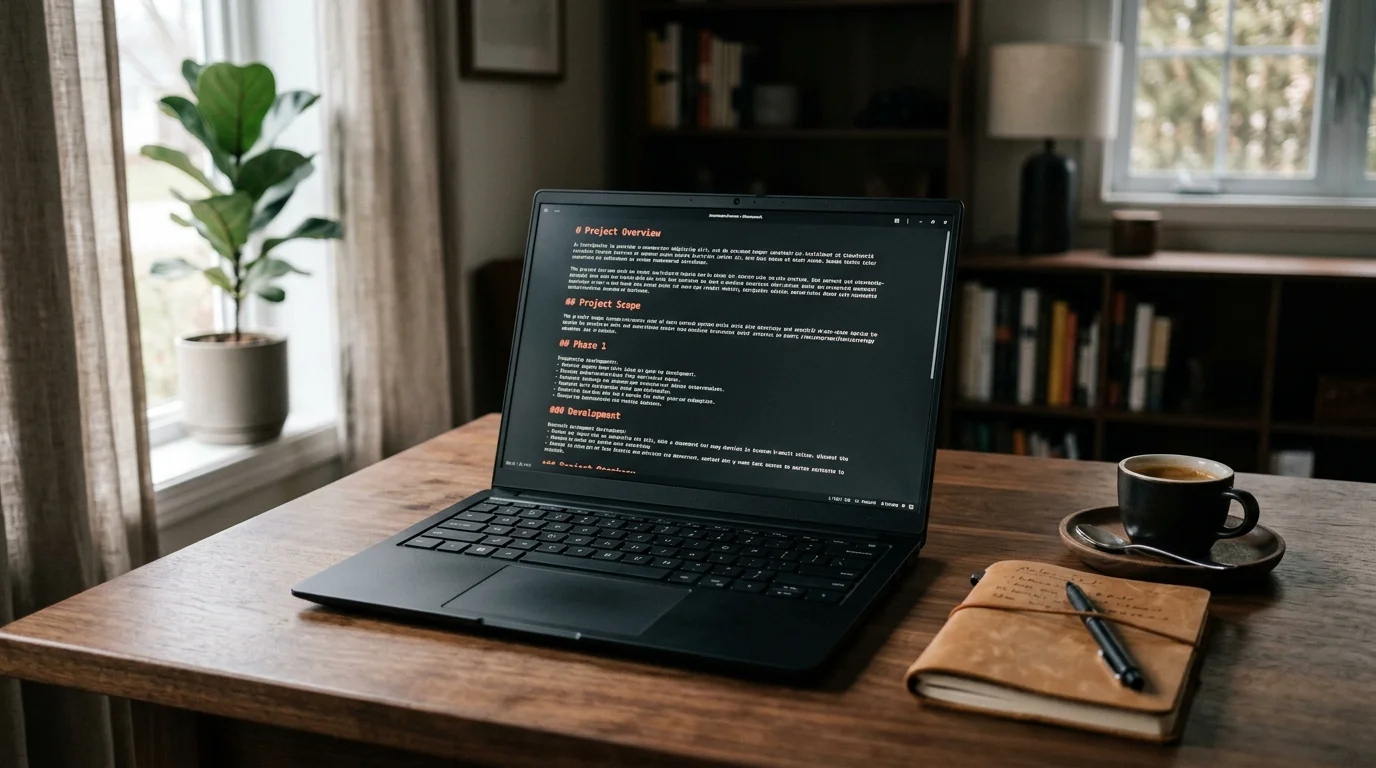
Reading a 12,000 word agent transcript in a text editor is possible but joyless. A dedicated markdown reader gives you proper typography, syntax highlighting for the code blocks Manus emits, and rendered math or diagrams when the agent produces them. Prism MD was built for this exact case, and the render pipeline handles KaTeX and Mermaid inline so you can read a research plan and its diagrams in the same view. That combination matters when the agent has drawn an architecture diagram or worked through equations in a research task.
The advantage over Notion or Obsidian for this specific job is that you are not indexing or linking. You are reading a one-off document, once or twice, then archiving it. A reader with a table of contents, keyboard navigation, and a comfortable line length beats a full knowledge tool for that job every time. Save the heavier tools for the notes you want to keep forever.
Skim by tool call, not by scroll
The trick to reading long agent runs quickly is skipping straight to the tool calls. Every meaningful decision Manus makes lives at a boundary: right before a shell command, right after a browser action, or in the retry after a failure. If you jump directly to those boundaries, you can compress a 40-minute read into 6 minutes. The rest is confirmation and can be scanned later if the summary raises a question. Here is a practical checklist for skimming a Manus run:
- Jump to the first plan block and read it fully.
- Skip to every failure or retry. Those are where the agent revised its thinking.
- Read the final summary and compare it against the first plan.
- Copy the code, file diffs, or citations you want to keep.
I keep a running notes file where I paste the useful bits from every run. Over time it becomes a searchable second brain of agent output, which is why my saved-conversations search workflow matters more than any specific reader. The notes file is where I go first when I remember an insight but not the run it came from. The reader is where I go when I want to reread the original in full.
Extracting the parts you keep
Not every Manus run is worth saving in full. Most of the value is in three things: the final artifact, the plan the agent settled on, and any citation or link the browser tool surfaced. Everything else is process noise. Once you have read the transcript, run a quick pass to pull the action items and citations into a separate note.
I do this the same day the run finishes, while I still remember what I was trying to learn. Waiting a week makes it harder to tell signal from noise, and you end up saving everything or nothing. See also the official Manus product page for the latest export options, which have changed twice this year. Their team has been shipping quickly and the export flow is worth re-checking every few months.
FAQ
Can I read Manus transcripts offline?
Yes, once you export them to markdown. Any reader that opens local .md files will work, and Prism MD keeps recent files cached for airplane and subway reading. The transcript is text and code fences, so there is no runtime dependency on the Manus servers. That is the whole point of getting the file onto your disk.
Do agent transcripts include the browser screenshots?
The public share link usually strips screenshots. If you need them, save the run from inside your Manus dashboard while it is still hot and download the assets separately. Screenshots also do not survive a markdown export cleanly. Reference them by filename in your notes if you need them for context later.
How long does a typical Manus run get?
A ten-minute run produces roughly 3,000 to 8,000 words of transcript once you strip the UI. Longer autonomous tasks can pass 20,000 words easily, which is where the browser tab starts to lag. The exact size depends on how chatty the tool calls are. Web browsing tasks tend to be the longest because every page load is logged.
Is there an API to export runs programmatically?
Not officially at the time of writing. Most people script the public share link, save the HTML, and convert to markdown with a headless browser and pandoc. That workflow is brittle when the Manus HTML changes. A first-party export API would fix it, and it is the top feature request in their community.
Read your agent transcripts in Prism MD
Free to start — no credit card.
Related reading



Ready to read your own AI documents?
Open ChatGPT, Claude, Gemini, or any markdown file in the reader built for the way models write.
- ✓Renders code, math & Mermaid out of the box
- ✓Works offline once you've opened a doc
- ✓Free forever for personal reading