
How to Speed Read Long AI Answers Without Losing the Substance
Long ChatGPT and Claude answers reward readers who switch modes. Four speed reading techniques for AI output: skeleton skim, RSVP, pointer, reverse read.
Long AI answers are not written for skimming. A single Claude reply can run past 3,000 words with nested lists, code blocks, and callouts. Reading it linearly at your normal pace burns focus you needed for the real thinking that comes after. Speed reading long AI answers is a specific skill, closer to reviewing a legal brief than powering through a novel. It rewards the reader who knows where the substance lives and where the padding hides. Getting good at this changes how much you can pull out of a heavy research session in one sitting.
This guide covers four techniques that work well on AI output specifically. Each one takes advantage of how large language models structure their responses. Some rely on typography, others on eye movement, others on the shape of the answer itself. The point is not to read faster in general. It is to spend your attention on the parts that change your mind rather than on the parts that pad word count.
Skim The Skeleton First
The first pass through a long AI answer should be structural, not semantic. Scroll top to bottom in about fifteen seconds. Read only the H2 headings, the first sentence of each paragraph, and any bolded phrases. You are building a mental table of contents before you commit to the body. Once the skeleton is in your head, the second pass moves five times faster because you know what you are looking for.
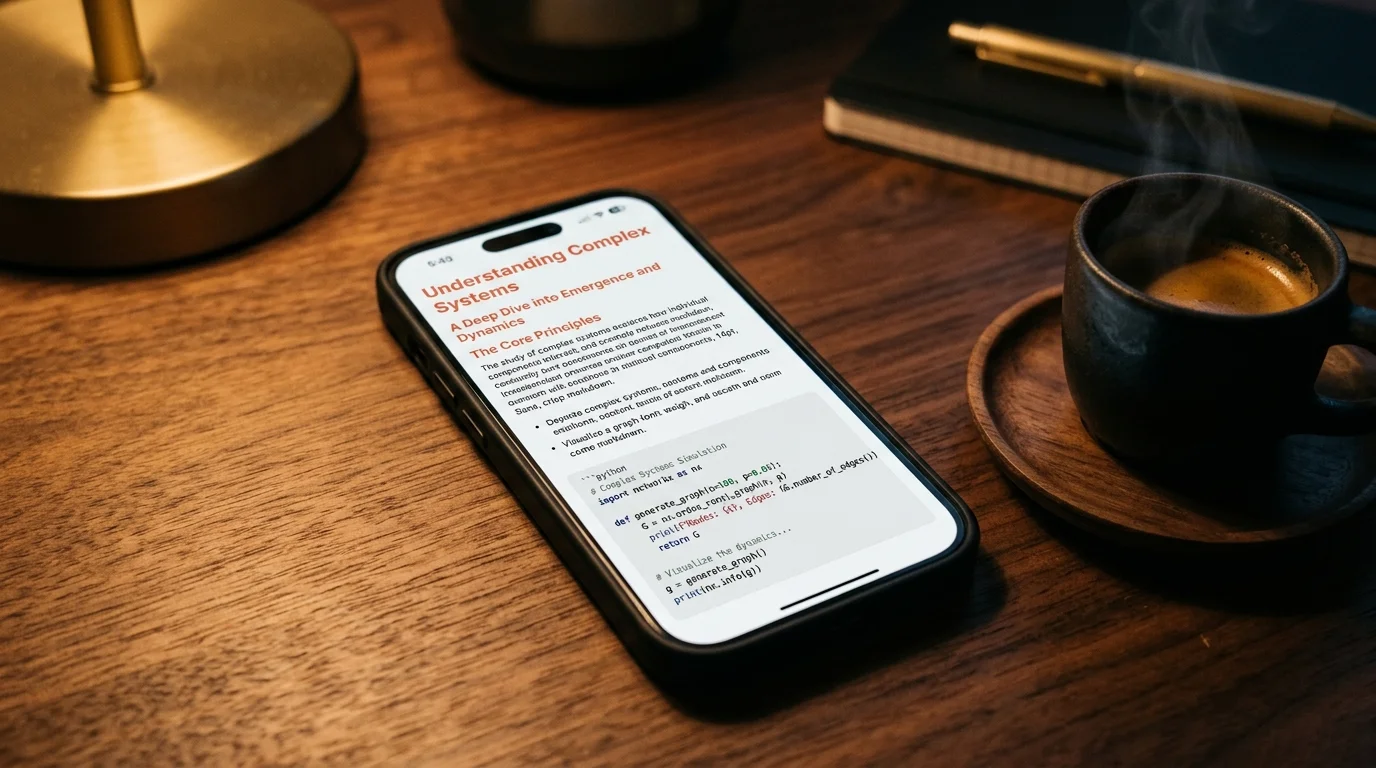
Most AI answers follow a predictable shape: framing, options, recommendation, caveats. Once you see the skeleton you know which sections deserve attention and which are throat-clearing. This is the same technique lawyers use on discovery documents and analysts use on ten-K filings. It works even better on AI text because the structure is more regular than human writing. A good markdown reader helps here because typography makes the skeleton visible, and if your reader collapses headings into a table of contents, use it. Our guide to why AI markdown deserves better typography covers what to look for in a reader that supports this pass.
Use RSVP For Dense Prose Sections
Rapid Serial Visual Presentation shows one word at a time in a fixed position on screen. Your eyes stop saccading across lines, which is where most reading time goes. At 400 to 600 words per minute, RSVP feels uncomfortable for the first minute and then becomes strangely calm. Spritz pioneered the technique and there are free browser extensions that apply it to any highlighted text. Anyone who has done a week of RSVP practice will read normal text a bit faster too, because saccade discipline carries over.
RSVP works best on paragraphs of connected prose. It falls apart on code blocks, tables, and math because those need spatial layout to make sense. The right workflow is to skim the skeleton, spot the dense prose sections, and RSVP those specifically. Skip past code and diagrams to read them normally. One warning: retention drops if you RSVP something you need to remember precisely, so use it for orientation and gist and slow down for anything you plan to act on.
Pointer Reading For Code And Comparison Tables
When the AI dumps a comparison table or a multi-file code block, your eyes will jump around trying to find the delta. This is where a physical pointer helps, even on a touchscreen. Drag your finger or cursor row by row, forcing linear scanning. It sounds childish. It is faster than the alternative because it kills the involuntary saccades that spatial layout invites.
The pointer technique also works on numbered lists of options, which AI models produce constantly. Slide down the list once at pointer speed, note which option numbers matter, then re-read only those. If you are comparing outputs across models, our post on comparing ChatGPT, Claude, and Gemini answers covers a diff-based workflow that pairs well with pointer scanning. For long code samples, the pointer becomes a line-by-line marker: read the function signatures at pointer speed and slow down on the body only if the signature suggests something non-obvious.
Reverse Read The Recommendation First
The last technique is counterintuitive. Jump to the final section of the answer before reading the rest. AI models are trained to bury the real recommendation under a mountain of context, hedges, and options. If you read the recommendation first, the earlier sections become verification rather than exploration. This flips the reading task from open-ended to closed, and closed tasks are always faster.
Look for the last H2 titled something like Conclusion, Summary, Recommendation, or Next Steps. Read that section normally, then scan the middle sections only if the recommendation depends on assumptions you want to check. This cuts reading time on many long answers by more than half. It is especially useful for deep research reports, which can run past 8,000 words, and our guide on reading deep research reports walks through the specific shape those take. Reverse reading also protects you from being anchored by the model's framing, which tends to steer the reader toward a specific option before the tradeoffs get laid out.
When Not To Speed Read
Speed reading is a tool, not a default mode. There are cases where it costs you more than it saves, and knowing which is which is more valuable than any single technique in this post. The following list covers the situations where slowing down pays for itself many times over. Treat this as a checklist you run before you decide to sprint through a long answer:
- Legal, medical, or financial advice from AI where a single clause changes the meaning.
- Long reasoning chains where the model shows its work and each step matters.
- Creative writing or roleplay where pacing is part of the point.
- First-time exposure to an unfamiliar technical topic where you need every definition.
For those, read normally at whatever pace feels comfortable. Speed reading long AI answers is about matching your reading mode to the content type. The wins come from picking the right mode for the section in front of you, not from always going fast. Treat mode selection as the core skill and the specific techniques as tactics under it. A reader who switches modes fluidly will beat one who always sprints, and will get less tired doing it.
FAQ
How fast can I read AI output without losing comprehension? Most readers hit 400 to 500 words per minute on skimming and 600 to 800 on RSVP without losing gist. Comprehension of specifics drops above 500 wpm even with practice, so treat those numbers as ceilings for orientation passes and not for careful reading. If you are trying to memorize or cite the material, cut those numbers in half. Anything above 800 wpm is a demo, not a workflow.
Does speed reading work on AI answers in other languages? RSVP works in any language with word boundaries. Skimming the skeleton works for any well-structured markdown regardless of language, because headings and bold text carry the structure. Character-based languages like Chinese and Japanese need a slower RSVP rate because each glyph carries more information per unit of screen time. Reverse reading works everywhere because it depends on document shape, not word count.
Should I use text-to-speech instead of speed reading? TTS is a different mode from speed reading and covers a different use case. It is better for passive intake while you do something else, such as commuting or walking or cooking. Our post on listening to AI conversations with TTS covers when to reach for audio instead of visual reading. Most power users end up using both, picking mode by context rather than defaulting to one.
What is the biggest mistake speed readers make on AI text? Applying RSVP to code blocks and math sections. Those need spatial layout to parse, and pushing them through a one-word window destroys comprehension. Skip them when speed reading and read them normally at your usual pace. The same warning applies to ASCII diagrams and any table wider than three columns.
Read your long AI answers in a reader built for skimming
Free to start — no credit card.
Related reading


Ready to read your own AI documents?
Open ChatGPT, Claude, Gemini, or any markdown file in the reader built for the way models write.
- ✓Renders code, math & Mermaid out of the box
- ✓Works offline once you've opened a doc
- ✓Free forever for personal reading