
How to Read Poe Conversations
Poe conversations sprawl across GPT, Claude, Llama, and community bots. Here is the export workflow that turns a messy Poe thread into a real archive.
Poe is one of the strangest AI platforms to export from. It hosts dozens of models under one roof, from GPT and Claude to Llama and community bots, and every chat lives inside Quora's proprietary shell. When you finally pull a thread out of Poe, the raw markdown is a mess of half broken code fences, orphaned image tags, and bot handles that look nothing like the models people expect. Reading a long Poe conversation in the app itself is fine on a phone, but on a laptop or tablet it starts to feel cramped, and the mobile web view drops rendering on math and diagrams entirely. This post covers the workflow that makes Poe transcripts pleasant to reread, quote, and archive.
Why Poe exports feel broken
Poe was never designed around long form reading. The product optimizes for quick bot swapping and short back and forth, so its export format reflects that. Each message ships with a lot of Quora metadata, the bot identity is buried in a footer instead of a proper role marker, and any inline image is a raw signed URL that expires within days. If you have ever tried to paste a Poe chat into Notion and watched half the formatting collapse, you already know the shape of the problem. Long threads with a mix of GPT 4.1, Claude 4.7, and a community roleplay bot are the worst offenders because each bot has its own quirks around code blocks and lists.
The other issue is that Poe conversations tend to sprawl across models. A user starts on a fast Haiku style bot, escalates to a reasoning model for a hard section, then jumps back to a general chat bot for follow up. The resulting transcript is genuinely interesting research material, but the app throws it all into one visual stream with no clean way to see which model produced which answer. A proper reader restores that context and makes the conversation useful again. Without that context, a long Poe thread becomes noise within a week.
Getting a clean export out of Poe
Poe has two export paths and only one of them survives contact with a real markdown pipeline. The share link route produces a public web page that Poe controls, which is fine for showing someone a single answer but useless for archiving. The better route is the built in export in the three dot menu, which downloads the full thread as text. Save that file with a clear name, something like poe-2026-07-03-market-research.md, and treat it as your source of truth. If you plan to reread the same thread often, drop it into a folder alongside your other AI transcripts and keep the raw file untouched so you can reprocess it later.
Before you open the transcript in a proper reader, run through a short cleanup pass. The steps are small, each one takes seconds, and doing them the same way every time keeps your archive coherent instead of turning it into a graveyard of half formatted threads. Skip this pass and future you will spend twenty minutes untangling formatting instead of reading the conversation. The list is short on purpose, since anything longer would not get done:
- Convert bot handles like Sage or Assistant to real model names.
- Strip the Quora footer that gets appended to every message.
- Download any inline images locally and rewrite the URLs.
- Add a top matter block with the date, topic, and models used.
This is the same pattern that shows up when you read Claude conversations offline on Android, and the same discipline applies to any closed AI platform. Do it once, do it the same way every time, and the archive stays useful for years. The alternative is a folder full of unreadable text files that you never open again. That is the quiet failure mode of most personal AI archives, and the cleanup pass is the small piece of hygiene that avoids it.
Rendering Poe threads the way they deserve
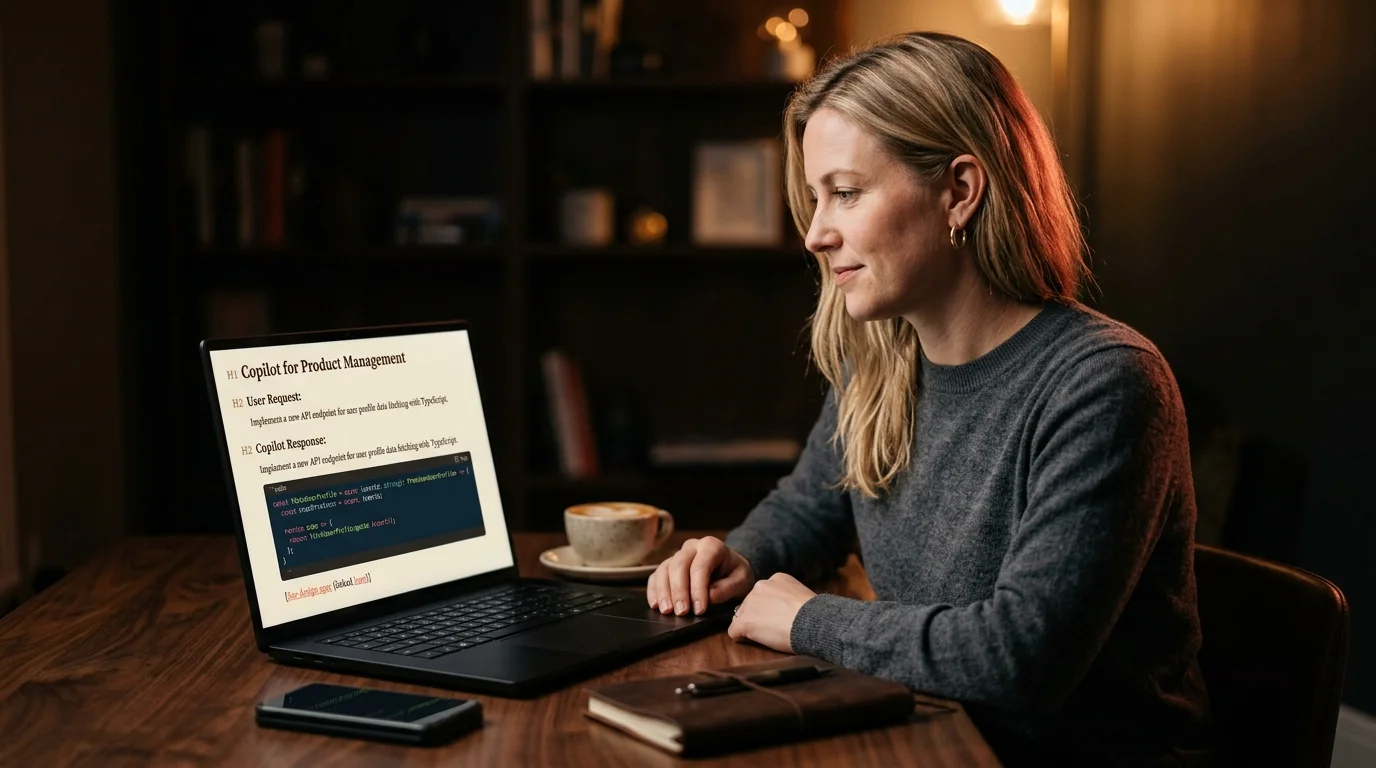
Once the file is clean, open it in a reader built for AI output. Prism MD renders Poe transcripts with the same editorial typography it uses for ChatGPT or Claude exports, which means proper serif body text, coral accents for links, real KaTeX math, and Mermaid diagrams that draw correctly. Long code blocks get syntax highlighting instead of the flat grey box Poe ships in the app. Multi bot threads get clear role markers so you can see at a glance which model produced which paragraph, which is critical when you are trying to compare answers across models the way you would when you compare ChatGPT, Claude, and Gemini answers side by side.
The visual difference matters more than it sounds. Poe conversations are often the raw material for research, product decisions, or writing, and reading them in a cramped chat UI trains you to skim. Reading them in an editorial layout trains you to think again. A three thousand word Poe thread on market sizing reads like a Monocle feature instead of a chat log, and the details you would have skipped in the app start to land. That shift alone tends to justify the small effort of exporting in the first place.
A workflow that scales past one thread
If Poe is a serious part of how you work, one clean export is not enough. Build a small routine around it. Export any thread you might revisit, name it by date and topic, and drop it in a single archive folder. Once a week, open the folder in your reader and skim what you saved. The good threads get tagged and kept, the throwaway ones get deleted, and the ones with reusable prompts get pulled into a snippet file for later.
The archive itself becomes more valuable than any single chat. This is the same discipline that makes it easy to search saved AI conversations months later, and it pays off whenever a client asks how you reached a decision. Poe threads age better than you would expect if you give them a real filing system. The moment you can pull up a six month old Poe conversation and quote from it precisely, the platform becomes a research tool instead of a chat toy. That is the difference between using Poe and getting compounding value out of it.
FAQ
Can Prism MD import Poe exports directly?
Yes. Drop the exported markdown file into Prism MD and it renders immediately. No manual reformatting is needed for standard threads, though threads with expired image URLs will show placeholders where the images used to be. For threads with heavy custom bot metadata, a quick pass through find and replace cleans things up in under a minute.
Does Poe export preserve which bot said what?
Partially. The export keeps role markers, but bot identities are written as display names, not model names. Rewriting Sage or Assistant to the real model is a five second find and replace and makes the transcript much more useful later. If you rely on this often, keep a small mapping file of display names to models so the rewrite is consistent across your archive.
What about Poe conversations with community bots?
Community bot output exports the same as first party bots. The prompt engineering behind the bot is not included, which is intentional on Poe's side, but the conversation itself comes through cleanly. If a community bot uses custom system instructions that shape its voice, you will only see the effects in the output, not the instructions themselves. Note that in your archive so future you understands the context.
Is there a way to auto sync Poe to Prism MD?
Not today. Poe does not expose a public API for chat history, so the workflow is a manual export. This matches the pattern for most closed AI platforms, and the friction is small once the folder structure is in place. If Poe ever opens an API, a sync layer becomes a one afternoon project, but until then the manual export is the reliable path.
Turn your Poe exports into a real research archive
Free to start — no credit card.
Related reading


Ready to read your own AI documents?
Open ChatGPT, Claude, Gemini, or any markdown file in the reader built for the way models write.
- ✓Renders code, math & Mermaid out of the box
- ✓Works offline once you've opened a doc
- ✓Free forever for personal reading