How to Read Multimodal AI Conversations With Images and Screenshots
Multimodal AI conversations mix text, code, and images. Here is how to read them without losing context, references, or the flow of the answer.
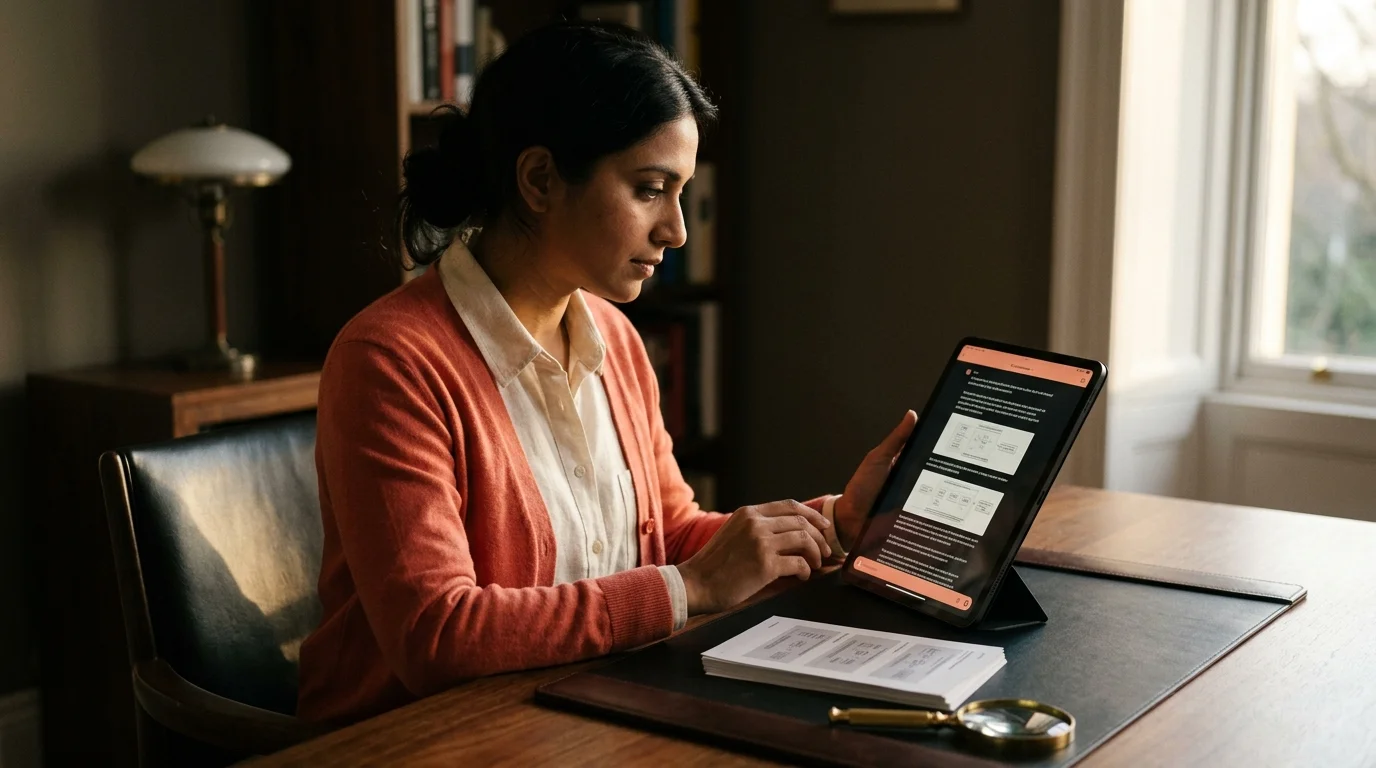
Modern AI chats are not text anymore. You paste a screenshot of an error, the model annotates it. You upload a design mockup, it critiques the button spacing. You feed it a photo of a whiteboard, it turns your scrawl into meeting notes. By the time you export the conversation, half the meaning lives in the images. Then you open the export in a plain markdown reader and every picture is a link that goes nowhere, or a tiny thumbnail with no caption. The reading experience falls apart precisely where the reasoning got interesting.
I have been running this problem for a year across ChatGPT, Claude, and Gemini exports. The fix is not one thing. It is a small set of habits and a reader that treats images as first class content, not decoration. Here is what works when you sit down to reread a long multimodal AI answer without losing the thread.
The problem with multimodal exports
Most chat products let you export a conversation as markdown or HTML. What they do not do is bundle the images properly. ChatGPT's export ships images as separate files with hash names inside a zip. Claude's export inlines them as base64 blobs that break in some readers. Gemini's export sometimes drops the image entirely and keeps only the caption the model wrote about it. Then there is Perplexity, which stores your uploaded screenshots on their CDN and expires the links after a while, so a conversation you exported three months ago has invisible holes today.
This is not a small annoyance. If you asked the model to compare two versions of a chart and half the images are gone, the answer reads like nonsense. You cannot follow "the second panel shows a clear inversion" when there is no second panel. A good reading workflow starts with fixing the export before you settle in to read. Related reading: how to save AI conversations you want to reread covers the archive side of this in detail.
Keep images inline with the paragraph that called them
The single biggest quality of life fix is inline placement. When the model says "as you can see in the diagram above," the diagram needs to be one paragraph up, not floating at the top of the file or hidden inside a collapsible block. Prism MD, which is the reader I use, renders exported markdown with images inline at the exact point the source referenced them. That sounds trivial, but most readers either collect all images at the bottom or render them so large they push the referring paragraph off screen.
If you are stuck with a reader that gets this wrong, a workable fallback is to preprocess the export. Open it in a text editor, find each  reference, and drag it into the paragraph that talks about it. It takes five minutes for a thirty message conversation. The reading time you get back is worth ten of that.
Zoom, crop, and captions matter more than resolution
People obsess over image resolution in exports. The real problem is almost never resolution. It is that a screenshot of a full IDE window is unreadable at column width, and you cannot tell what the model was pointing at. What you want is a reader that lets you tap or click any image to zoom, and ideally one that preserves the crop the model was referencing.
A short list of what a serious multimodal reader should do with an inline image. These are not nice to have features. They are the difference between a reader you keep using for AI content and one you abandon after a week. The chat products themselves rarely get more than two of these right.
- Open it full width on tap without leaving the page.
- Preserve any caption the model wrote beneath it.
- Show the original filename or hash somewhere so you can search for it later.
- Let you copy the image out into a note app without losing the alt text.
None of this is exotic. It is what a decent PDF reader has done for twenty years. Chat products have not caught up. If you want the full argument for why AI output deserves better presentation, see why AI generated markdown deserves better typography. The image case is the same argument, one step further.
Reference chains: linking back to earlier images
The hardest multimodal conversations are the ones where the model keeps referring back to something you uploaded eight messages ago. "Going back to the original wireframe you shared," the model says, and now you are scrolling for a minute. In a good reader, that first image should be linkable and jumpable. In practice, almost none of the export formats give images stable IDs.
The workaround I use is manual anchors. When I export a long conversation I plan to reread, I open the markdown and add HTML anchors above each uploaded image, named for what the image shows. Something like <a id="original-wireframe"></a> above the paragraph, and then a link like [original wireframe](#original-wireframe) wherever the model refers to it later. This takes maybe two minutes for a long chat and turns navigation into a click instead of a scroll. It is the same trick that makes long Claude conversations readable, applied to images instead of section headings.
FAQ
Do I lose image quality when Prism MD renders an export? No. The reader shows each image at its native resolution and only downscales the inline preview to keep the page fast. When you tap or click, you get the full sized asset with no re-encoding. Exports that include high resolution originals stay high resolution end to end.
What about images the model itself generated, like Gemini's image outputs? Model generated images render the same way as ones you uploaded. If the export includes provenance metadata, that shows up under the image so you can tell the model made it rather than you. This matters when you go back later and want to reproduce or credit the source correctly. Treat it as free citation data.
Can I annotate images inside the conversation? Not directly in the reader today. The workflow I use is to export the conversation, open the image in a dedicated annotation tool like Excalidraw or macOS Preview, mark it up with arrows and circles, then reimport the annotated version in place. It is a small extra step but it keeps the annotation and the reasoning together in one file. Native inline annotation is on the roadmap for a later release.
Does this work offline? Yes, provided the export bundle contains the actual image files rather than remote CDN links. If your export uses CDN links you should download them once while online and rewrite the paths to point at the local copies. Otherwise you will hit invisible holes the moment you lose signal. A five minute prep session saves an hour of frustration on a plane.
Read multimodal AI conversations in a reader that keeps images with their paragraphs
Free to start — no credit card.
Related reading
Ready to read your own AI documents?
Open ChatGPT, Claude, Gemini, or any markdown file in the reader built for the way models write.
- ✓Renders code, math & Mermaid out of the box
- ✓Works offline once you've opened a doc
- ✓Free forever for personal reading