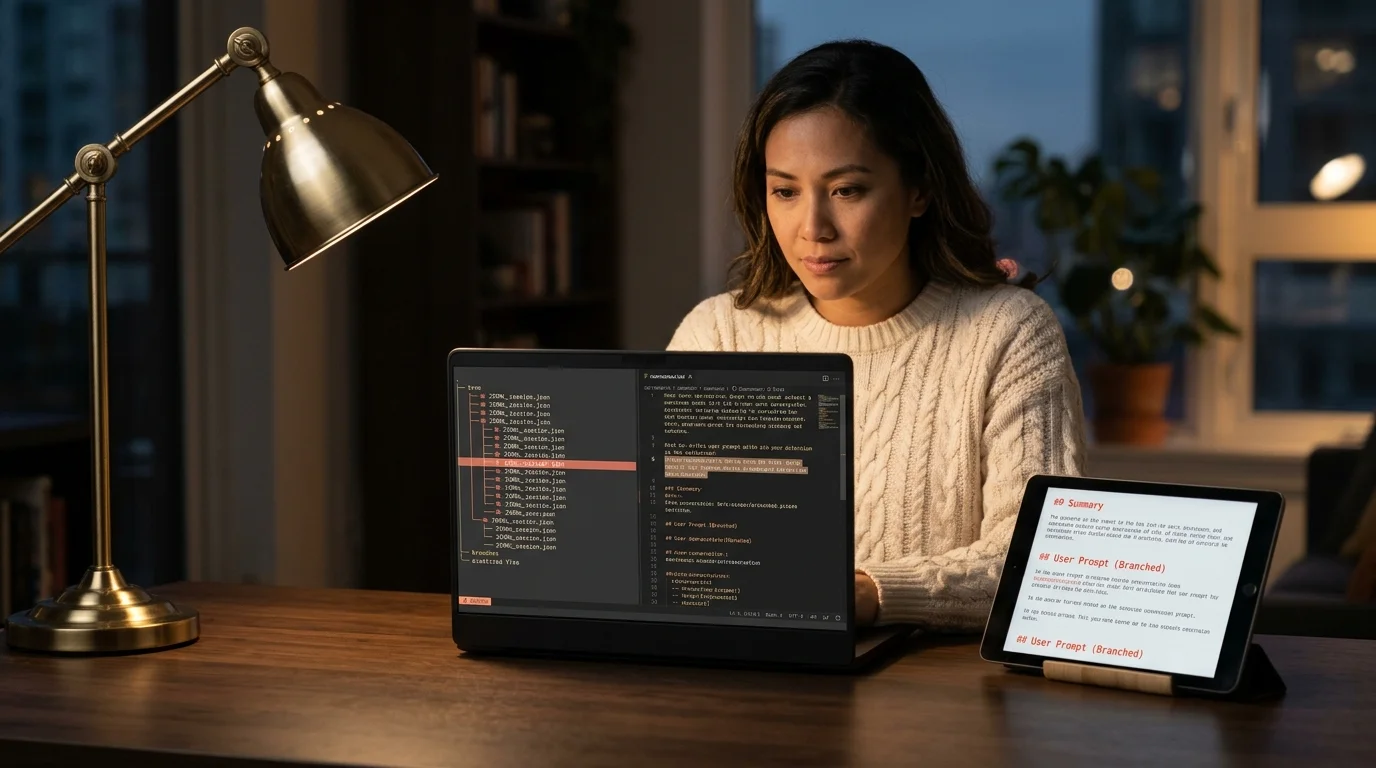
Codex CLI Branch Conversation: The 2026 Guide With Real Answers
Branch a Codex CLI conversation the right way in 2026: fork the JSONL, edit a past turn, resume cleanly. Exact commands, two gotchas, and a schema check.
The honest answer most tutorials skip: Codex CLI has no branch subcommand. There is no button, no flag, no interactive menu. Branching a conversation in 2026 means copying a JSONL file, truncating it at the turn you want to rewrite, and starting a fresh session against the copy. That is the whole trick. Everything below is the exact workflow, the two mistakes that will cost you an hour, and the schema check that keeps the resume from failing silently.
This guide assumes you already know where Codex writes its session files on disk. If not, our earlier walkthrough covers the exact file paths and JSONL layout in detail. The companion reading OpenAI Codex CLI chat history deep dive explains why the format exists in the first place. Keep both open in side tabs, because the paths and the event shape matter when the branch resume throws a parser error at 11pm and you have no idea which line killed it.
Why you would branch at all
Three situations come up again and again in day to day Codex work. First, you steered a session down a bad refactor and want to rewind four turns without losing the good context from the first ten. Second, you want to try two different implementations from the same starting point and compare diffs side by side without re-prompting. Third, you are debugging a tool-call sequence and need to replay from a specific prompt with one argument changed, which is impossible if you cannot rewrite history.
The ChatGPT web app handles all three cases with a small pencil icon on any past turn. Codex CLI does not expose that affordance at all. The state is on disk though, and the format is append-only JSONL, so branching is a file operation rather than a feature request. Once you accept that reframe, the workflow below is fifteen lines of shell and about sixty seconds per fork.
Before you start, scan this quick decision list. It tells you whether branching fits your real goal, or whether a simpler primitive gets you there faster with less risk. The wrong primitive costs ten minutes of file surgery for something that would have taken one command, so it pays to pause for five seconds here. Most teams discover that two out of three times they reach for a branch, a plain resume was the right move. The list below is ordered by how common the mistake is, with branching reserved for the case where no other tool fits:
- You want to try two paths from the same prompt and keep both: branch.
- You want to undo the last turn only: use
codex resumewith a truncated file. - You want to search across old sessions: see our Codex CLI search history guide instead.
- You want to pick up yesterday's session as-is: the plain resume session workflow is faster.
The 60 second branch workflow
Close the live Codex process first. This is not optional, because the CLI holds a write handle on the active JSONL and will clobber your edits on the next event. Confirm nothing is running with ps aux | grep codex before you touch a thing. On Windows use Task Manager or Get-Process codex in PowerShell. Skipping this check is the single most common reason a branch workflow produces garbage output on the first try.
Then run four commands in sequence. Adjust the date path to match the session you want to fork, and swap the UUID suffix for your real filename. The exact timestamp format is UTC with dashes instead of colons, so a session started at 09:22:11 lands as T09-22-11 in the filename. Confirm with ls -lt first if your clock is not on UTC, since the file does not use your local timezone.
cd ~/.codex/sessions/2026/11/15/
cp rollout-2026-11-15T09-22-11-abc123.jsonl rollout-branch-a.jsonl
wc -l rollout-branch-a.jsonl
# Count the lines, pick the user turn to edit, then:
head -n 42 rollout-branch-a.jsonl > rollout-branch-a.trimmed.jsonl
Open the trimmed file in your editor and rewrite the final line, which is the user turn you want to change. Preserve every top-level JSON field the CLI wrote, including timestamp, type, and role. Then start Codex against the branched file using whichever resume flag your release ships. On recent builds that is codex resume --session rollout-branch-a.trimmed.jsonl. On older builds you may need to copy the file into a new session directory and pass --continue. Both paths work, and the key invariant is that the CLI reads the JSONL as prior context and continues from your edited turn as if nothing came after.
The two gotchas that eat an afternoon
Schema drift is the first one. Every event line needs the same top-level keys the CLI emitted, in the order the parser expects. Delete a timestamp field by accident and the resume silently starts a blank session with no error message at all. Validate the trimmed file with jq -c '.' rollout-branch-a.trimmed.jsonl > /dev/null before you resume. If jq reports a parse error on any line, that line is the problem, and the fix is usually a missing comma or an unescaped quote inside a string value.
The second gotcha is tool-call pairing. Codex writes a tool-call event and a tool-result event as two separate lines. If you truncate between them, the next assistant turn sees an orphaned call and either hangs for sixty seconds or hallucinates a result that never happened. Always cut on a user-turn boundary, never mid tool-call pair. A one liner to find clean cut points: jq -r 'select(.type == "user_message") | input_line_number' rollout-branch-a.jsonl. Pipe that into less and pick a line number that corresponds to the turn you want to rewrite.
Version control the branches
Once you have two or three forks, loose JSONL files in a sessions directory get confusing fast. The fix is boring and works: initialize a git repo inside a mirror folder, commit every branch, and name branches by intent rather than by timestamp. This also gives you git bisect across your own conversation history, which is useful when you cannot remember which fork introduced the broken assistant behavior. OpenAI documents the broader CLI flag surface at platform.openai.com/docs if you want to double check which resume flag your version ships, since the names have shifted between 0.22 and 0.31 and the docs are the only authoritative source.
mkdir -p ~/codex-branches && cd ~/codex-branches
git init
cp ~/.codex/sessions/2026/11/15/rollout-*.jsonl ./base.jsonl
git add . && git commit -m "base session"
git checkout -b alt-refactor
# edit base.jsonl into your branched variant
git add . && git commit -m "alt refactor from turn 42"
With that layout, git log --oneline gives you a readable history of every branch, and git diff shows exactly which turn changed between forks. For teams running this pattern at scale, store the rendered markdown alongside the JSONL so reviewers can read the forks without needing a parser. The same git workflow applies to Claude Code transcripts if you work across both tools, since both ship as append-only JSONL under a known home directory path. One repo per project keeps the history scoped, and a nightly git gc keeps the repo size sane even after hundreds of forks.
Reading the branches like documents
Raw JSONL is unreadable, even with jq -r '.content', because that flattens turn ordering and loses the pairing between a user message and the shell command Codex ran in response. Render each branch to markdown once, then open it in a reader built for long AI output. Prism MD renders Codex transcripts with proper type scale, syntax-highlighted code blocks, rendered KaTeX math, and Mermaid diagrams where the assistant produced them. Files stay local, so API keys embedded inside your transcripts never leave the device. Three branches of the same session open in three tabs and diff visually in seconds, which is faster than any CLI-only workflow can match.
FAQ
Can I branch a Codex CLI conversation without copying the file?
No. The live JSONL is write-locked by the running CLI, and any inline edits get overwritten on the next event. Copy first, edit the copy, resume against the copy. There is no safe in place branch, and attempting one is the most common cause of silent data loss in this workflow.
Does branching preserve tool-call context?
Yes, as long as you cut on a user-turn boundary and keep the tool-call and tool-result pairs intact. Truncate mid-pair and the resumed session will hang or hallucinate a result. Use the jq one liner above to find clean cut points before you trim, and never eyeball line numbers for a session longer than ten turns.
What is the difference between branching and resuming?
Resuming continues the same session from its last turn without altering history. Branching forks the session at an earlier turn, rewrites that turn, and starts a new path from there. Resume keeps history intact. Branch rewrites it. Use resume for continuation, branch for experimentation.
Will OpenAI ever add a native branch command?
Unknown as of November 2026. The JSONL-on-disk architecture makes a native command easy to build, and community pressure is clearly there. Until then, the file workflow above is the supported path and costs about sixty seconds per branch once you have the four commands in muscle memory.
Read every Codex CLI branch as clean, searchable markdown.
Free to start — no credit card.
Related reading

Ready to read your own AI documents?
Open ChatGPT, Claude, Gemini, or any markdown file in the reader built for the way models write.
- ✓Renders code, math & Mermaid out of the box
- ✓Works offline once you've opened a doc
- ✓Free forever for personal reading