Codex CLI Resume Session: Pick Up Any Past Chat (2026 Guide)
How to resume a Codex CLI session by ID, list every past chat by date, avoid the two common resume mistakes, and keep tool call context intact.
Codex CLI has a short, well labeled resume path, but the resume flow breaks in two ways that most engineers only notice after they lose a thread of work. Picking up a past chat should be as simple as pointing Codex at a session file and continuing, and most of the time it is. The remaining fifteen percent is where this guide earns its keep. Below is a practical map of how to list every past session, how to resume cleanly by ID, how to recover from a cold start three weeks later, and what to do when the model has moved on since you last talked.
The commands below assume a default Codex CLI install on macOS or Linux, with sessions living under ~/.codex/sessions/. For a full tour of that directory, see our Codex CLI file paths guide. Swap ~ for %USERPROFILE% on Windows. The rest is identical, and every command in this post has been tested against the 2026 Codex CLI release train.
List every Codex session by date and project
The easiest way to find a session worth resuming is the filesystem itself. Each JSONL in ~/.codex/sessions/ is named with a UTC timestamp and a short session ID, which means a plain ls -1t ~/.codex/sessions/ | head -30 gives you the thirty most recent chats in reverse chronological order. That is often enough for "where was I yesterday" or "what did I run on Friday morning". For anything older than a week, pair it with modification time. Use stat -f "%Sm %N" -t "%Y-%m-%d %H:%M" ~/.codex/sessions/* | sort -r | head -40 on macOS or the GNU equivalent on Linux.
Three quick listings are worth aliasing into your shell so the common cases become single words. The first is a recency list, the second is a same day list, the third is a prior week list. Each one is a thin wrapper around a standard shell utility, so there is nothing to install. Keep them in your dotfiles and they survive machine moves with no extra work:
codex-recentrunsls -1t ~/.codex/sessions/ | head -30for the last thirty sessions.codex-todayrunsfind ~/.codex/sessions/ -mtime -1for anything from the past twenty four hours.codex-weekrunsfind ~/.codex/sessions/ -mtime -7 | sort -rfor the full prior week.
A second useful listing axis is the project each session ran in. Codex records the working directory inside the first few events of every JSONL, which means you can filter on it. A one line rg -l '"cwd":".*billing-service"' ~/.codex/sessions/ returns every session that ran inside your billing service. Combine that with the sorted timestamp listing and you have a practical session browser without a GUI. For teams that use many repos, this per project filter is usually the fastest route to the right chat.
Resume by session ID cleanly
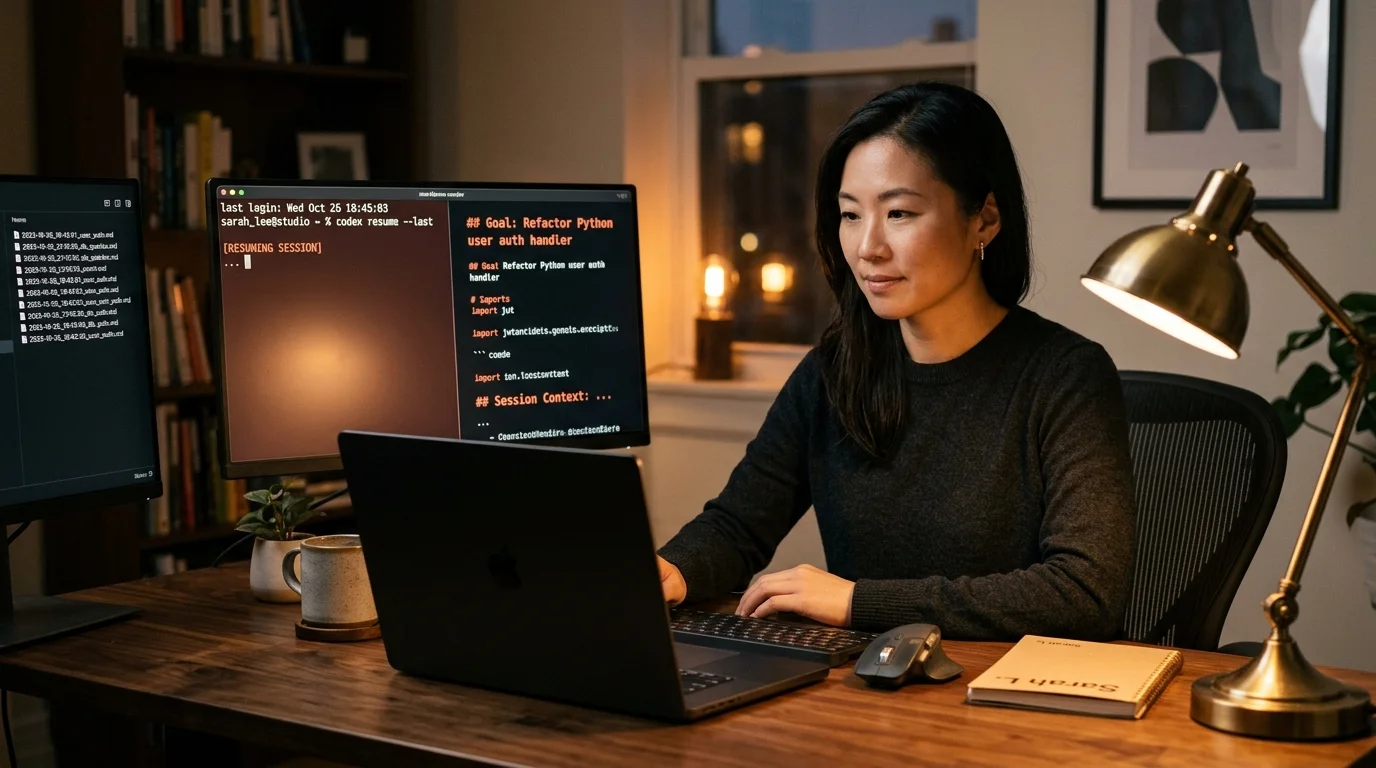
Codex CLI accepts a session ID directly. The canonical invocation is codex resume <session-id>, which rehydrates the last known message list, tool state, and working directory before handing control back to you. You do not need to copy the full file path, only the ID segment of the filename. The flag survives across Codex versions and is the stable path, which matters if you often resume runs that are weeks old. If the session was pinned to a specific model, the CLI reuses that model unless you override with --model.
One quiet pitfall is directory drift. If you started a session inside ~/code/billing-service and resume it from your home directory, Codex still thinks it is working in the old path. File aware tool calls will fail with path errors, and the assistant often papers over the failure by asking you to paste the file contents instead of reading them directly. Always cd to the original project root before you run codex resume. The filesystem is not part of the session snapshot, and the CLI deliberately keeps it that way for safety.
Avoid the two mistakes that break resume
The first mistake is editing the JSONL by hand to clip a bad turn before resuming. Codex validates the full event chain on load, and a missing tool result pair will cause the resume to abort silently or truncate your history. If you need to rewind, our guide on editing a previous Codex CLI message without losing context covers the safe pattern. The short version: branch a copy of the JSONL and edit the copy, do not touch the source.
The second mistake is resuming a session that used a tool version you no longer have installed. This hits teams that upgrade shell tooling or MCP servers frequently. If an old session expected a tool named pg-migrate@0.4 and your machine now ships pg-migrate@0.7 with renamed commands, the resumed chat issues calls the local tool refuses to run. Codex will not warn you up front, so the failure surfaces as a confused assistant halfway through a reply. The fix is to pin tool versions in your dotfiles or keep a small tools-manifest.json per project, so a three week old resume still has a chance of running. For teams that routinely branch conversations before risky changes, the branch conversations and edit messages walkthrough covers the cleanest pattern.
Keep your resume surface readable
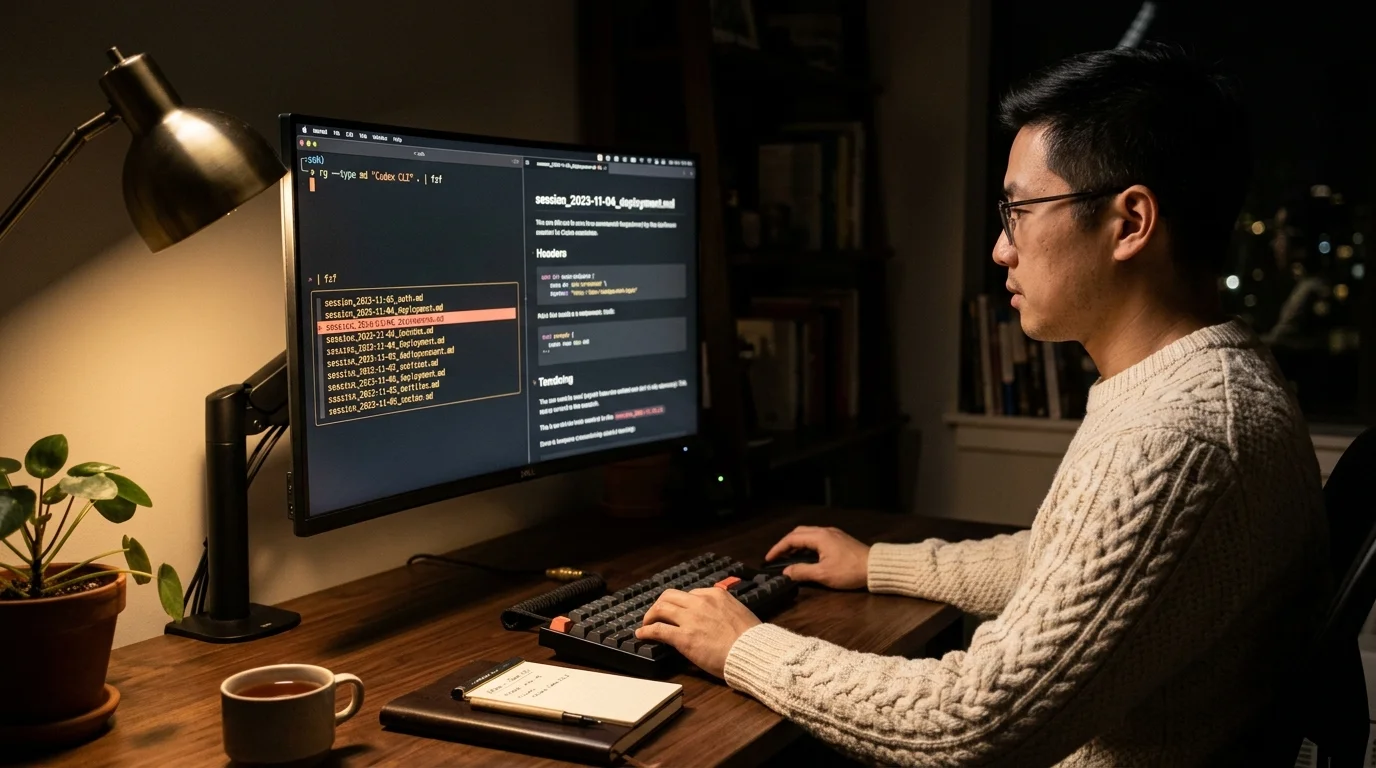
Resume is useful only if you can find the right session in the first place. That means keeping a rendered markdown mirror of ~/.codex/sessions/ under your normal reading tools, not relying on the raw JSONL. For a full export and cross session search pipeline, our post on finding, exporting, and searching Codex chats has the complete scripts. A small nightly cron that renders new sessions to markdown is enough to keep the archive useful six months out, with almost no ongoing maintenance cost.
The payoff compounds. When you can scan a week of sessions in a reader built for long AI output, deciding which one to resume is a two second job instead of a five minute file dive. Prism MD handles the reading side with proper type scale for H2s, syntax highlighted code blocks for tool output, KaTeX for the occasional math equation, and offline mobile access for triage on the move. The resume command is the last step, and it is the fastest step when the archive upstream is tidy. Treat the index work as the main investment and the resume itself as the small reward.
FAQ
Does Codex resume preserve file edits made during the original session?
No, Codex tracks the message and tool call chain, not the filesystem. If the original session edited files on disk, those edits are already in your repo or they are not, and the resume command will not touch them. This is the safe default for anyone working on shared branches, since replaying old edits onto a moved HEAD would be destructive. If you need the old state back, use git reflog on the repo, not Codex resume.
Can I resume a session that used a different model than I am on now?
Yes. Pass --model on the resume command to force a specific model for the continuation, and Codex will swap mid chain without discarding the history. Be careful with context windows, since a smaller model may truncate a long session on first turn. Plan to summarize mid chat if you drop down a tier, and expect tool call formatting to shift slightly between model families. The safest move is to resume onto the same model family the session started with.
Is there a way to resume the most recent session without typing the ID?
Yes. The command codex resume --last picks up the most recent session in ~/.codex/sessions/ without asking for anything else. For older runs, pair your timestamp listing with fzf for a two keystroke interactive picker that previews each session as you arrow through it. Most Codex power users end up with a shell alias that chains the two together. That alias becomes the single most used entry point to their session history within a week of setting it up.
How far back can I resume?
As far back as the JSONL exists on disk, with no server side expiry on the session file. Old sessions do risk breaking on tool or model version mismatches, which is why rendered markdown archives are worth the small cron. Teams that keep a year of history usually report a few percent of old sessions failing to resume cleanly after a major tool upgrade. The rest still load fine, which makes the archive worth keeping even if it is not a hundred percent reliable.
Reread every resumed Codex CLI session as clean, searchable markdown.
Free to start — no credit card.
Related reading


Ready to read your own AI documents?
Open ChatGPT, Claude, Gemini, or any markdown file in the reader built for the way models write.
- ✓Renders code, math & Mermaid out of the box
- ✓Works offline once you've opened a doc
- ✓Free forever for personal reading