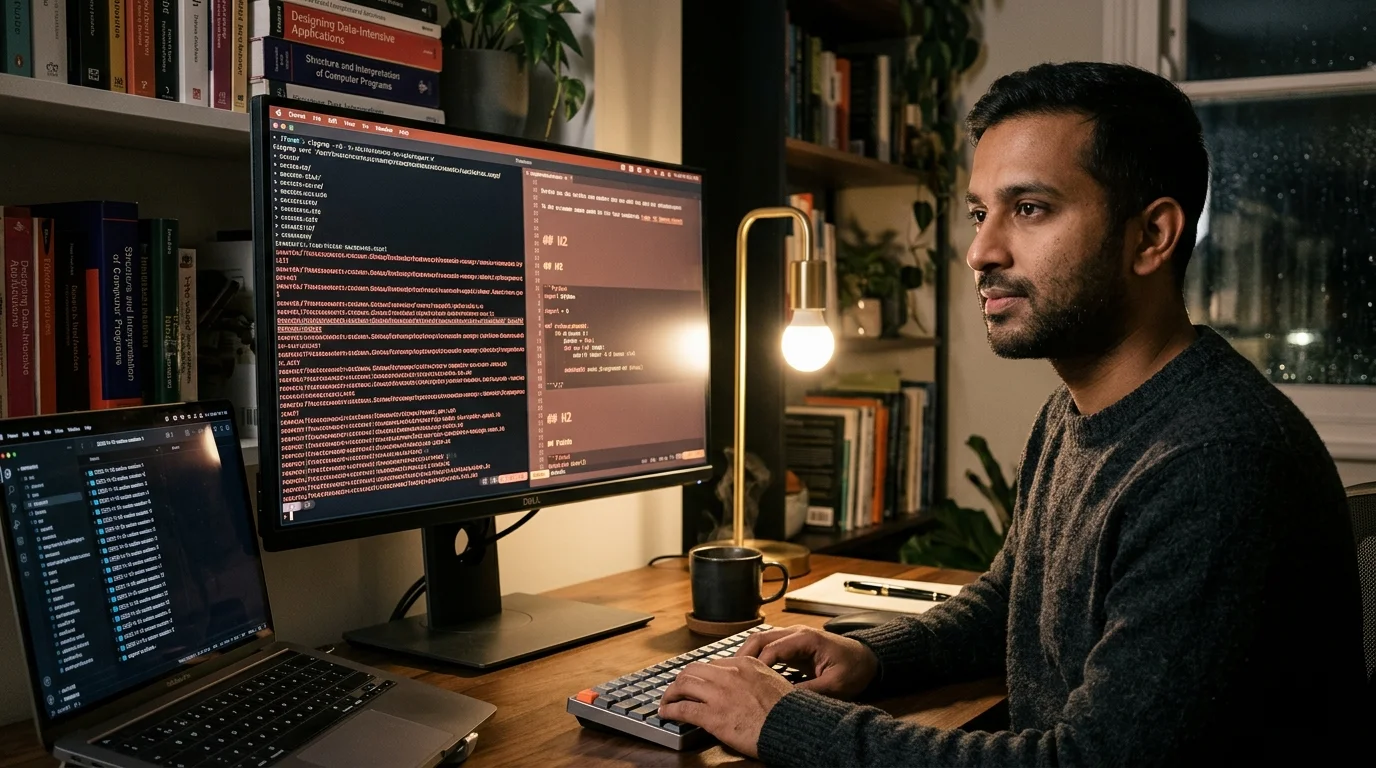
Codex CLI History: Find, Export, And Search Every Chat
Hands-on commands to find any Codex CLI session fast, export it to clean markdown, and grep across six weeks of chats in under a second.
The OpenAI Codex CLI writes a durable record of every session to disk, but the raw files resist reading and search. If you want to find a specific run from last Tuesday, export a working session for a teammate, or grep across six weeks of history, the shortest path is to stop fighting the JSONL and treat it as data. This guide shows the three capabilities most Codex users need: finding a session fast, exporting it to clean markdown, and searching every chat you have ever run. The commands below are copy and paste ready for macOS and Linux, and the Windows paths swap ~ for %USERPROFILE% with no other changes.
The payoff is a workflow where your Codex transcripts become a real knowledge base instead of a graveyard of unreadable logs. For a deeper walkthrough of why the raw format is so hostile and how a renderer handles edge cases like truncated tool output, our earlier guide on how to read OpenAI Codex CLI chat history covers the full pipeline. This post stays focused on the three verbs: find, export, search. Treat it as the hands-on companion to that longer piece.
Find any Codex session in under ten seconds
Codex CLI stores sessions in ~/.codex/sessions/, one JSONL file per run, named with a UTC timestamp and short session ID. The timestamp is sortable, which means ls -1t ~/.codex/sessions/ | head -20 already gives you the twenty most recent sessions in reverse chronological order. For a session you ran "sometime last week", that listing is often enough. Add stat -f "%Sm %N" -t "%Y-%m-%d %H:%M" on macOS or stat -c "%y %n" on Linux if you want modification times formatted inline.
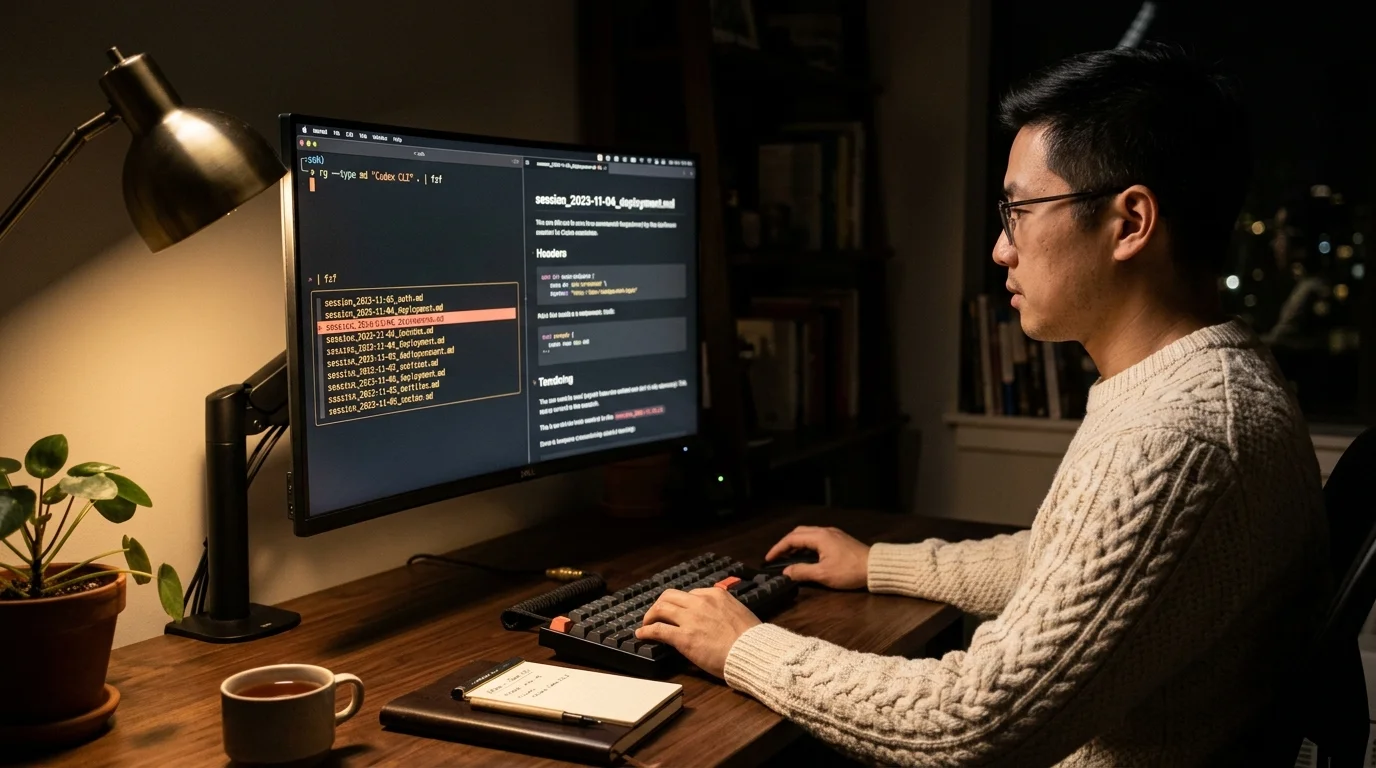
When you remember the shape of what you asked rather than when you asked it, grep against the prompt field. The command rg -l '"role":"user".*rate limiter' ~/.codex/sessions/ returns every session that contains the phrase "rate limiter" in a user message. Pipe that into fzf for interactive selection and you have a two second session finder. Keep this snippet in a shell function called codex-find and you will never scroll through a terminal looking for a session again.
Export a Codex session to clean markdown
Finding the file is the easy part. Opening a 1.4 MB JSONL in less and trying to read it is not a workflow. The right move is a short script that walks the file, emits an H2 for every user turn, renders the assistant reply as normal markdown, and formats tool calls as fenced code blocks. Twenty lines of Python handles the whole job and runs in under a second per session.
Here is the minimum viable shape of that script. It skips image payloads to keep the output light, preserves tool output as bash code blocks, and prefixes each turn with an ISO timestamp so later greps have a date to anchor on. The output file sits next to the source JSONL with a .md extension, which makes it trivial to batch convert an entire month at once. If you also work in other coding agents, the same pattern applies to their logs: see our notes on reading Aider chat history and reading Cursor chat history for the equivalent paths.
- Walk
~/.codex/sessions/*.jsonlwith a line iterator so you never load the whole file into memory. - Emit a frontmatter block with the session ID, model name, token count, and start time for later indexing.
- Collapse consecutive tool calls under a single
### Tool activitysubheading so skim passes stay fast.
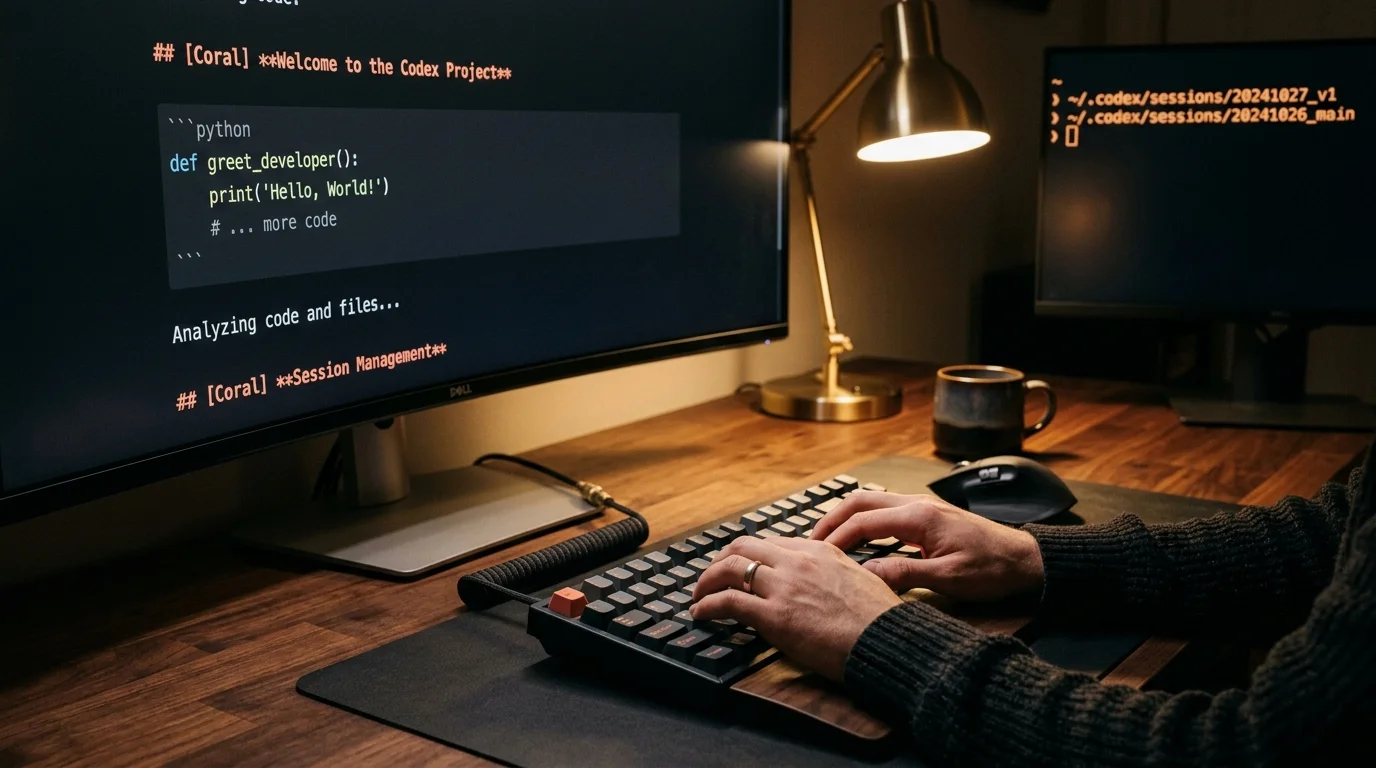
Once you have a rendered markdown folder, Prism MD opens any of those files with proper type scale, syntax highlighted code blocks, and real KaTeX rendering for the math that assistants slip into longer answers. For the full argument on why rendered markdown beats raw JSONL for reading long AI output, our post on handling long code blocks in AI answers covers the typography side in detail. The rendering step is the smallest piece of code with the largest ergonomic payoff in this entire pipeline. Set it up once and every future Codex run is readable the moment it finishes.
Search every Codex chat you have ever run
With a markdown folder in place, search becomes a one liner. rg -i 'postgres migration' ~/codex-markdown/ returns every session that touched a Postgres migration, with turn boundaries intact and enough surrounding context to decide whether to open the file. For queries that span many sessions, add --heading --line-number and pipe to bat for a readable view. ripgrep handles tens of thousands of markdown files in well under a second on modern SSDs, so there is no scaling worry for even heavy Codex users.
For richer queries that need semantic matching, feed the markdown folder to any local vector index. The point is that the raw JSONL was never the right substrate for search, and the rendered markdown is. If you want to carry the search surface onto a phone, sync the markdown folder through iCloud, Dropbox, or Syncthing, then open it in Prism MD on mobile. The reader keeps everything offline on your device, which matters because these transcripts routinely capture secrets, internal file paths, and half-drafted product decisions you do not want sitting in a vendor cloud.
A workflow tip that compounds over time: tag your rendered files by project in the frontmatter. A single project: billing-service line turns rg -l 'project: billing-service' into an instant per-project history. Combine that with the ISO timestamp prefix on every user turn and you can reconstruct a week of work on a specific service in a few seconds. Treat your Codex sessions the way a careful engineer treats commit messages: cheap to write, expensive to lose, worth indexing.
FAQ
Does the Codex CLI export command cover this already?
Not fully. The built in export writes a readable transcript for one session at a time, but it does not produce the batched markdown folder that makes cross session search possible. The script approach is still the right call for anything beyond a one off share.
Can I search sessions that ran in ephemeral mode?
No. Ephemeral sessions skip the write to ~/.codex/sessions/ by design. If you want to grep your history later, keep the default persistence on and rotate old files out on a schedule you control.
What is the fastest way to share one session with a teammate?
Render the single JSONL to markdown, strip any secrets with a quick sed, and send the .md file. The teammate can open it in any markdown reader, no Codex install required.
How big does the sessions folder get over a year?
A heavy day lands between 200 KB and 2 MB per session. A year of daily use is roughly 500 MB total, which is small for modern disks and easy to back up to any cloud with a one line rsync.
Make every Codex CLI session findable, readable, and searchable.
Free to start — no credit card.
Related reading
Ready to read your own AI documents?
Open ChatGPT, Claude, Gemini, or any markdown file in the reader built for the way models write.
- ✓Renders code, math & Mermaid out of the box
- ✓Works offline once you've opened a doc
- ✓Free forever for personal reading