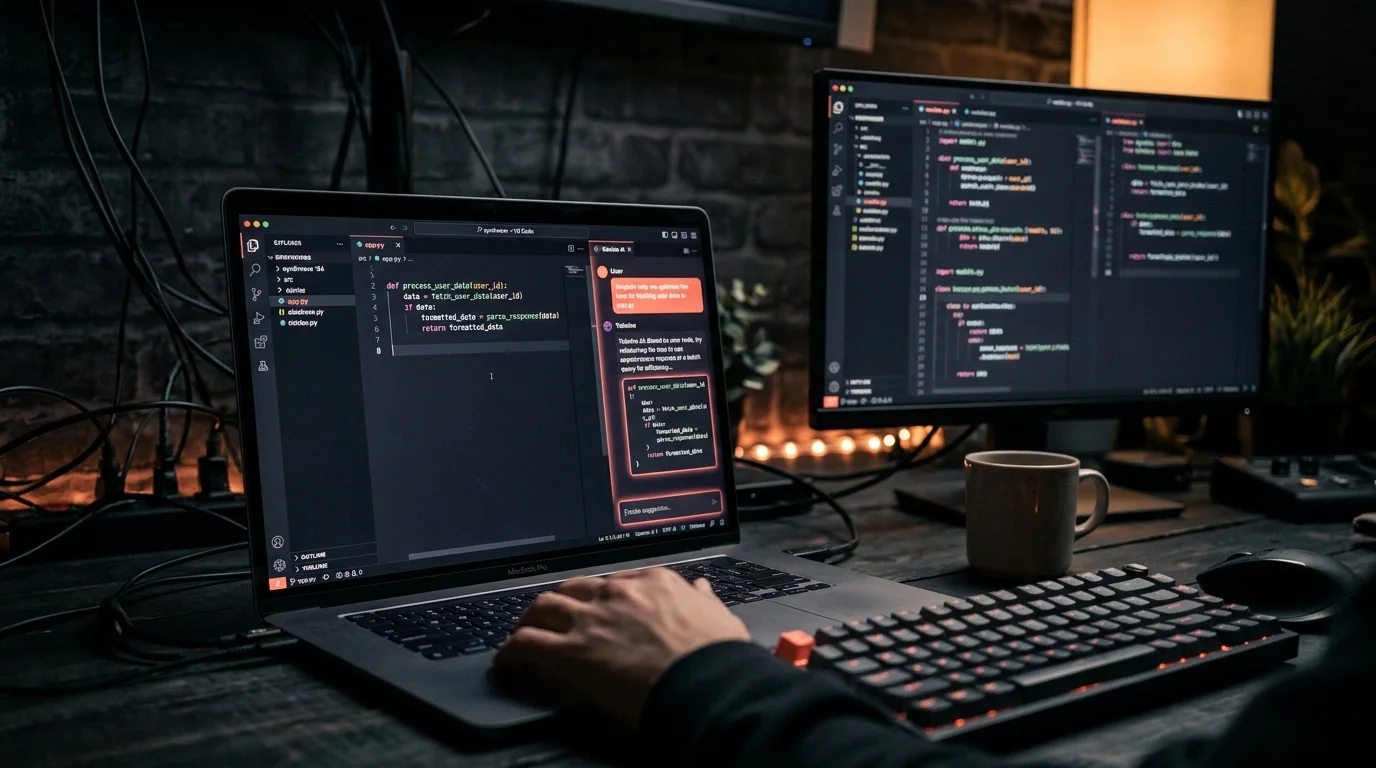
Tabnine Chat History: Export, Search, Save Your Transcripts (2026)
Where Tabnine stores your AI chat history, how to export conversations to markdown, search old threads, and archive the ones worth keeping long term.
Tabnine ships one of the oldest AI coding assistants still in active use, and it also ships one of the most forgettable chat history experiences. The chat panel lives inside your IDE, the transcripts rotate out as you switch workspaces, and there is no obvious "export this conversation" button anywhere in the UI. If you have ever closed VS Code and lost a 40-message debugging thread that solved a real bug, you already know the problem. This is a practical walkthrough for pulling Tabnine chat history out of the IDE, searching across old threads, and saving the useful ones somewhere permanent. The same patterns work for the JetBrains plugin, VS Code, and Tabnine's web app. You do not need admin access or an Enterprise plan to make this work, only a few minutes of patience with your IDE's config directory.
Where Tabnine stores your chat threads
Tabnine stores chat state in two places, and which one you care about depends on your plan. For the free and Pro tiers, chat history lives inside the IDE extension's local workspace storage. On macOS and Linux VS Code that resolves to ~/.config/Code/User/globalStorage/tabnine.tabnine-vscode/ and on Windows to %APPDATA%\Code\User\globalStorage\tabnine.tabnine-vscode\. Inside you will find a chat directory with per-conversation JSON files, and each file holds the full message array, timestamps, and the model routing metadata Tabnine used for that session.
For Enterprise plans, chat history syncs to Tabnine's server and is retrievable through the admin console or via the private deployment's API if your team self-hosts. The local JSON cache still exists but is treated as a mirror of the server copy. JetBrains users will find a similar layout under the IDE's config directory, usually ~/Library/Application Support/JetBrains/<IDE><version>/options/tabnine/ on macOS. The schema is identical across editors, which makes a cross-IDE export script a one-time job rather than a per-plugin chore. If you have multiple IDEs, point your exporter at every candidate directory and dedupe by conversation ID.
Reading the raw JSON
The per-conversation JSON files are human readable if you want to grep them, but they are miserable to parse by eye. Message bodies include embedded code blocks with escaped newlines, tool-call payloads, and the full context Tabnine attached from your open files. A 10-message thread can hit 60 KB on disk and look like a wall of escape sequences in your terminal. The shape looks roughly like this, with a conversation ID, a start timestamp, and a flat message array:
{
  "id": "conv_01hxy...",
  "startedAt": "2026-09-14T10:22:04Z",
  "messages": [
    { "role": "user", "content": "why does my promise never resolve" },
    { "role": "assistant", "content": "Looking at your `fetchUser` function..." }
  ]
}
For a quick scan, jq works. Something like jq -r '.messages[] | "\(.role): \(.content)"' conv_01hxy....json dumps the thread as plain text to the terminal, and that is fine for one conversation. It falls apart the moment you want to search across 200 of them, or when you want to sit down and read a long debugging thread end to end. Terminal output is not a reading surface, and treating it like one is why people give up on their chat history.
Exporting to markdown
Markdown is the right destination format. It survives IDE updates, it reads cleanly on mobile, and it opens in any proper reader. Writing a small shell script that walks the Tabnine chat directory and emits one markdown file per conversation takes about 30 lines of Python or Node. The conversion has a few important bits worth getting right:
- Convert the ISO timestamp to a readable date in the frontmatter so you can sort chronologically later.
- Preserve the triple backtick code blocks exactly, since Tabnine sometimes attaches a language hint and sometimes not.
- Flatten the
tool_callsfield into a collapsed section rather than inline, otherwise the output becomes unreadable. - Name the file after the first user message, truncated to 60 characters, so grep gives you useful filename hits.
Once you have a folder of markdown files, you can read them in a dedicated tool built for exactly this shape. Prism MD opens a folder of exported AI conversations and gives you real typography, outline navigation, and search across every file. The same approach applies if you have already exported other transcripts, like a ChatGPT backup or a batch of Claude Code sessions. The destination format matters more than the source tool, which is why standardizing on markdown saves you time later and lets you reuse one reading workflow across every AI tool you touch.
Searching and archiving the ones worth keeping
Once the transcripts are out of the IDE and in a flat directory, search gets easy. ripgrep with rg --type md 'useEffect race condition' finds every conversation where you have debugged that specific class of bug. For non-terminal workflows, loading the markdown folder into a reader that supports outline navigation for long AI answers is faster, since each conversation becomes a document and every H2 becomes a jump target. Finding the useful 200 words inside a 10,000-word thread then takes seconds instead of minutes.
Most chat threads are garbage, and the ratio of "I solved a real problem here" to "I asked Tabnine to rename three variables" is maybe one in fifty. The archive step is where the value compounds. A simple system that works: after exporting, create a second folder called archive/, move any conversation that produced a real fix, a reusable snippet, or a non-obvious insight into that folder, and delete everything else on a 90-day rolling window. Over a year you end up with maybe 100 real documents instead of 5,000 pieces of noise. For team contexts, pushing the archive folder to a private Git repo gives you cross-device access, version history, and a diff when you want to update a conversation, and syncing AI conversations across devices covers the mechanics.
Why this matters more than it sounds
AI coding assistants have become a form of institutional memory. The conversation where you figured out why your migration deadlocked, the thread where you finally understood a legacy codebase, the debugging session that unblocked a shipped feature: all of that lives inside a chat panel that your IDE will quietly rotate out next week. Treating chat history as something worth exporting, searching, and archiving is not pedantic, it is the difference between a tool you rent and a tool you own the output of. The same logic applies to cross-tool coding agent transcripts, where the useful artifact is not the raw session but the pattern you extract from fifty of them. Start with Tabnine today, add the next tool next week, and in six months you have a searchable library of your own problem-solving.
FAQ
Does Tabnine have an official export feature?
Not in the chat UI as of October 2026. The admin console on Enterprise plans has a bulk export endpoint for team admins, but on free and Pro tiers the only path is reading the local JSON cache directly from your IDE's config directory. The schema has been stable for two major versions, so a 30-line script is a safe investment. If Tabnine ships a native exporter later, you can retire the script and keep the archive.
Can I disable chat history collection entirely?
Yes, with a two-step toggle. In Tabnine settings there is a "chat telemetry" option that stops server sync for Enterprise and Pro accounts. The local cache still writes to disk unless you also set tabnine.chat.disableLocalHistory to true in your IDE's settings JSON. Both toggles together give you a clean no-persistence setup, which some regulated teams require. Verify the behavior by closing the IDE and checking that the chat directory stays empty on next launch.
Will my exported markdown work with other readers?
Any CommonMark compliant reader handles it, so Obsidian, Typora, VS Code preview, and plain cat all work. Readers that specifically understand AI conversation structure (user and assistant roles, inline code, embedded tool calls) give a much cleaner result than a generic markdown viewer. Prism MD and similar tools are built around this shape, which matters when you are reading long technical threads. The frontmatter you emit also controls how the reader groups and sorts documents.
What happens to chat history when I update the Tabnine extension?
The local cache persists through updates in most cases, but major version bumps have historically migrated the storage format at least once. Exporting on a regular cadence protects against that migration risk, since your markdown archive is independent of whatever schema Tabnine ships next. A weekly cron job is enough for most solo developers. Teams on Enterprise plans should also pull from the server-side export endpoint on the same cadence as a secondary backup.
Read your Tabnine chats the way they deserve
Free to start — no credit card.
Related reading



Ready to read your own AI documents?
Open ChatGPT, Claude, Gemini, or any markdown file in the reader built for the way models write.
- ✓Renders code, math & Mermaid out of the box
- ✓Works offline once you've opened a doc
- ✓Free forever for personal reading