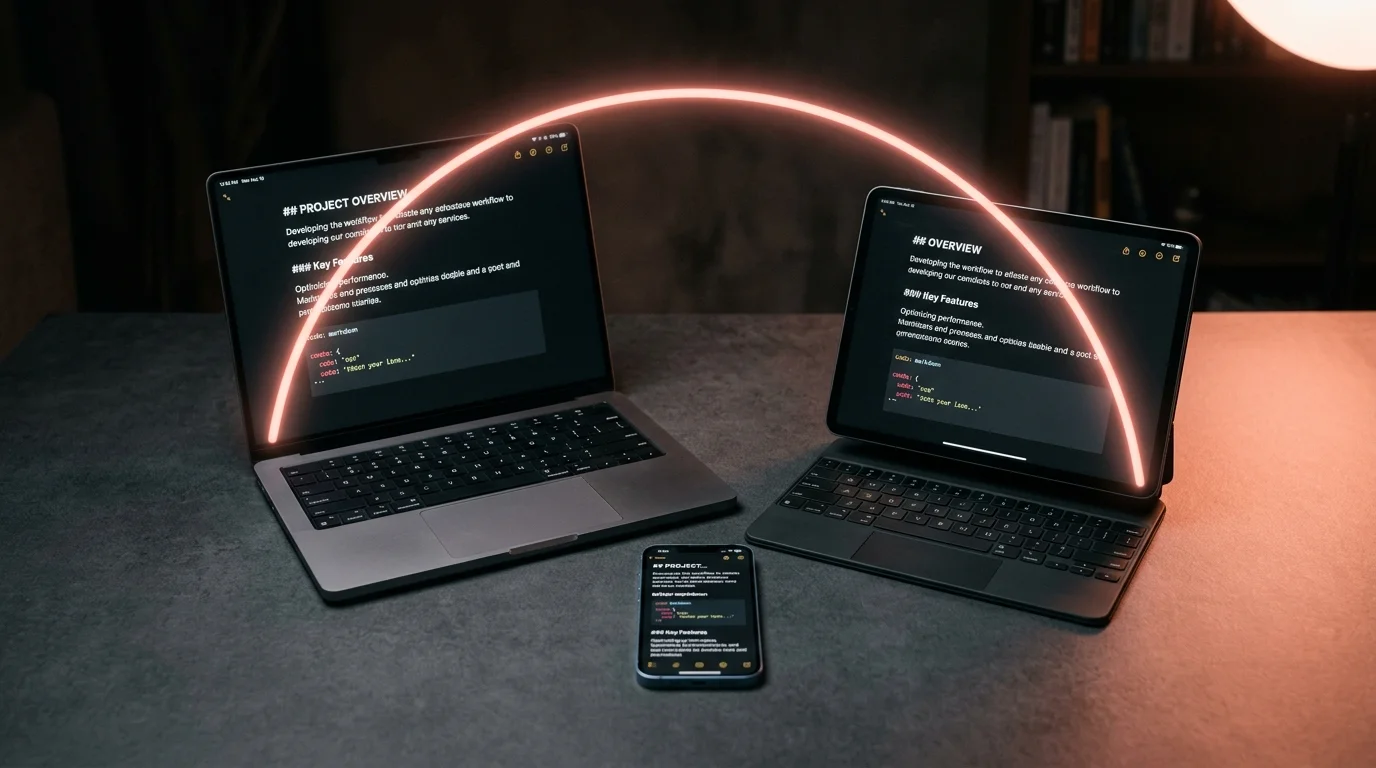
How to Sync Your AI Conversations Across Every Device You Own
A boring, durable setup for syncing ChatGPT, Claude, and Gemini threads across laptop, phone, and tablet without losing formatting or fighting sync conflicts.
You start a ChatGPT thread on the laptop at breakfast. You want to keep reading it on the phone during the commute. You want to annotate it on the iPad later that night. And you want the version on your desktop to still be the one you trust when it is time to use what the model said. Most people give up at step two and start pasting links into Notes.
This guide walks through a saner setup. It works for ChatGPT, Claude, Gemini, Grok, and any other model that lets you copy the raw conversation out. The trick is to stop treating each device as its own island and start treating your conversations as documents that live somewhere neutral. Once they are documents, syncing them is the same problem people already solved for photos and PDFs. The tools are boring in a good way, and boring is what you want here.
Why the chat apps do not sync well
The official chat apps sync the conversation as a live session, not as a readable file. That works fine when you have a signal and the app is happy, and it falls apart the moment either of those is not true. Airplane mode kills the session. A silent auth expiry hides half your history. Some providers only keep a rolling window of threads on mobile even when the web app shows years of them. If you have ever opened Claude on your phone and seen a shorter list than on your laptop, that is the same problem showing up in a friendlier costume.
There is also a subtler issue with rendering. The apps render the conversation, they do not give it to you. You cannot search across every thread with ripgrep. You cannot open a thread inside a code editor. You cannot email one to yourself and expect the formatting to survive. For anyone treating AI output as reference material, that is a real ceiling. If you want a longer version of this argument, the piece on why AI markdown deserves better typography covers it in more depth and points at the same underlying pattern.
The one rule: convert to markdown first
Every sync setup that holds up over time starts with the same step. You get the conversation out of the chat app as a markdown file. Some apps have a native export. Some need a browser extension. Some need a quick copy-paste into a text editor. The specifics differ by provider, and the focused guide for ChatGPT exports covers the fastest routes for the model most people are syncing first. What matters is that once the thread is a file, the rest of your stack does not care where it came from.
Name the file with the date and a short slug. Something like 2026-08-11-supabase-rls-audit.md reads well in any file browser. Front-load the date so a folder listing sorts itself without extra tools. Keep the slug short enough to fit on one line in a mobile file browser. Store the files in a single flat folder rather than nesting by provider or project. You can always add tags later, but you cannot undo a bad folder tree without pain.
Pick one sync provider and stop shopping
The sync layer is the boring part and that is the point of it. iCloud Drive, Dropbox, Google Drive, Syncthing, and Proton Drive all work. Pick one and put your conversations folder inside it. If you already pay for cloud storage for photos, use that. If you want end-to-end encryption without configuring anything, Proton Drive is the least fussy option. If you want no third party at all, Syncthing between your own machines is solid, though the initial setup is heavier and the mobile story is thinner.
Two rules will save you a bad afternoon later. Both are the kind of thing that seems fine until it silently breaks a week in, at which point the debugging is miserable. Read them once, apply them at setup time, and you will not think about them again. The failure modes they prevent are the ones you cannot reason about after the fact, because sync tools tend to hide the middle of the timeline. Prevention is the whole game:
- Do not put the folder inside a Dropbox subfolder that another app also writes to. Sync loops from Obsidian vaults, VSCode workspaces, and screenshot tools cause most of the "why did my file disappear" horror stories, and they are miserable to debug after the fact.
- Turn off "smart" offline eviction for this folder specifically. The files are tiny, usually under 100 KB each. You want the whole thing available when you have no signal, which is often the exact moment you remember the answer you needed.
Reading the synced files on each device
Once the files are syncing, the reading experience is where you will spend real time. Every device needs one app that can open a markdown file and render it properly, meaning code blocks, tables, math, and any Mermaid diagrams show up right. This is where a dedicated markdown reader matters more than the sync layer. If the tool renders code blocks as one giant blob or drops the KaTeX, you will stop opening the files. The whole setup collapses at that point, so pick the reader with the same care as the export step.
Mobile is where most setups fall over on day two. iOS and Android both have decent options, and the platform guide on reading AI conversations on iPhone walks through the picks that survive real use. Prism MD points at your cloud folder and gives you the same rendering on every device, which is the point of doing this in the first place. If a math-heavy answer looks wrong on the phone, you will not trust it on the phone. That distrust quietly kills the workflow inside a week.
A conflict-resolution habit that works
Sync tools handle text file conflicts poorly when two devices edit the same file offline. The fix is a habit, not a tool. Treat the exported conversation as read-only from the moment it lands in the folder. If you want to annotate it, either use a markdown reader that stores highlights in a separate sidecar file, or copy the thread into a second file named 2026-08-11-supabase-rls-audit.notes.md and edit only that. The original stays clean, and no sync conflict can eat your annotations. For a heavier annotation workflow with margin notes and highlights across devices, the piece on annotating AI conversations has the full pattern.
Version control is the more industrial answer if you already live in a terminal. A private git repository holding your conversations folder gives you the full audit trail plus real merge tools when a conflict does happen. The setup is heavier than a cloud drive, and syncing between phone and repo takes an extra app. For anyone who already runs git for other reasons, though, it slots in cleanly and removes the last class of sync failure. The guide on version controlling AI conversations covers the phone side, which is the part most people get wrong.
FAQ
Do I need to export every conversation, or only the ones I care about? Only the ones you care about. Most threads are throwaway and do not deserve a slot in your archive. Export the ones you would be annoyed to lose in six months, and let the rest die inside the chat app. A good rule of thumb is: if you referenced it twice already, export it. That single filter cuts the noise down by an order of magnitude and leaves you with an archive that stays useful.
What about images and screenshots in the conversation?
Save them to the same folder with a matching name, like 2026-08-11-supabase-rls-audit-01.png, and link to them from the markdown. Most modern markdown readers will inline them without extra config. Multimodal threads take a bit more care to keep the reading flow intact, especially when the image is load-bearing for a later answer. Keep the images small enough that the folder stays under the sync provider's per-file limit, and compress screenshots before you save them.
Is there a privacy risk to putting AI conversations in cloud storage? There is the same risk as any other document in that storage, no more and no less. If the thread contains anything sensitive, use a provider with end-to-end encryption, or keep that specific folder on Syncthing between devices you own. For most conversations the risk is low, but treat client work and personal medical questions with the same care you would give a shared Google Doc. A separate encrypted folder for the sensitive category is usually cleaner than encrypting the whole archive.
How many conversations can I realistically store this way? Tens of thousands, easily. A typical markdown export is under 100 KB, and even a decade of heavy use will sit under a gigabyte on disk. Storage is not the constraint anyone runs into. Being able to find the one you want six months later is the real limit, which is why the file-naming habit at the top of this guide matters more than the sync tool.
Read your AI conversations the same way on every device.
Free to start — no credit card.
Related reading


Ready to read your own AI documents?
Open ChatGPT, Claude, Gemini, or any markdown file in the reader built for the way models write.
- ✓Renders code, math & Mermaid out of the box
- ✓Works offline once you've opened a doc
- ✓Free forever for personal reading