
How to Export and Read Grok Conversations as Real Documents
Grok lives inside X, which means the chat panel was never built to reread a long thread. Here is the export, render, and library workflow that fixes it.
Grok writes long. The X integration means a single thread can sprawl across timeline context, code blocks, and citation links, and the chat panel was never built to read that back in one sitting. Most people screenshot the good parts and lose the rest the next time the panel refreshes. That habit costs you the same way a closed ChatGPT tab does, and the recovery route is the same. Pull the markdown out, render it cleanly, and treat each useful conversation as a document instead of a transient panel.
This post covers the export path that works for Grok 4 today, where the formatting tends to break, and the reader setup that holds the result together. It assumes you already use Grok for real work, not one-line questions. If you only want to skim a single answer, the chat panel is fine. If you want to keep an answer, the chat panel is the wrong tool for the second read. The fix is closer to a ninety second habit than a tool migration, and it pays back the first time you reopen a thread from a month ago.
Why Grok exports are awkward
Grok lives inside X, which means the conversation surface inherits a social feed layout instead of a document one. Long answers get clipped by panel width, code blocks scroll horizontally inside a narrow column, and any inline citation to an X post renders as a card that eats vertical space. The native share button gives you a public link, not a file. There is no first-class export button for the full thread the way ChatGPT and Claude now offer, and the API export covers only your own prompts plus completions, not the rendered view.
That gap is the whole reason this workflow exists. You want the prose without the panel chrome, the code blocks without the horizontal scroll, and the citations as plain links you can click through later. The fastest route is a manual markdown copy followed by a clean render. It takes about ninety seconds per conversation once you have done it twice, which is the same budget as the ChatGPT export workflow and the Gemini share-link route. The reader does the heavy lifting on the second pass, so the prep step stays light.
Pulling the markdown out
Start at the top of the Grok conversation you want to keep. Select the first user message, then drag the selection down to the final assistant reply, including any embedded code blocks and citation cards. Copy the selection with the standard shortcut. Most browsers preserve the underlying markdown structure of code fences and lists during a plain text copy, which is what you want here, since rich text paste will fight the renderer later.
Paste the result into a scratch markdown file with a .md extension. Skim the top once and add a short level-one heading with the date and the topic so the file is searchable later. Drop any timeline cards that Grok pulled in as inline citations into a footer block instead of leaving them mid-paragraph, since they break the reading rhythm. If the thread contains a Mermaid diagram or a KaTeX equation Grok rendered visually, leave the source fence in place. The reader will handle it on the second pass, the same way the math and Mermaid guide describes for any AI output.
A simple checklist keeps this honest after the first ten conversations, since the prep step is easy to skip when you are tired. The point is that future you needs to be able to scan a folder of files and trust that each one is in a known shape. The discipline takes about twenty seconds per file and saves a multiple of that when you reopen the library later. Treat it as the cost of doing the work once instead of twice.
- One file per conversation, named with the date and a slug.
- A level-one heading at the top with the topic.
- Citation cards moved to a footer references section.
- Code fences preserved as triple backticks, not indented blocks.
That checklist is the entire prep step, and it is short on purpose. You now have a real markdown document instead of a panel of fragments, which means the second read can happen in a tool built for reading. The rest of the post is about that second pass and what to do with the file after. Skip ahead if you already have a reader you trust.
Rendering it like a document
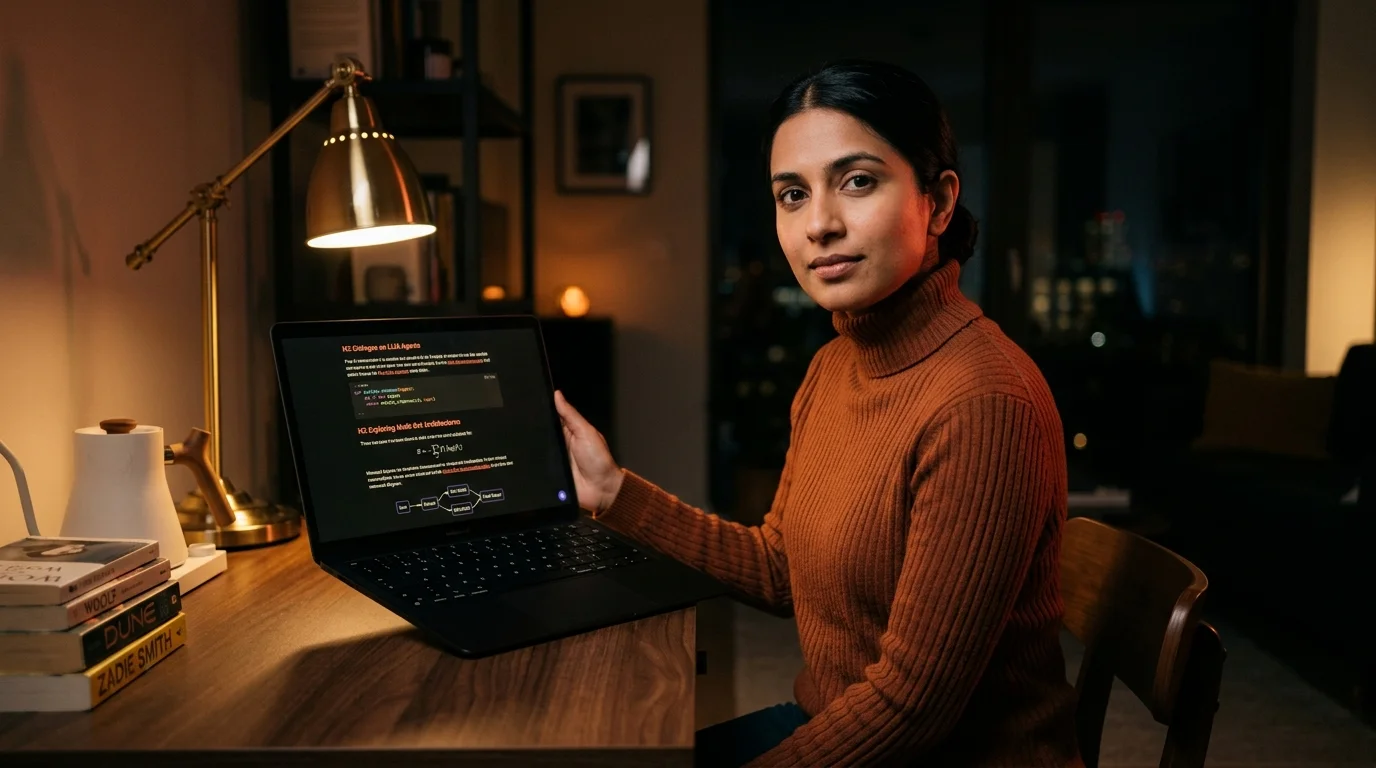
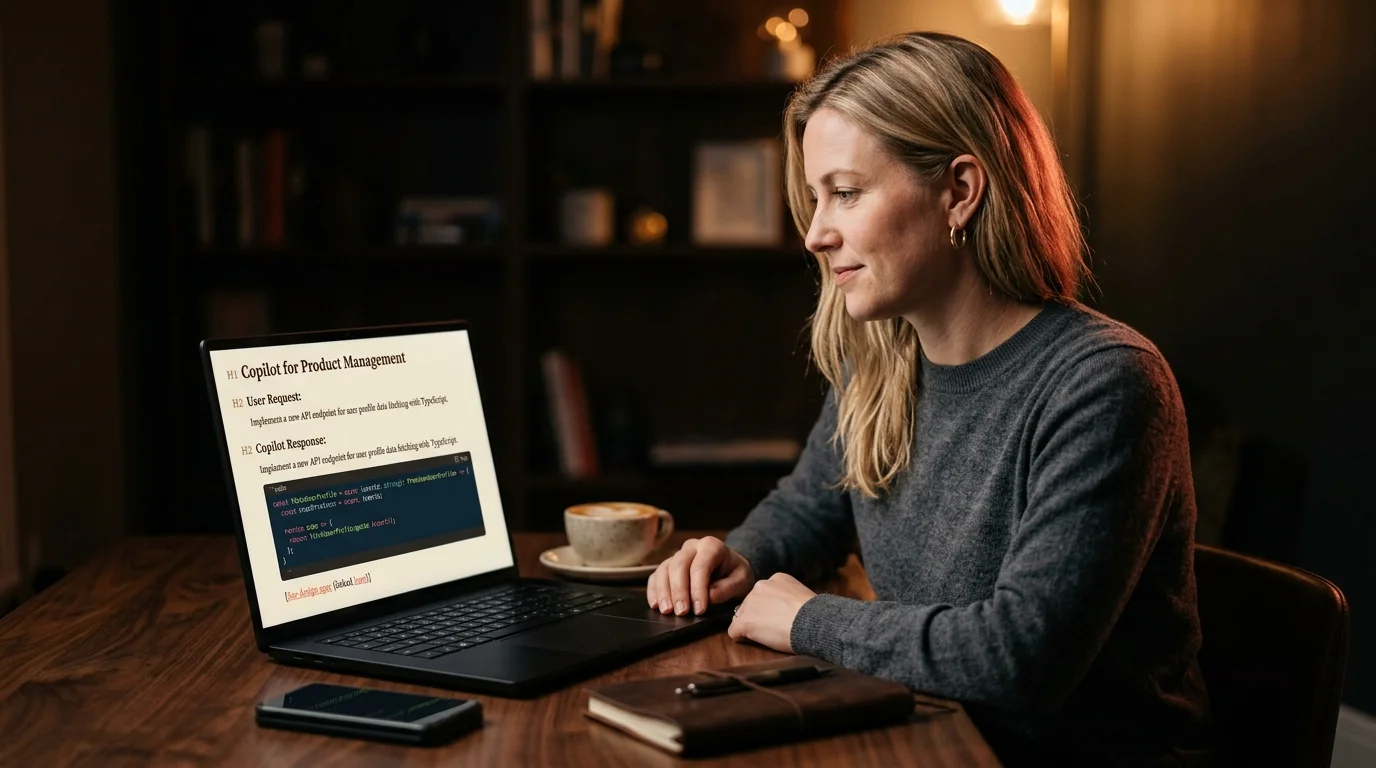
The point of moving the conversation out of X is that the rendered view should look nothing like a feed. Open the file in Prism MD, and the layout switches to a single column with editorial line length, real headings, syntax-highlighted code, and a sticky table of contents that follows the H2 sections you copied across. Citation links become plain coral underlines instead of preview cards, which gets you back the vertical space you were losing in the panel. Long code blocks wrap inside the column instead of demanding a horizontal scroll, and the math fences from the previous step render in place.
The reader habit matters as much as the tool. Read top to bottom once without clicking anything, then scroll back to the table of contents and pick the two sections worth a second pass. This is the same posture that works for a 40 minute Claude conversation or a deep research report, and the reason is the same. Grok answers are written as a single argument with branches, so you lose the spine if you start in the middle. Read the spine first, then go back for the branches.
Keeping the library alive
A single rescued Grok thread is interesting. A library of fifty is what changes how you work. Keep the files in one folder grouped by month, name each one with the date plus a three word slug, and tag them with the model and the topic so search holds up after a quarter. The same library habit that the save and re-read guide describes for Claude and ChatGPT applies to Grok without modification. Treat the markdown file as the source of truth, not the X panel, and back the folder up with the rest of your documents.
Once the library exists, the second order benefit shows up. You can compare an answer Grok gave you in March against what Claude said in June about the same question, and the comparison reads like a normal document side by side rather than two browser tabs you have to keep switching between. The discipline of treating AI output as durable text instead of chat history is what makes the comparison possible. The library also gives you a way to spot when one model is consistently stronger on a topic, which is hard to feel from inside a single panel.
Frequently asked questions
Does Grok offer a native markdown export yet? As of mid 2026 the answer is still no. There is a public share link and an API path for your own prompts and completions, but neither gives you a clean rendered file of the full conversation. The manual copy plus reader route is what works today, and it has the side benefit of forcing a quick edit pass before the file goes into your library. The edit pass is where you catch the cards that should be footnotes and the half answers that should be deleted, which keeps the library quality high over time.
Will the citation cards render in the reader? Not as cards, no. The reader turns them into plain inline links with the source title and URL, which is the right tradeoff for long form reading. You keep the citation, you lose the visual clutter, and the link still resolves back to the original X post when you click it. If you want a visual record of the cited post, take a screenshot before you close the panel and drop the image into your folder next to the markdown file.
Does this work for image generations Grok produced? Partially. The rendered image itself does not survive a plain text copy, but the prompt and the surrounding prose do. If you want the image, save it separately and reference the filename inline in your markdown file. The reader will display the image once you drop it next to the markdown file in the same folder.
Read your Grok threads the way they were meant to look
Free to start — no credit card.
Related reading

Ready to read your own AI documents?
Open ChatGPT, Claude, Gemini, or any markdown file in the reader built for the way models write.
- ✓Renders code, math & Mermaid out of the box
- ✓Works offline once you've opened a doc
- ✓Free forever for personal reading