
How to Read Meta AI Conversations
Meta AI lives inside WhatsApp, Messenger, Instagram, and meta.ai. Here is how to pull Llama 4 answers out of chat and read them like documents.
Meta AI ships inside WhatsApp, Messenger, Instagram, and its own web app at meta.ai. That distribution is the whole point: your assistant lives in the same threads as your friends, your groups, your family chat. It is also the problem. Meta AI answers get buried between voice notes, stickers, memes, and reactions, and the app was never built to let you read a long assistant reply the way you read an article. If you use Llama 4 through Meta AI for real work, you need to pull those answers out of the chat surface and into something that respects long-form text.
Why Meta AI answers are hard to read in place
The Meta AI surface is a messaging bubble, not a document view. Long answers wrap awkwardly, code blocks lose their monospaced grid, and lists compress into the same tight vertical rhythm as your last five WhatsApp texts. Scroll position resets when you switch chats. Reactions from other people in group threads sit on top of assistant paragraphs. If Llama 4 gave you a decent breakdown of a contract clause or a workout plan, the app treats that reply with the same visual weight as a thumbs up.
That framing changes how you read. You skim instead of study. You lose the through-line of a multi-part answer. The same content, moved into a proper reader, feels twice as substantial because typography does what typography is supposed to do. This is the same argument we made in why AI markdown deserves better typography, and it applies harder to Meta AI than to almost any other assistant because the parent app is aggressively chat-shaped and optimizes for messaging above everything else.
Getting your Meta AI conversation out
Meta does not offer a clean per-conversation export the way ChatGPT does. Your route depends on which surface you used. On the web app at meta.ai, open the thread, then use the share button to copy the conversation link or the response text. For longer threads, select the assistant messages you want, copy, and paste them into a plain text file with a .md extension. Keep the assistant turns and drop the small talk.
In WhatsApp, tap and hold an assistant message, choose copy, and paste into a note. If you want the whole thread, use WhatsApp's export chat feature from the chat info screen, then strip the timestamp lines and speaker prefixes you do not need. In Messenger and Instagram, the copy flow is the same message by message. There is no batch export button on any of these surfaces, and Meta has not signaled that one is coming soon. Plan for the copy work as part of the reading workflow rather than as a one-time chore.
The full data export from Meta's account center will include your AI messages inside the broader chat archive, but the format is JSON buried in a zip and needs post-processing before it becomes readable. For a single thread you want to reread later, hand-copy is faster than parsing the archive. For a running library of every Meta AI reply you have ever received, the full download is the only route, and you will want a small script to strip out the assistant messages by author id. Run that script once a month and you get a growing markdown archive without ever opening the meta.ai web app again. That is a small habit that pays off over a year.
Reformat the copy as markdown
Once the text is in a note, add light markdown structure so it reads like a document. Prefix each assistant reply with a level two heading that summarizes the point, drop your own prompts as blockquotes, and preserve any code fences the assistant produced. If Llama 4 wrote lists, keep them as markdown lists rather than flattening them into paragraphs. Save the file with a descriptive name and a .md extension so any reader will pick up the right renderer.
Before you move on to reading, you want three things in that markdown file, and each one takes about a minute to add. Prompts marked as blockquotes save you from confusing your question with the answer six months later. Section headings on each substantive reply let you scan the thread the same way you would scan a long article. Code, tables, and math preserved in their native markdown syntax are the difference between a rereadable reference and a wall of flattened text. The checklist below is the same one that keeps every other assistant thread readable:
- Prompts marked as blockquotes so you can see what you asked without confusing it with the answer.
- Section headings on each substantive reply so you can scan the thread later.
- Code, tables, and math preserved in their native markdown syntax rather than pasted as plain lines.
This is the same cleanup pattern that works for Copilot and Grok, because the underlying problem is identical: chat surfaces flatten structure, and you have to rebuild it before the content becomes rereadable. Ten minutes of markdown cleanup on a thread you plan to reread three times pays for itself the first time you come back to it. The cleanup also forces you to reread the thread once as you go, which is often when you catch the assistant hallucinations you missed the first time around. Treat it as a light editing pass on your own reference material.
Open it in a reader that respects the format
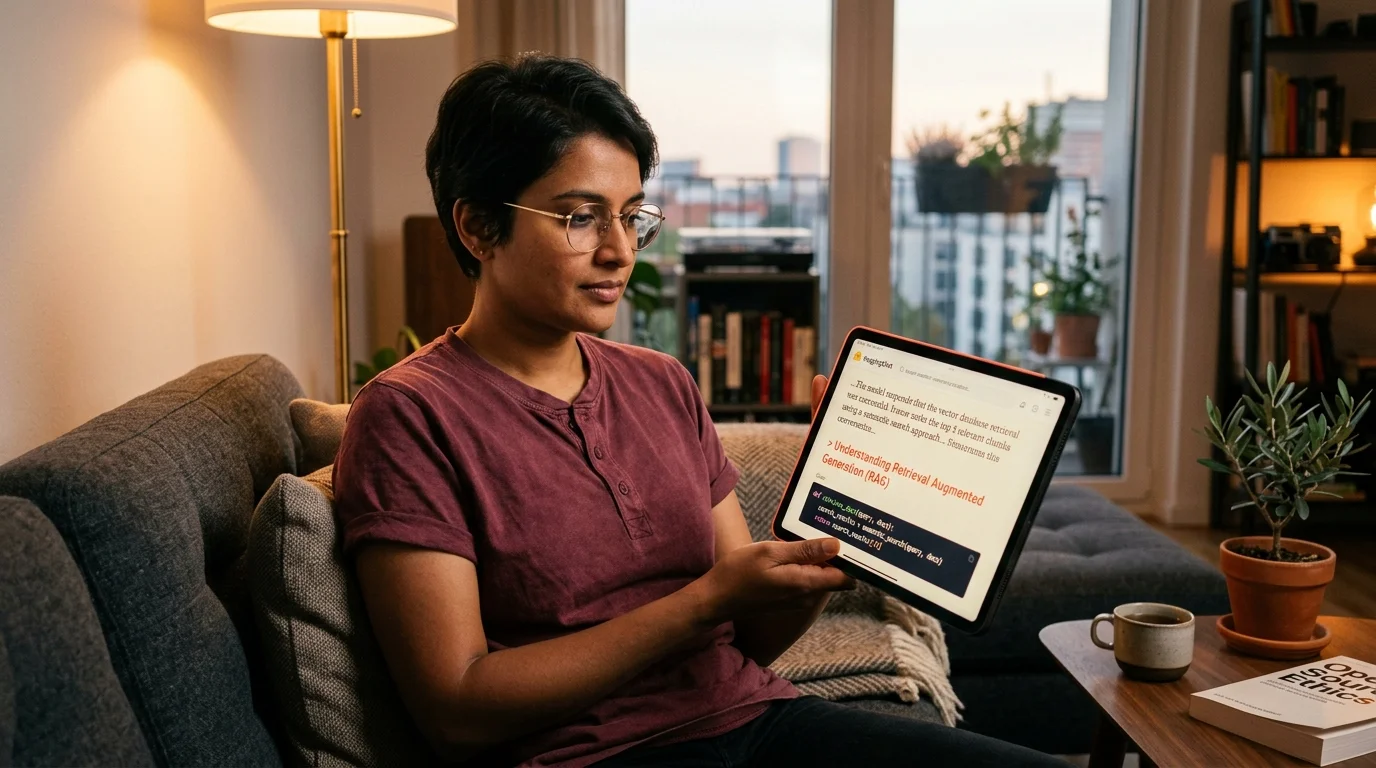
A markdown file on its own is not the finish line. Notes apps render markdown as source, code editors color it as code, and neither treats it as prose. You want a reader that gives assistant output the same care a magazine gives a feature. That means a real reading font, generous line height, coral or ink accents on headings instead of harsh blue links, and math and diagrams that render inline rather than as raw source.
Prism MD was built for exactly this. Drop the .md file in, and Llama 4's answer renders with editorial typography, KaTeX math where the assistant produced equations, and Mermaid diagrams where it produced flowcharts. The same file syncs to your phone and tablet so a contract clause you pulled from Meta AI at your desk is waiting on your commute. For readers who care about the math and diagram side specifically, render math and mermaid in markdown walks through the details of how the renderers pick up your syntax.
Cross-model comparison, without switching apps
Most people who use Meta AI seriously also use at least one other assistant. Llama 4 is strong on multilingual output and general chat, but you probably still hit ChatGPT for coding and Claude for long documents. Reading three model outputs side by side inside their native apps is a mess of tab switching, mismatched fonts, and lost scroll positions. Reading them side by side as three markdown files in one reader is not. Copy the answers out, keep them as .md, and you can hold them next to each other the same way you would hold three drafts of an essay.
FAQ
Can I export a full Meta AI conversation at once?
Not cleanly. The account center full data download includes AI messages inside your broader chat archive as JSON, but there is no per-thread export button in the app. For a single thread, copying the assistant replies out of the app is faster than parsing the archive. If you want a durable record, treat the copy step as part of your regular reading habit rather than a rescue operation you run once a year. That habit is what turns your assistant history into a reference library instead of a burial ground.
Does Meta AI conversation history sync across WhatsApp, Messenger, and the web app?
Threads started on meta.ai stay on the web app. Threads started inside WhatsApp, Messenger, or Instagram stay in that specific app. They do not merge, so export each surface separately when you want a complete record of what Llama 4 told you. If you use Meta AI in more than one surface, keep a single markdown folder per topic and paste replies from each app into the same file so your reading view stays unified.
Will Meta AI answers render math and code properly in Prism MD?
Yes, as long as the assistant produced real markdown syntax in the reply. LaTeX blocks render through KaTeX, code fences keep their monospaced grid and syntax colors, and Mermaid diagrams render as SVG that scales cleanly on phone and tablet. If a reply came out as plain text with math flattened to unicode, ask Llama 4 to redo it and specify markdown with LaTeX so the next paste renders correctly. This is worth doing before you paste, because rerunning the prompt with the right formatting instructions is always faster than editing the flattened output by hand.
Is it safe to paste Meta AI answers into a third-party reader?
Prism MD stores your markdown in your own account and does not send it back to Meta or anywhere else. Treat the content you paste the way you would treat any personal note in your files. The same rule applies to any assistant output that touched personal details, health information, or client work you are not free to store outside your own systems. Redact those pieces before you save, and you keep the reading benefit without the risk.
Read your Meta AI answers the way they were written
Free to start — no credit card.
Related reading


Ready to read your own AI documents?
Open ChatGPT, Claude, Gemini, or any markdown file in the reader built for the way models write.
- ✓Renders code, math & Mermaid out of the box
- ✓Works offline once you've opened a doc
- ✓Free forever for personal reading