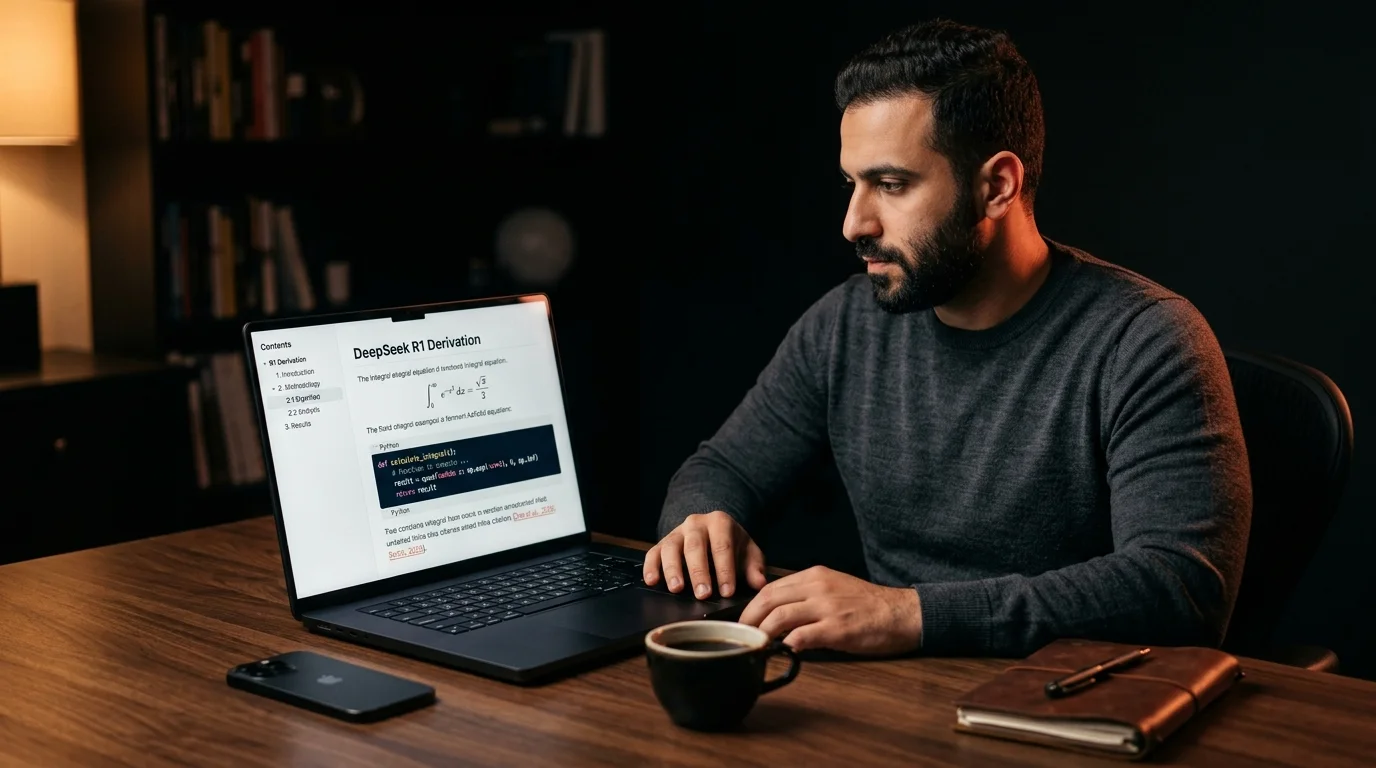
How to Export and Read DeepSeek Conversations as Real Documents
DeepSeek R1 puts out dense reasoning the chat window cannot read back. Here is the export, render, and library workflow that turns it into a real reference.
DeepSeek puts out some of the densest reasoning of any current model. The R1 chain of thought, the long technical answers, the multi-step derivations all land in the chat window and then sit there. The web app gives you a sidebar and a scroll bar and that is the entire reading surface. After the third long thread you stop trusting that you can find anything again. This guide walks through the export route, the render setup, and the small library habit that turns DeepSeek output into something you reread.
Why DeepSeek Threads Get Lost
The DeepSeek chat UI was built for chatting, not reading. Long answers come back as one tall column with no table of contents, no anchor links, no way to skim from the top. Code blocks render fine inline but they break the moment you copy them out into a notes app. Math fences using dollar signs and backslashes look right in the chat and then collapse to literal text in almost every downstream tool. The sidebar holds your full history but offers no search across message bodies, only thread titles, so anything specific you wrote three weeks ago is effectively gone.
The shape of a DeepSeek answer makes this worse. R1 likes to think out loud across many short paragraphs, then drop a final section with the resolved answer. That structure rewards a real document layout with proper headings and a sticky outline. None of that exists inside the chat. You end up scrolling up and down inside a single message bubble trying to find the part that mattered, which is the exact failure mode the long Claude conversations guide describes for a different model.
The Export Move That Holds Up
DeepSeek does not yet ship a one-click export. The route that holds up is plain copy. Open the thread, scroll to the top, click into the first message, then select from the top of the conversation down to the last reply. Use the standard select all keyboard shortcut once you are inside the message column, then copy. The clipboard now holds the full thread as markdown, including fenced code blocks and dollar-sign math, because the DeepSeek UI renders from markdown under the hood and the copy hook preserves the source.
Paste that markdown into a plain text file. Name the file after the thread and the date so you can find it later, something like 2026-06-13-deepseek-r1-vector-search.md. Save it into a single folder that holds every AI export you keep, the same folder pattern the save AI conversations to reread post lays out. That folder is your archive. Everything else in this workflow is about reading what is in it.
If the copy misses the assistant role labels, add them back as second-level headings. A simple ## Prompt and ## DeepSeek before each turn is enough structure for any reader to render the thread cleanly later. The whole capture step should take under a minute per thread once the habit sticks. Most users land on a personal convention within the first week and stop thinking about it after that.
Render the Thread as a Document
Raw markdown is not the goal. The goal is a rendered document with real typography, working code blocks, KaTeX math, and a table of contents you can click. Open the saved file in a reader that treats AI output as the primary citizen. Drop it into Prism MD, which renders DeepSeek markdown with the same spine it uses for Claude, Gemini, and Grok exports. Code keeps its language highlighting, math fences render through KaTeX, and the sticky outline pulls every heading into a side rail you can navigate without scrolling.
The render step is where the long thinking blocks start to earn their length. A 4000 word R1 derivation becomes a document with eight or ten sections, each one anchored, each one quotable by URL fragment. You can mark the conclusion and ignore the chain of thought on a second reading, or do the opposite when you want to audit the reasoning. The same render pipeline handles Mermaid diagrams if you asked DeepSeek to draw one, which the KaTeX and Mermaid guide covers in more detail.
For deeper offline reading, push the rendered file out to a separate device. A Kindle, a reMarkable, or a Boox tablet each pull the same markdown source and render it cleanly in e-ink. The Kindle sideload workflow walks through the route step by step for any markdown source. The same file works on every target without a second round of export.
Build a Library You Can Reread
One saved thread is a file. Ten saved threads start to behave like a library. Give each file a short front matter block with the model, the date, and three or four tags. A typical block looks like this:
model: deepseek-r1date: 2026-06-13topic: vector searchtags: embeddings, hnsw, recall
Once a dozen files have tags, full text search across the folder becomes the primary navigation. Ripgrep across the archive folder, or the built in search inside your reader, will find the one paragraph you remember in seconds. That is the moment the DeepSeek archive stops being a graveyard of tabs and starts being a working reference. The side by side comparison reader guide describes the same habit applied across three model outputs at once, which generalizes cleanly to a four model setup once DeepSeek joins the rotation.
FAQ
Does DeepSeek have an official export button?
Not at time of writing. The copy-from-the-message-column route is the cleanest one until the official UI ships a markdown or JSON export. DeepSeek has shipped useful features quickly, so this may change, but the copy route will keep working regardless. Until then, treat manual copy as the load-bearing step in the workflow. Bookmark this page and check back when DeepSeek announces export tooling.
Will copying preserve code blocks and math?
Yes for code, mostly yes for math. Fenced code blocks come across with the language hint intact, which means syntax highlighting still works downstream. KaTeX math comes across as the original dollar-sign source, which any decent reader will render. If a specific math fence looks off after rendering, the original source is still in the file, so the fix is a one character edit.
Can I export only one message instead of the whole thread?
Yes. Click into the single message body, select inside it, and copy. The output is the same markdown shape as the full thread, shorter only by message count. This is the fastest way to clip one strong answer without dragging the rest of the conversation along. It also works well for sharing a single derivation with a teammate.
Is there a way to automate this?
A small browser extension can do it. The DeepSeek DOM exposes message nodes with stable selectors, so a 30 line extension can pull every visible message into one markdown blob on a key press. That is more work than most readers need. Manual copy is enough until your archive crosses 50 or 100 threads, at which point a script starts paying for itself.
Read your DeepSeek threads the way they were meant to look
Free to start — no credit card.
Related reading

Ready to read your own AI documents?
Open ChatGPT, Claude, Gemini, or any markdown file in the reader built for the way models write.
- ✓Renders code, math & Mermaid out of the box
- ✓Works offline once you've opened a doc
- ✓Free forever for personal reading