
GitHub Copilot Chat History: Export, Search, Save Your Transcripts (2026)
The shortest working path to export GitHub Copilot Chat threads to markdown, search them with ripgrep, and archive them so you can reopen any session months later.
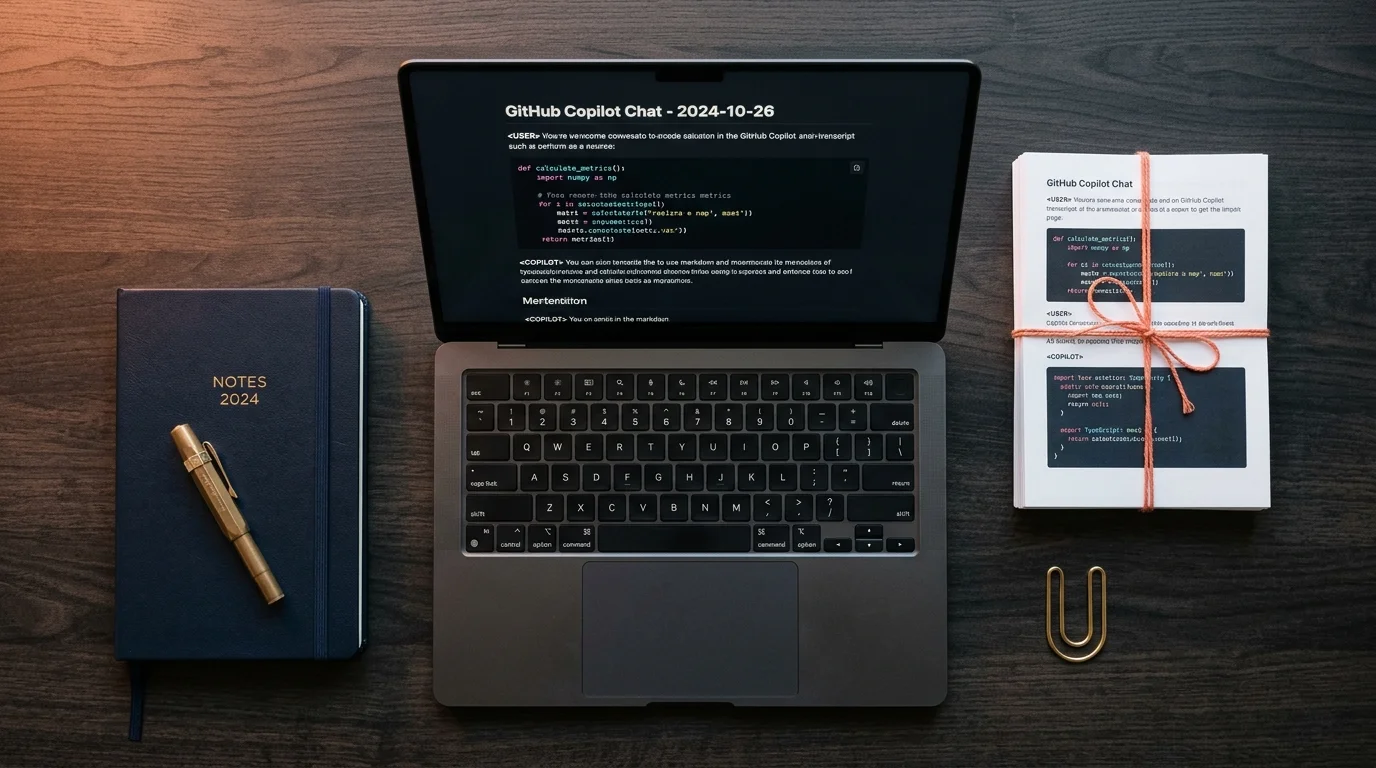
GitHub Copilot Chat has quietly become the busiest part of millions of developer workflows, and almost none of it leaves the editor. Every architectural debate, every tricky migration plan, every bug postmortem lives inside a scroll-locked panel that forgets you a week later. If you want a Copilot thread you can email to a teammate, read on a plane, or reopen six months after shipping, you need three things: a clean export, a reliable search layer, and a place to archive the result. This guide covers all three in the shortest path that still works.
Export: Pull the Thread Out of VS Code
The fastest export is the one built into Copilot Chat itself. Open the thread menu, pick export, and VS Code writes a markdown file with your prompts and the model responses interleaved. It is not perfect. The exporter sometimes drops the language hint on fenced code blocks, and it does not include tool call metadata, which rarely matters for reading but occasionally matters for forensics. For most threads, the built in export is the right starting point and takes about two seconds.
When the UI export is not enough, go to the source files directly. Copilot Chat stores session JSON in your workspace storage folder, under github.copilot-chat, keyed by workspace hash. On macOS it is under Library, Application Support, Code, User, workspaceStorage. A twenty line Python script that walks the JSON, keeps the user and assistant turns, and writes a single markdown file per session is more than enough. For the full tour of where the files live and how to decode them, the deep dive on reading GitHub Copilot chat history as real documents is the reference piece. Once the markdown is on disk, you own the conversation and everything downstream becomes easy.
Save: Give Every Export a Home That Scales
The second you have more than ten exports, naming becomes the whole game. Flat folders beat nested ones because they search faster, and a consistent filename pattern beats elaborate tagging because filenames show up in every tool. The pattern that holds up over years is date, repo, slug: 2026-10-19-prism-md-copilot-oauth-flow.md. Date first because sort order is free. Repo second because context switches are common. Slug last because it carries the actual topic. Keep every export in one folder, synced through iCloud, Dropbox, or a private Git repo so it survives a laptop reset.
Front matter helps if your reader supports it. Three fields do the heavy lifting: tags for coarse filtering, repo for scoped search, and a one line summary written at export time. The summary is the detail most people skip, and it is the one you will miss the most two years later when every file title looks the same at a glance. Write it while the thread is still fresh in your head. Thirty seconds now saves ten minutes of rereading later, and that trade compounds hard across a few hundred sessions.
Search: Make the Archive Answerable
Saving is only half the point. The archive earns its keep the moment you can ask it a question and get an answer in under a minute. The baseline tool is ripgrep from the terminal, which indexes nothing and still searches thousands of markdown files faster than any desktop app. Learn the three flags that matter: minus l for filenames only, minus C for context lines, minus i for case insensitive. For most lookups this is enough and it costs you no setup. For richer search, point a local tool at the folder that supports semantic queries, which lets you ask about intent rather than exact words.
The reader you pick shapes how often you open old threads. Prism MD was built for the long AI transcript as a document, with real typography, syntax highlighted code, KaTeX for math, and Mermaid diagrams rendered inline instead of as fenced text. The companion piece on building a personal knowledge base from AI conversations covers the tagging and linking patterns that scale past a few hundred exports. If your Copilot threads lean architectural with diagrams, the walk through on rendering math and Mermaid in markdown explains the pipeline that keeps them legible.
A Minimal Habit That Pays Back Fast
The real win is treating export as part of commit hygiene. When Copilot helps you ship something non trivial, export the thread the same minute you push the branch. The habit is small enough that it survives busy weeks, and it protects you against the single worst failure mode of Copilot Chat, which is silent eviction. VS Code rotates older sessions out of workspace storage when quotas fill up, and once a session is gone from disk no recovery tool brings it back. Treat the export as the last step of the push, not a separate chore you remember on Friday.
Here is the shortest version of the loop that holds up in practice. Export the thread with the Copilot Chat UI button, or your script if the UI drops details you need. Rename the file to date, repo, slug on the way to its folder. Write a one line summary in front matter before closing the editor. Open the archive weekly in Prism MD or your reader of choice to review and link related threads. Keep ripgrep aliased to a short command so search costs you zero friction.
- Export immediately after the thread solves a real problem, before the next task overwrites your attention.
- Use a flat folder with date, repo, slug naming so sort and search both work without extra tooling.
- Write a one line summary in front matter at export time, never retrospectively.
- Sync the folder through iCloud, Dropbox, or a private Git repo for cross device access.
- Review the archive once a week in a proper reader to catch patterns you can turn into checklists.
FAQ
Does GitHub store my Copilot Chat transcripts on the server? GitHub keeps limited metadata for abuse and quality review, but the readable transcripts you see live locally in your editor storage. Treat the local JSON as the source of truth and back it up on your own schedule. Weekly works for most developers, daily is safer during migration heavy weeks. Server side recovery is not a plan you can rely on.
Can I share a Copilot thread with a teammate without screenshots? Yes. Export to markdown, open in a reader with a shareable public link, or paste the markdown into a gist. The guide on sharing an AI conversation with your team covers the tradeoffs between gist, private repo, and reader hosted links. Screenshots lose code fidelity and are the worst option for anything a teammate will act on.
What is the single highest value habit for a Copilot heavy workflow? Export the moment the thread solved something real. Not at the end of the day, not on Friday, right then. The exported file costs nothing to keep and is impossible to reconstruct once the UI evicts it. Build the muscle memory the same way you built the commit habit, and the archive compounds on its own.
Read every Copilot session like a real document
Free to start — no credit card.
Related reading

How to Read GitHub Copilot Chat History as Real Documents
6 min read · github copilot · copilot chat
GitHub Copilot Chat History: Export, Search, Save Your Transcripts (2026)
7 min read · github copilot · copilot chat export
GitHub Copilot Chat History: Export, Search, Save Your Transcripts (2026)
6 min read · github copilot · copilot chat history
Ready to read your own AI documents?
Open ChatGPT, Claude, Gemini, or any markdown file in the reader built for the way models write.
- ✓Renders code, math & Mermaid out of the box
- ✓Works offline once you've opened a doc
- ✓Free forever for personal reading