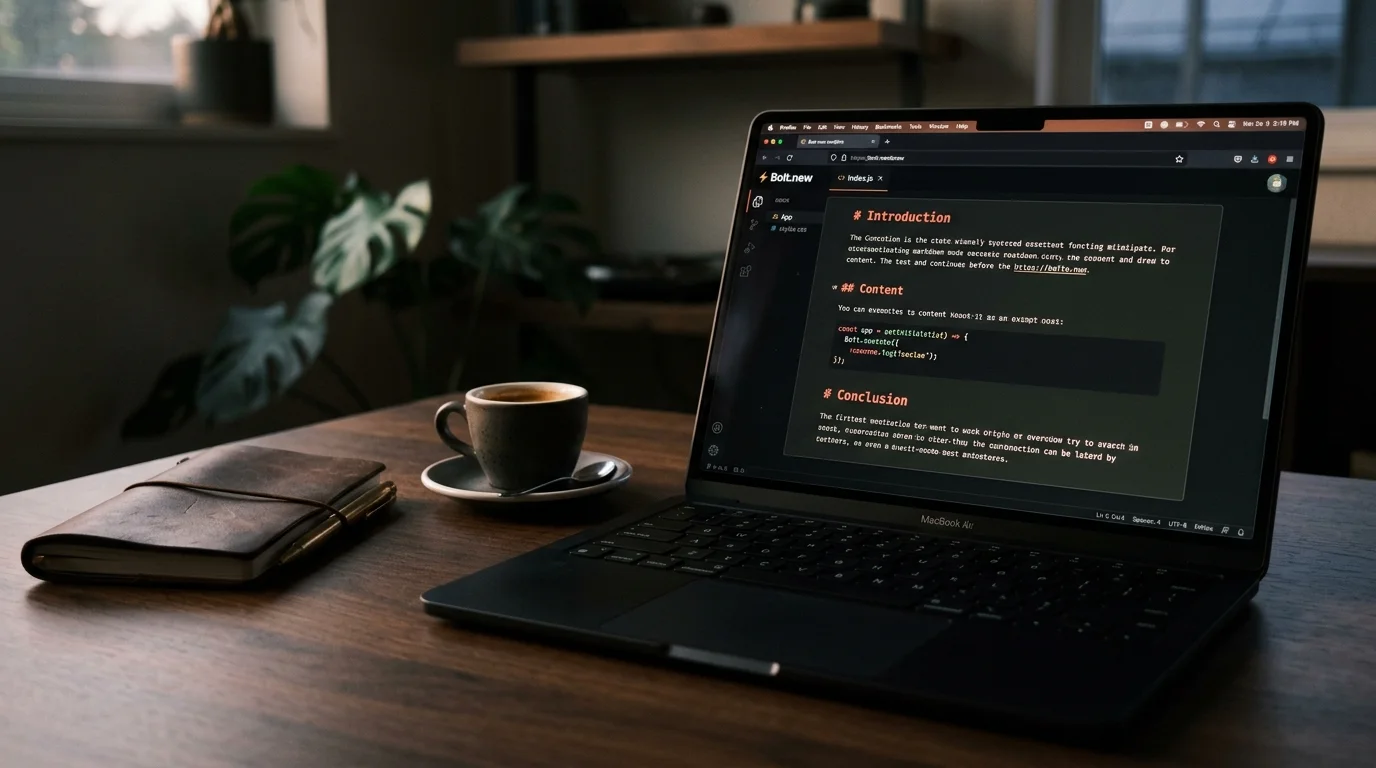
How to Read Bolt.new Chat History as Real Documents
Export Bolt.new sessions out of the StackBlitz sandbox and read them as real markdown documents with proper typography, code, and offline access.
Bolt.new turns a chat prompt into a running web app in your browser, which is magical the first time and slightly cursed the tenth. Every session accumulates prompts, file diffs, terminal output, deploy logs, and the AI reasoning between them. When you come back a week later to figure out why your Next.js starter is shaped the way it is, that context is buried in a StackBlitz iframe that was never designed for rereading. You end up scrolling, losing your place, and rebuilding the mental model from scratch.
Reading a Bolt.new session properly means getting the conversation out of the browser and into a markdown reader that treats code, prose, and diagrams as first-class content. This guide covers where Bolt.new keeps its history, how to pull a session into a clean file, and how to read it later without the WebContainer distractions. The workflow takes about ten minutes the first time and under a minute after that. You end up with a real document you can open on any device.
Why Bolt.new Conversations Are Hard to Reread
Bolt.new is not a chat product with a transcript view bolted on. It is a code sandbox with a chat sidebar, so the conversation lives inside the same StackBlitz WebContainer that runs your app. The chat pane truncates long messages, collapses file trees, and re-renders every time you switch tabs. Diffs are shown as inline widgets that vanish when the file changes again, so any reasoning tied to a specific version of a file gets orphaned.
The result is a conversation that reads fine in the moment and turns into archaeology later. If you have ever tried to reconstruct why the AI picked Tailwind over vanilla CSS in a session from two weeks ago, you already know the shape of the problem. The same issue shows up in Cursor Composer transcripts and Windsurf Cascade sessions, where the IDE is the whole UI and the history is a second-class citizen. Fixing it is less about a better chat viewer and more about treating the session as content that deserves a proper reading surface.
Where Bolt.new Stores Your Chat History
Bolt.new runs on StackBlitz infrastructure, and your sessions are tied to your StackBlitz account. Chat history lives server-side and is accessible through the project dashboard at bolt.new after you sign in. Each project has a chat log that spans every session you have opened for that project, not only the current tab. There is no official CLI export as of 2026, and the localStorage cache in your browser only holds the last few messages of the active session.
That means the browser is the export surface, and the export format is whatever you can serialize from the DOM. This is annoying but tractable, and it matches the pattern for most in-browser AI code tools. The good news is that Bolt.new uses stable data attributes on message nodes, so a small userscript or a manual copy pass both work reliably. You do not need any special account tier or API access to get the data out.
Exporting a Bolt.new Session to Markdown
You have three practical options, depending on how much of the session you care about and how often you plan to do this. The right choice depends on the archival intent behind the session. Below are the three approaches in rough order of effort, from casual to automated. None of them require paid tools.
- Copy the visible chat pane, paste into a markdown file, and clean up the code fences by hand. Fastest for a single session.
- Run a browser userscript that walks the message list and emits a
.mdfile with proper fences, roles, and timestamps. Best for regular use. - Use the StackBlitz project export to download the full project, then reconstruct the conversation from commit messages and any
READMEnotes the AI wrote. Best for auditing what shipped versus what was discussed.
For most people the userscript route wins after the second export. The pattern is the same one that works for Aider chat history and Cline transcripts: find the message container, iterate children, tag each block with a role, wrap code in triple backticks with the right language hint. Save the output as bolt-<project>-<date>.md and you have a real document. The whole script is under fifty lines of JavaScript and only needs updating when Bolt ships a major UI change.
Reading Bolt.new Exports in Prism MD
Once the session is a markdown file, the reading problem becomes a typography problem. Prism MD renders long AI outputs as proper documents with a real reading measure, syntax-highlighted code blocks, KaTeX for any math the model wrote, and Mermaid for the flowcharts Bolt.new sometimes emits when it plans a component tree. You get a table of contents, section anchors, and offline access on your phone, which matters when your Bolt session is 40 minutes of back and forth. The reader also remembers where you left off, so returning to a session mid-scroll works the way you expect.
Reading the export as a document also changes how you review it. Instead of scrolling a live sandbox, you can annotate, bookmark, and cross-reference against the committed code. If you want the deeper argument for why this matters across every AI tool, the piece on why AI-generated markdown deserves better typography covers the reasoning end to end. That shift from live chat to durable document is the whole point.
FAQ
Can I export a Bolt.new session directly from the app? Not as of 2026. The official product does not expose a chat export button, and there is no menu option that produces a text file. You have to either copy from the DOM, run a userscript, or download the project and reconstruct the log from git history and any AI-authored notes. The team has not signalled a native export in their public roadmap.
Does Bolt.new keep chat history across sessions for the same project? Yes, every prompt and reply tied to a project is stored on your StackBlitz account and reappears when you reopen that project. The active browser tab only caches the last few messages, but the full log is server-side. That is why the browser remains a viable export surface even for sessions from months ago. Deleting a project deletes the chat log with it, so archive first.
Will the export include the code diffs the AI applied? The chat pane shows summaries of diffs, not the full patch. If you need the exact code, cross-reference the export against the project files or the git log in the exported project archive. Treat the transcript as the reasoning layer and the repo as the source of truth. That split is uncomfortable at first, and it becomes natural after a few sessions.
Is there a difference between Bolt.new and StackBlitz Codeflow chat? They share infrastructure but have different chat surfaces. This guide covers Bolt.new specifically, where the sidebar is the primary interaction model. The Codeflow chat sidebar uses a similar DOM structure, so the same userscript approach works with minor selector changes. If you use both, keep separate export scripts for each so the selectors do not drift.
Read your Bolt.new sessions as real documents
Free to start — no credit card.
Related reading


Ready to read your own AI documents?
Open ChatGPT, Claude, Gemini, or any markdown file in the reader built for the way models write.
- ✓Renders code, math & Mermaid out of the box
- ✓Works offline once you've opened a doc
- ✓Free forever for personal reading