How to Find and Read Qwen Code CLI Chat History: A Step-by-Step Guide
Where Qwen Code CLI stores your conversations, how to open those files, and how to read them without the terminal mangling the markdown.
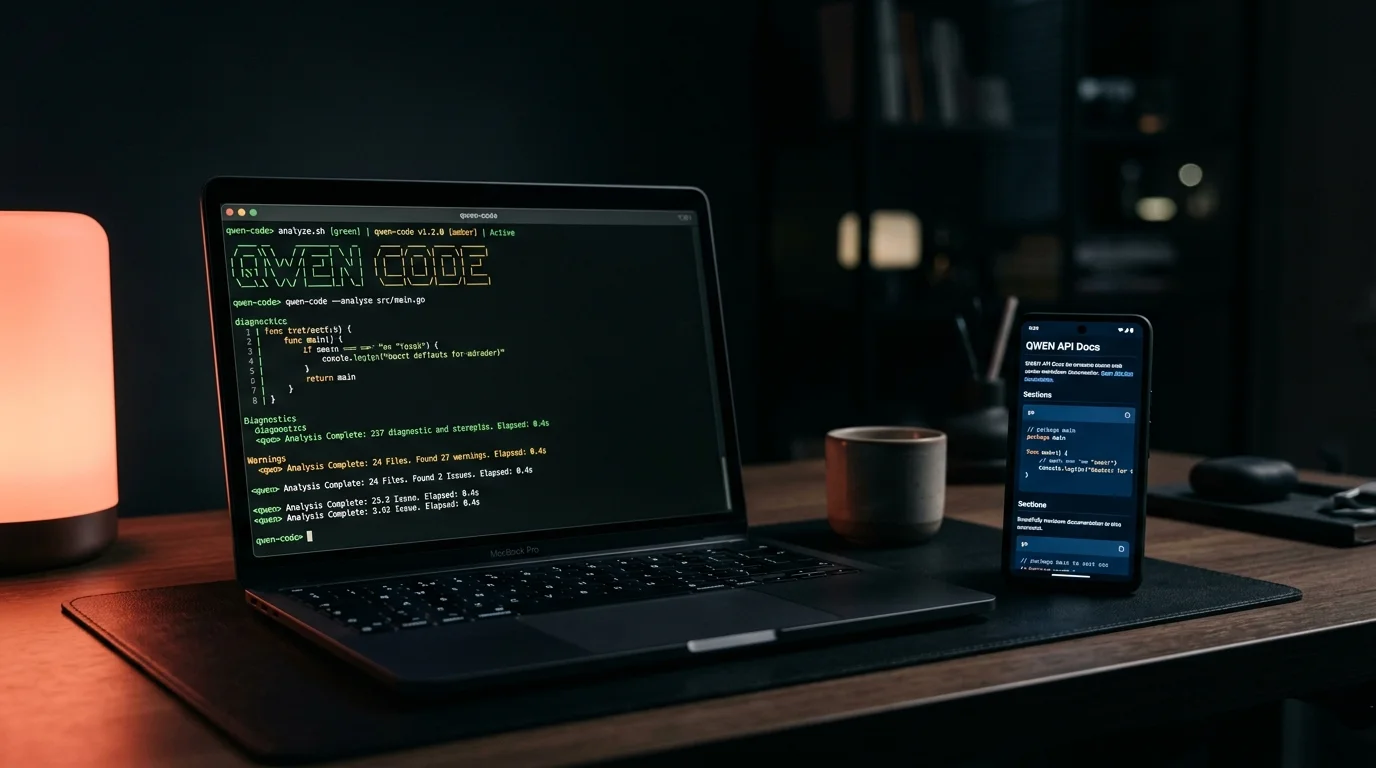
Qwen Code CLI is Alibaba's open-source coding agent, forked from Gemini CLI and tuned for the Qwen3-Coder models. If you have been using it for a few weeks, you probably have a pile of sessions worth going back to. The terminal is fine for live work. It is a bad place to reread a 40-turn debugging session with code blocks, file diffs, and the occasional Mermaid diagram. This guide covers where Qwen Code CLI keeps your transcripts, how to pull them into something readable, and what to do with the files once you have them.
Where Qwen Code CLI Stores Chat History
Qwen Code inherits most of its storage layout from Gemini CLI. On macOS and Linux, sessions live under ~/.qwen/tmp/<project-hash>/. The project hash is a SHA of your working directory path, so every repo you ran qwen in gets its own folder. On Windows the path is %USERPROFILE%\.qwen\tmp\<project-hash>\. If you cannot find it, run qwen --version and then check the config path it prints at startup. The CLI never writes outside that tree unless you explicitly point it elsewhere with a config override.
Inside each project folder you will see a handful of files that together make up the session. Knowing what each one holds saves time when you only need part of the history. The file set is small and stable across versions, so a one-time tour pays off for every session afterward. Here is what each file is for:
logs.json: the full turn-by-turn transcript as a JSON array of message objects.checkpoints/: saved snapshots created by the/chat save <tag>command.shell_history: a log of any shell commands the agent executed on your behalf.settings.json: project-local overrides for model, tools, and MCP servers.
Session memory you created with /memory add lives separately in QWEN.md files, either in the project root or in ~/.qwen/QWEN.md for global notes. Those are plain markdown and open cleanly in any editor. The split between logs.json and QWEN.md matters because /compress only touches the live context, not your pinned memory. If you are debugging why Qwen suddenly forgot something, check the memory file first, then the compressed section of the log. The two mechanisms fail in different ways and the fix is different for each.
Opening the Raw Transcripts
The logs.json file is a JSON array of message objects. You can cat it, but you will not enjoy the experience. Code blocks are escaped, markdown is inline, and anything longer than a screen scrolls out of the terminal buffer. The faster path is to pull the user and assistant text into a markdown file with jq:
jq -r '.[] | "## " + .role + "\n\n" + .content + "\n"' \
  ~/.qwen/tmp/<hash>/logs.json > session.md
That gives you a readable markdown transcript with each turn as its own section. Open it in any viewer that handles long documents with code blocks well. For reading on a phone or tablet without copying files around, you can paste the output into Prism MD and get syntax-highlighted code, KaTeX math, and Mermaid rendering out of the box. The jq approach also works for the checkpoint files, which share the same shape as logs.json.
Why the Terminal Falls Short for Reading
The CLI is optimized for one job: streaming tokens into your current session. Scrollback is bounded. Search is linear. Code blocks blur together with prose. If you have ever tried to find the moment a Qwen agent decided to rewrite your test suite three days ago, you know the problem. A dedicated markdown reader fixes four specific pain points at once:
- Outline navigation jumps between turns in a long session.
- Monospace rendering preserves code block structure instead of wrapping it.
- Math and diagrams render instead of showing raw LaTeX or Mermaid source.
- The file stays on your device for offline reading, which matters on flights.
The best monospace fonts for AI code blocks matter more than people think here. A good font turns a wall of generated code into something you can scan at speed. The same is true for line length, which we covered in optimal line length for reading AI markdown. Both small choices compound when you are reading several thousand tokens of agent output.
Exporting Sessions for Longer-Term Reading
Qwen Code supports /chat save <tag> and /chat resume <tag> for named sessions. Saved chats go into the same project directory as structured JSON. The /compress command collapses older turns to free context, which is useful during a session but destructive if you wanted the full history. Export before you compress. For a cleaner workflow, write a short shell function that runs the jq extraction above, pipes it into a dated markdown file, and drops it into your notes folder:
qwen-export() {
  local hash=$(ls -t ~/.qwen/tmp | head -1)
  local out="$HOME/notes/qwen-$(date +%Y%m%d-%H%M).md"
  jq -r '.[] | "## " + .role + "\n\n" + .content + "\n"' \
    "$HOME/.qwen/tmp/$hash/logs.json" > "$out"
  echo "Saved: $out"
}
Run it at the end of a session and you build up a searchable archive without thinking about it. For a more structured approach to turning those files into something you can reference weeks later, see our guide on building a personal knowledge base from AI conversations. The Qwen team also documents the full command surface in the Alibaba Cloud Qwen Code repository, which is worth skimming once to see what else is logged. If you want to understand the model that produced the output, the Qwen3-Coder model card covers the training setup and known behaviors.
FAQ
Does Qwen Code CLI sync chat history across machines?
No. Transcripts are local to the machine where you ran qwen. If you want cross-device access, export sessions to markdown and sync the output folder with iCloud, Dropbox, or a git repo.
Can I delete old Qwen sessions safely?
Yes. Deleting a project folder under ~/.qwen/tmp/ removes that project's transcripts and checkpoints. Qwen will recreate the folder next time you run the CLI in that directory. Global QWEN.md memory is separate and will not be affected.
How is this different from reading Gemini CLI history?
The storage layout is almost identical because Qwen Code is a fork. The main difference is the directory name: .qwen instead of .gemini. Scripts written for one usually work on the other with a path swap.
What if logs.json gets huge?
A long-running project directory can push past 10 MB. The jq extraction still works, but the markdown output will be large. Split by date range using jq filters on message timestamps, or trim older checkpoints manually.
Read Your Qwen Sessions the Way They Were Meant to Be Read
Prism MD renders your exported Qwen transcripts with proper typography, math, diagrams, and offline support. Drop a markdown file in and read it like a document, not a terminal buffer. No account churn, no cloud lock-in, no re-upload every time you switch devices. The same reader handles exports from every other AI CLI you use, so your archive lives in one place and reads the same way regardless of which agent produced it. Start reading with Prism MD and bring your Qwen history with you.
Related reading
Ready to read your own AI documents?
Open ChatGPT, Claude, Gemini, or any markdown file in the reader built for the way models write.
- ✓Renders code, math & Mermaid out of the box
- ✓Works offline once you've opened a doc
- ✓Free forever for personal reading