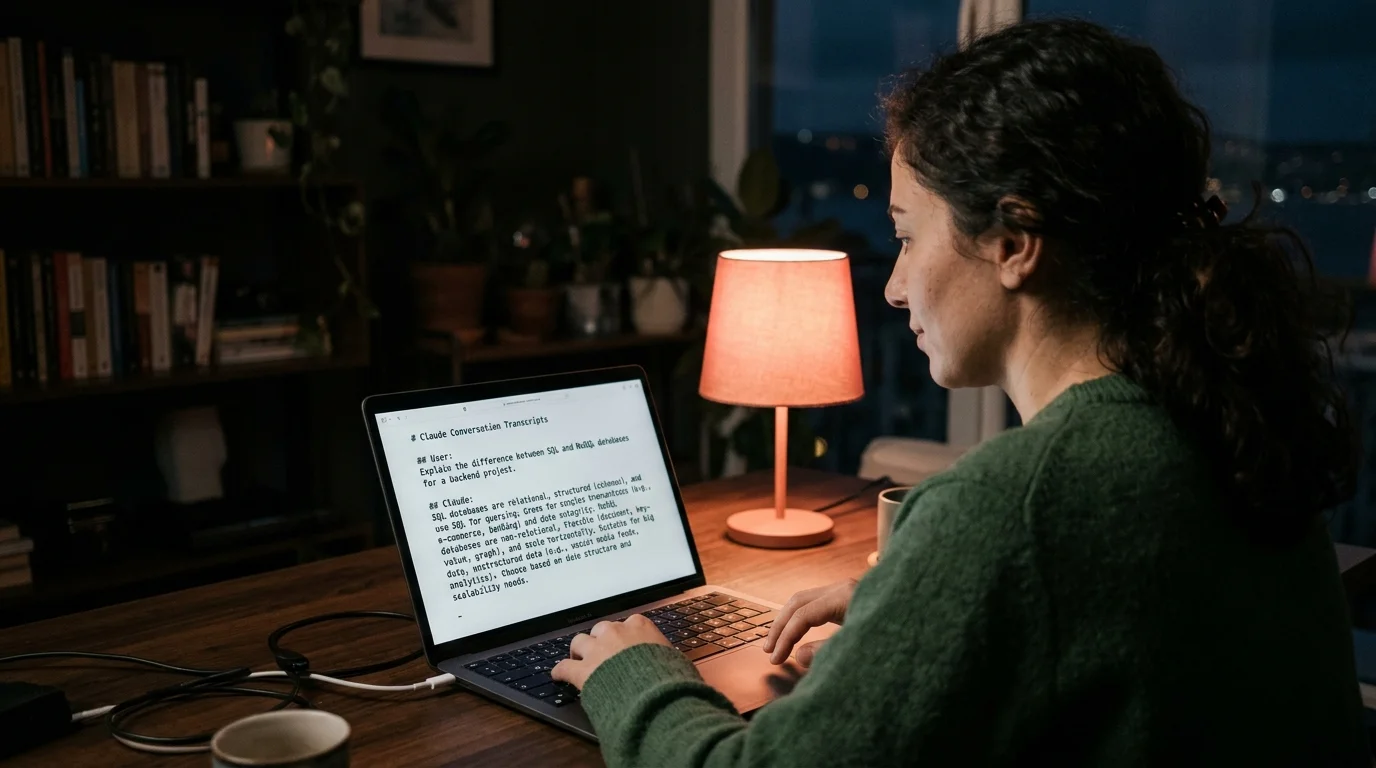
Claude Arşiv Nerede: The 2026 Guide That Actually Answers
Searching "claude arşiv nerede"? Here is where Claude Code and Claude Desktop keep your chat archive in 2026, plus how to open the files cleanly.
If you searched "claude arşiv nerede" and landed here, welcome. You are asking the right question in the wrong language for most English tutorials. The short answer: Claude Code stores its chat archive as plain JSONL files in a hidden folder inside your home directory, and the macOS Claude Desktop app keeps its own separate SQLite store. Neither one surfaces a tidy "archive" tab, which is why the search keeps bringing people here. This guide walks through where the files live, how to open them without fighting the terminal, and what to do when the folder looks empty.
Where Claude Code puts your archive
On macOS and Linux, Claude Code writes every session to ~/.claude/projects/. Each project you have ever opened gets its own subfolder, and inside each one you will find a .jsonl file per session. Windows users get the same layout under %USERPROFILE%\.claude\projects\. The files are append-only, which means Anthropic never deletes your history unless you do. If the folder is missing, you have either never run Claude Code on this machine or you reinstalled into a new home directory.
The naming convention is not friendly. Project folders use URL-encoded paths. Session files use UUID names with a .jsonl extension. One session equals one file, and a long coding day can produce six or seven of them. You can list them in rough chronological order with ls -lt ~/.claude/projects/, but reading the contents in a terminal is painful because every line is a compact JSON object wrapping a message. Our Claude Code archive guide breaks down the folder tree with annotated screenshots.
Claude Desktop stores things differently
If you are a Claude Desktop user rather than a Claude Code user, your archive lives somewhere else entirely. The macOS app keeps conversations in ~/Library/Application Support/Claude/, inside a SQLite database rather than loose files. You cannot open it with a text editor, and Anthropic has not shipped an export button yet in the desktop app itself. The web app at claude.ai does expose an export flow under Settings, Data controls, Export data, which emails you a zip. That zip is the most reliable "arşiv" if you want everything in one place.
For the SQLite route, a read-only tool like DB Browser for SQLite lets you peek inside without risking corruption. The conversations table holds the raw turns. The attachments table is where any uploaded files are referenced. Copy the database before you poke at it, because a crashed Claude Desktop that is mid-write can lose data if you lock the file. Our walkthrough on reading the Claude Desktop chat history covers the exact queries you need to pull conversations into a readable export.
Opening the archive without a terminal
Raw JSONL and raw SQLite rows are not how anyone wants to read a conversation they had three weeks ago. You lose the markdown formatting, the code blocks render as escaped strings, and math equations show up as LaTeX source. This is the gap Prism MD was built for. Drop a JSONL export, a markdown file, or a zipped claude.ai export into Prism MD and it renders the whole thing as a real document with headings, syntax-highlighted code, KaTeX math, and Mermaid diagrams.
The reader works offline on mobile too, which matters if your archive is big enough that you do not want to re-upload every time. We wrote a separate piece on outline navigation for long AI answers that explains how the sidebar jumps let you skim a 40-message session in under a minute. You can also search across your whole archive once it is indexed, which the raw folder cannot do without ripgrep gymnastics. For Turkish-speaking devs this matters more than it should, because the CLI's own grep tooling does not play well with non-ASCII diacritics.
When the archive looks empty
A common frustration behind the Turkish query is opening ~/.claude/projects/ and seeing nothing. Three usual causes. First, the CLI was installed under a different user account, so check /Users/ or /home/ for sibling folders. Second, you ran Claude Code inside a devcontainer or SSH session, so the archive is on the remote host, not your laptop. Third, you uninstalled and reinstalled with a new config path, which moves everything to ~/.config/claude/ on some Linux distributions.
If none of those match, the archive may truly be fresh. Claude Code only writes a session file after the first assistant response, so a cancelled startup leaves no trace. Run one short conversation, then list the folder again. The new UUID file should appear within a second of the model's first reply. Pair that with tail -f on the new file if you want to watch it grow in real time.
Quick reference paths
Here are the exact locations most readers need, in one place. Bookmark this section if you move between machines. The paths have drifted twice in the last year, and the current layout has been stable since the summer 2026 CLI refactor. If you hit a missing folder after an upgrade, check the release notes before assuming anything is broken.
- Claude Code sessions:
~/.claude/projects/<url-encoded-path>/<uuid>.jsonl - Claude Desktop database (macOS):
~/Library/Application Support/Claude/ - Claude Desktop database (Windows):
%APPDATA%\Claude\ - claude.ai web export: Settings, Data controls, Export data
You can also skim our broader Claude Code resume session piece if you want to jump back into one of these sessions rather than only reading it. That guide pairs well with this one when the archive is huge and you need both a reader and a way back into the original conversation. Between the two, you have the full picture: where the files are, how to open them cleanly, and how to resume work without copy-pasting prompts by hand. If you work across both the CLI and the desktop app, keep a single bookmark bar with both paths pinned for quick access.
FAQ
Claude Code arşivim neden boş görünüyor?
There are three common reasons behind an empty-looking archive. The folder may belong to a different user account, so check /Users/ or /home/ for sibling home directories. You might also have run the CLI inside a devcontainer or SSH session, which parks the archive on the remote host instead of your laptop. Finally, some Linux distributions relocate everything to ~/.config/claude/ after an upgrade, so the old path appears empty but the data is safe elsewhere.
Can I export Claude Desktop conversations as markdown? Not through the app directly, though there are two workable routes. Dump the SQLite rows with a read-only client like DB Browser for SQLite, or sign in to claude.ai and use Settings, Data controls, Export data for a full zip. Open the result in Prism MD for a readable archive with code and math rendered properly. The web export is usually the fastest path if you want the whole account in one archive file.
Is the JSONL format the same as claude.ai exports? No, the two formats differ in both structure and intent. Claude Code uses line-delimited JSON with a per-message schema that includes tool calls and system metadata. The claude.ai web export ships a JSON file plus an HTML copy, which is closer to a human-readable snapshot. Both render cleanly in Prism MD without any conversion step on your end.
How long does Anthropic keep my chats? Claude Code never deletes local files on its own, so your archive grows until you prune it manually. The claude.ai web app follows the retention setting under Data controls, which you can tighten or loosen inside your account. If you want a session gone for good, delete the local JSONL plus any exported zip you have around. Keep in mind Anthropic server-side logs follow their own policy and are not covered by your local cleanup.
Read your Claude archive like a real document
Free to start — no credit card.
Related reading


Ready to read your own AI documents?
Open ChatGPT, Claude, Gemini, or any markdown file in the reader built for the way models write.
- ✓Renders code, math & Mermaid out of the box
- ✓Works offline once you've opened a doc
- ✓Free forever for personal reading